Hardware Operations
2015-MNU-000023
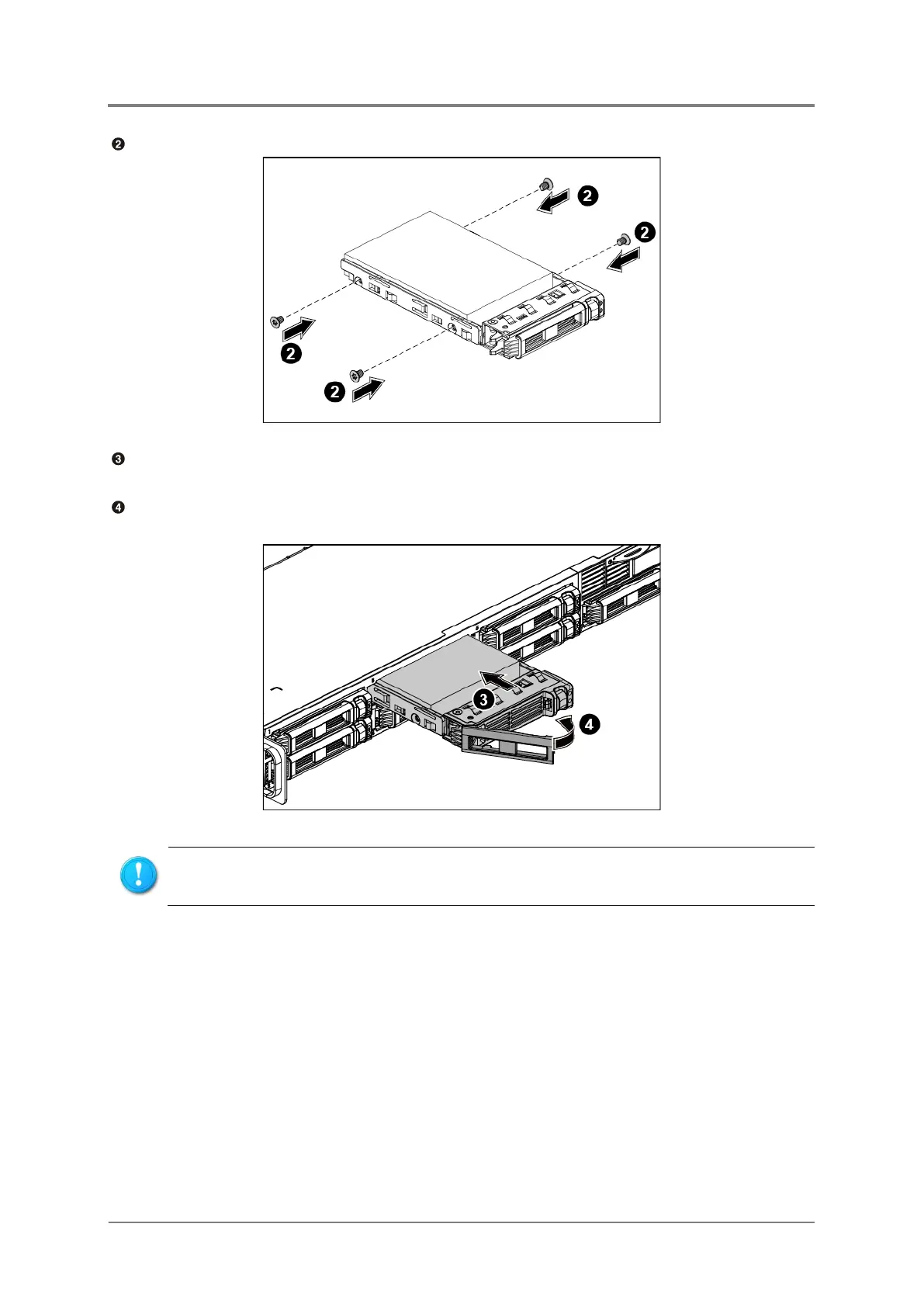
Secure the HDD to the HDD tray with four screws.
Figure 2-32 Securing the Screws
Carefully insert the HDD assembly into the HDD bay with the lever lifted until it completely
enters the HDD bay.
Push the lever back in place.
Figure 2-33 Installing the HDD Assembly
2.11 3.5”SATA HDDs
The server can support 4x3.5” hot-pluggable SATA HDDs. Each HDD is with an adapter
bracket. You don’t need to power-off the system when removing or installing a HDD.
Make sure that the HDD is connected to the HDD connector on the backplane.



 To Next Page