Hardware Operations
2015-MNU-000023
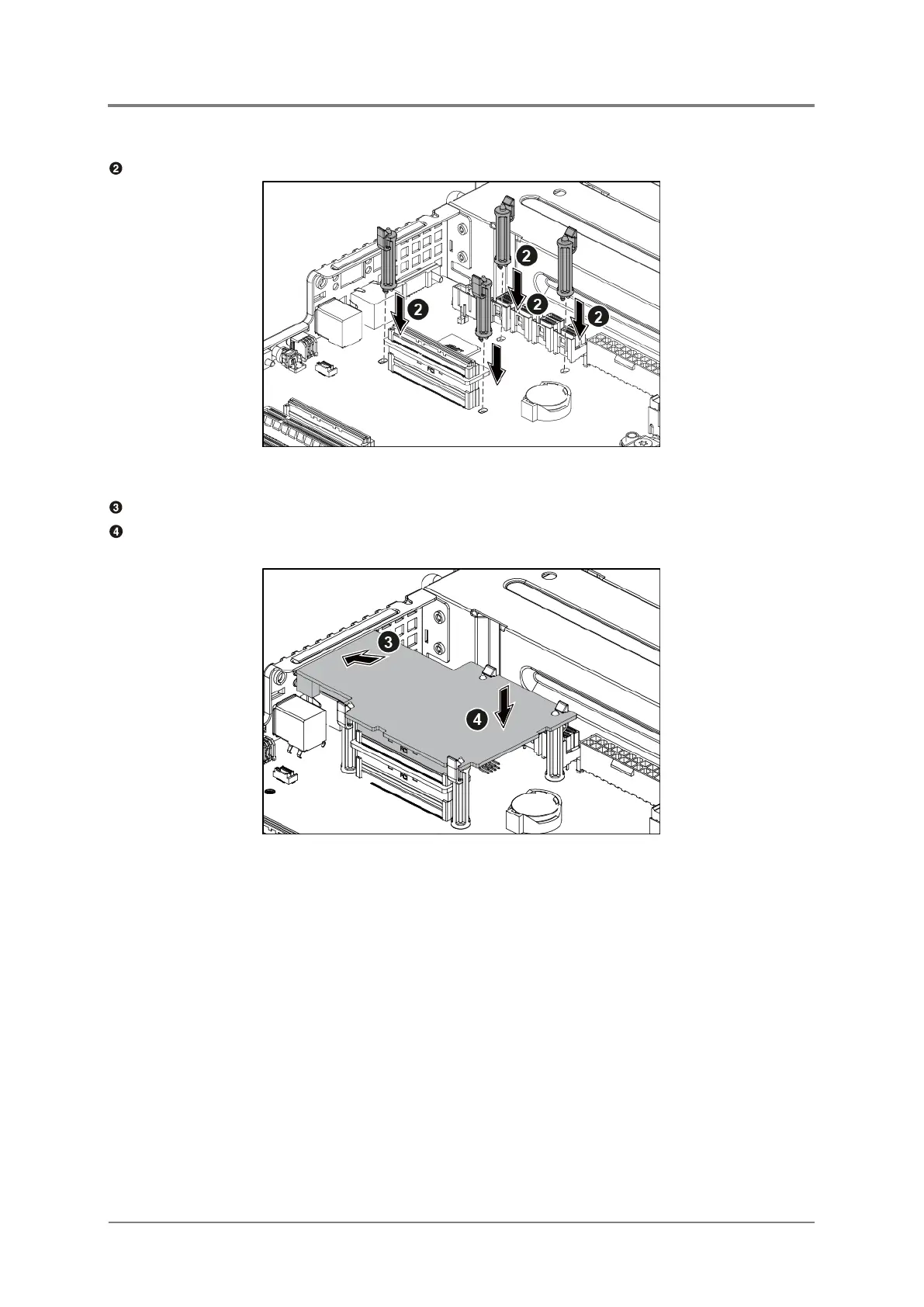
Install the four pillars on the motherboard.
Figure 2-24 Installing the Four Pillars
Align the 10G NIC card to the I/O slot with a proper angle.
Open the retaining clips on the four pillars, and simultaneously press down the 10G NIC
card in the direction as indicated. Ensure that the retaining clips lock the NIC card in place.
Figure 2-25 Installing the 10G NIC Card



 To Next Page