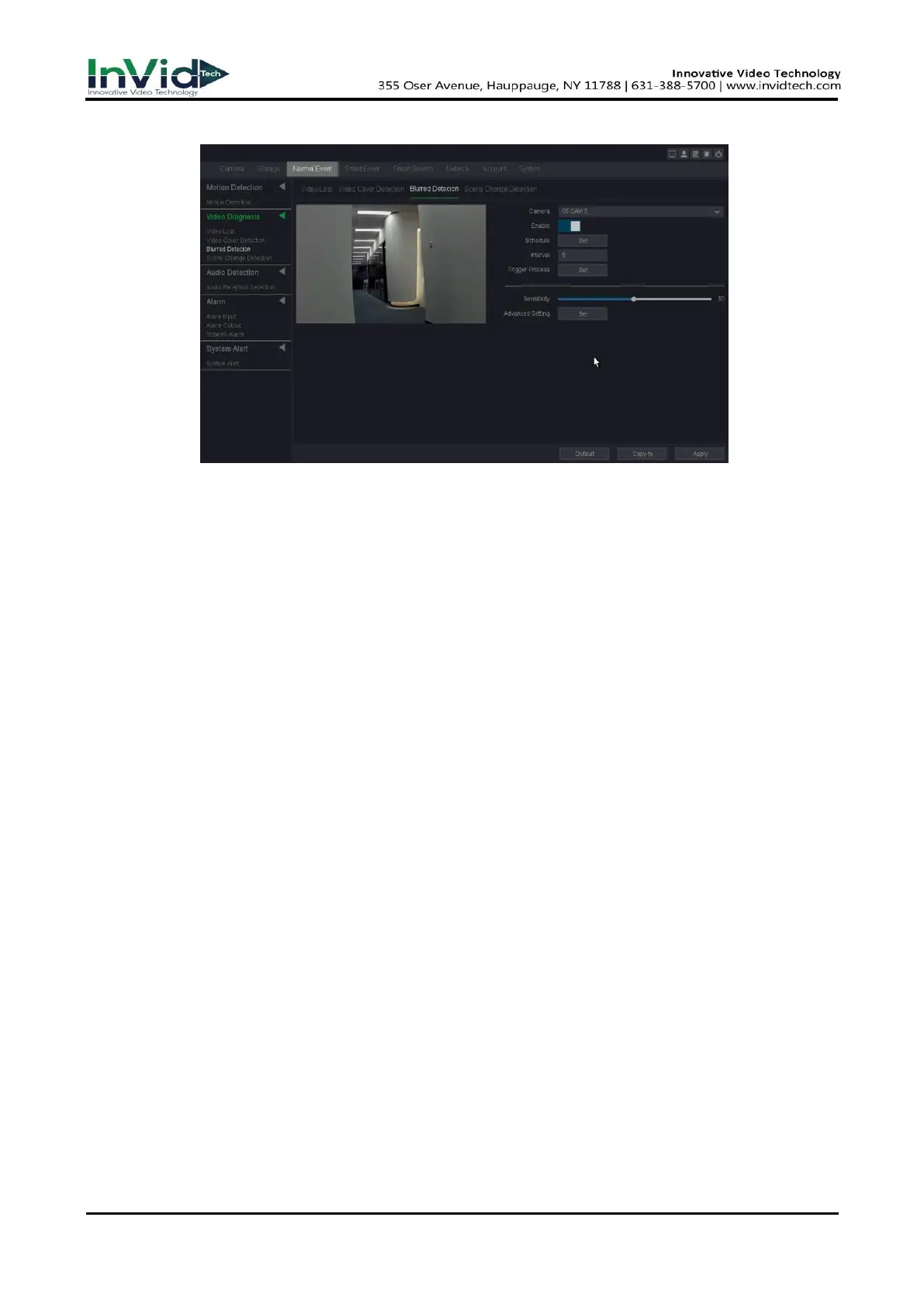
Figure 10-4-2-3
4. Set the arming Schedule. Refer to for 6.3.3 Configure Arming Schedule for details.
5. Set the Trigger process. Refer to 6.3.3 Configure Alarm Trigger process for details.
6. Adjust the sensitivity. Range from 1-100. The higher the value is, the more easily the
detection alarm can be triggered. Set the alarm interval time and recommend using the
default.
7. Click Apply.
Scene change detection
Scene change Detection alarm is triggered when the scene is changed a lot especially the
direction of lens was moved by someone, and some certain actions can be taken when
the alarm is triggered.
Before You Start
Please make sure whether your IPC supports this function.
Steps:
1. Go to Seven Grid Menu → Normal Event →Video diagnosis → Scene change detection.
2. Select a camera.
3. Turn on Enable.
4. Set the arming Schedule. Refer to for 6.3.3 Configure Arming Schedule for details.
5. Set the Trigger process. Refer to 6.3.3 Configure Alarm Trigger process for details.
6. Adjust the sensitivity. Range from 1-100. The higher the value is, the more easily the
detection alarm can be triggered.
7. Set the alarm interval time and recommend using the default.



 To Next Page