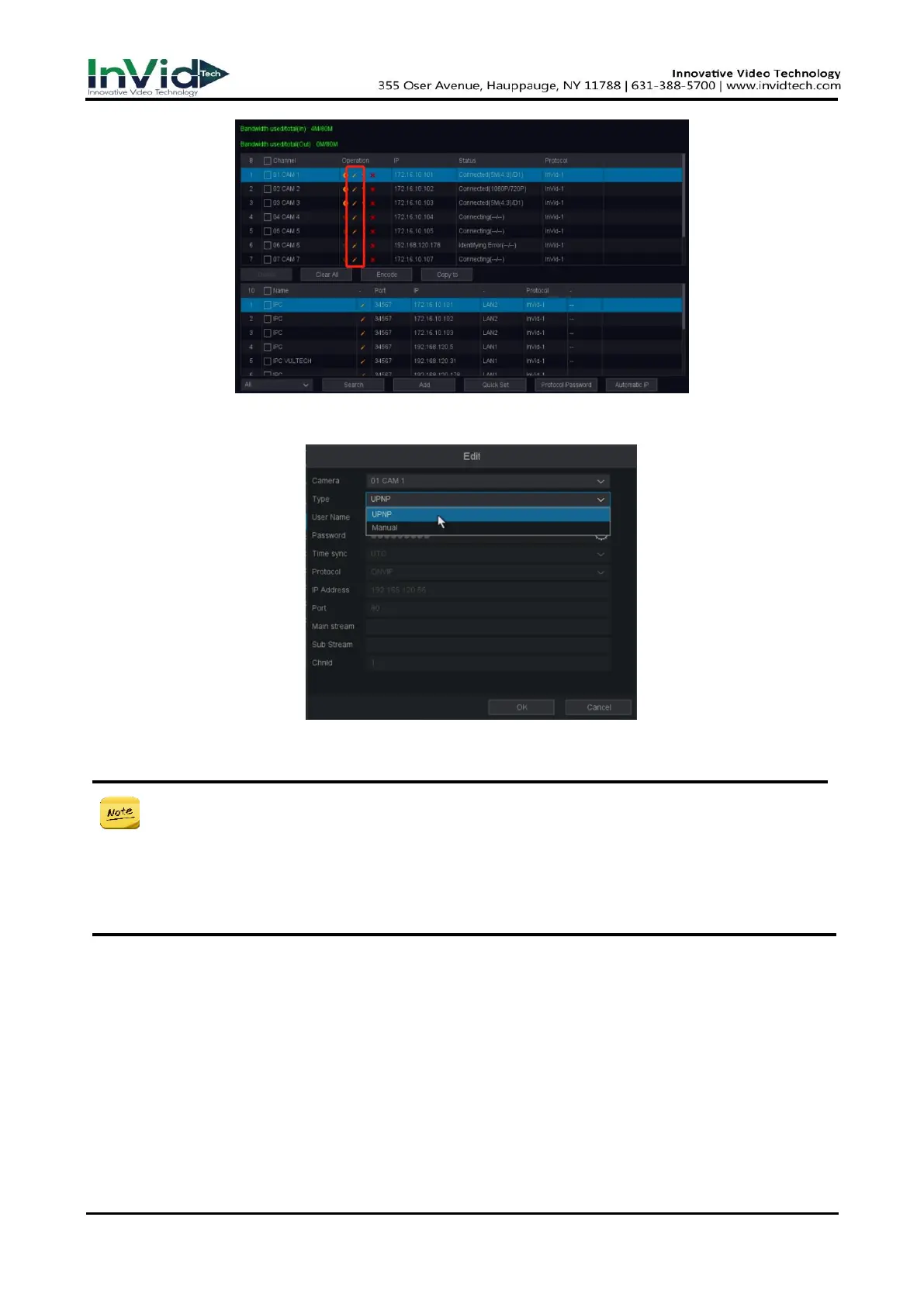
Figure 2-7-1
3. Change the connection type buy click the drop-down box of Type and change it to UPNP and ok.
Figure 2-7-2
● The factory default is Type is UPNP, if not, please refer to the above method to modify,
if you want to quickly modify each channel, please use the Copy to function.
● Manual: You can disable the PoE interface by selecting the manual while the current
channel can be used as a normal channel and the parameters can also be edited. Input
the IP address, the user name and password of administrator manually, and click OK to
add the IP camera. Please refer to 2.5 Adding the IP Cameras OPTION2.
4. Check the status of the camera, ‘Connected’ means the camera is connected.
5. By click the POE Power tab, you can see the connection status of the POE port.



 To Next Page