DDNS
DDNS is a service that can be used to automatically update DNS records if client PCs get their IP
settings from a DHCP Server. If DDNS function is enabled on NVR, you can access the NVR by
domain name provided by Internet Service Provider (ISP) provider.
Before You Start
Register Oray DDNS, CN99 DDNS, DynDNS and NO-IP services with your ISP.
Steps:
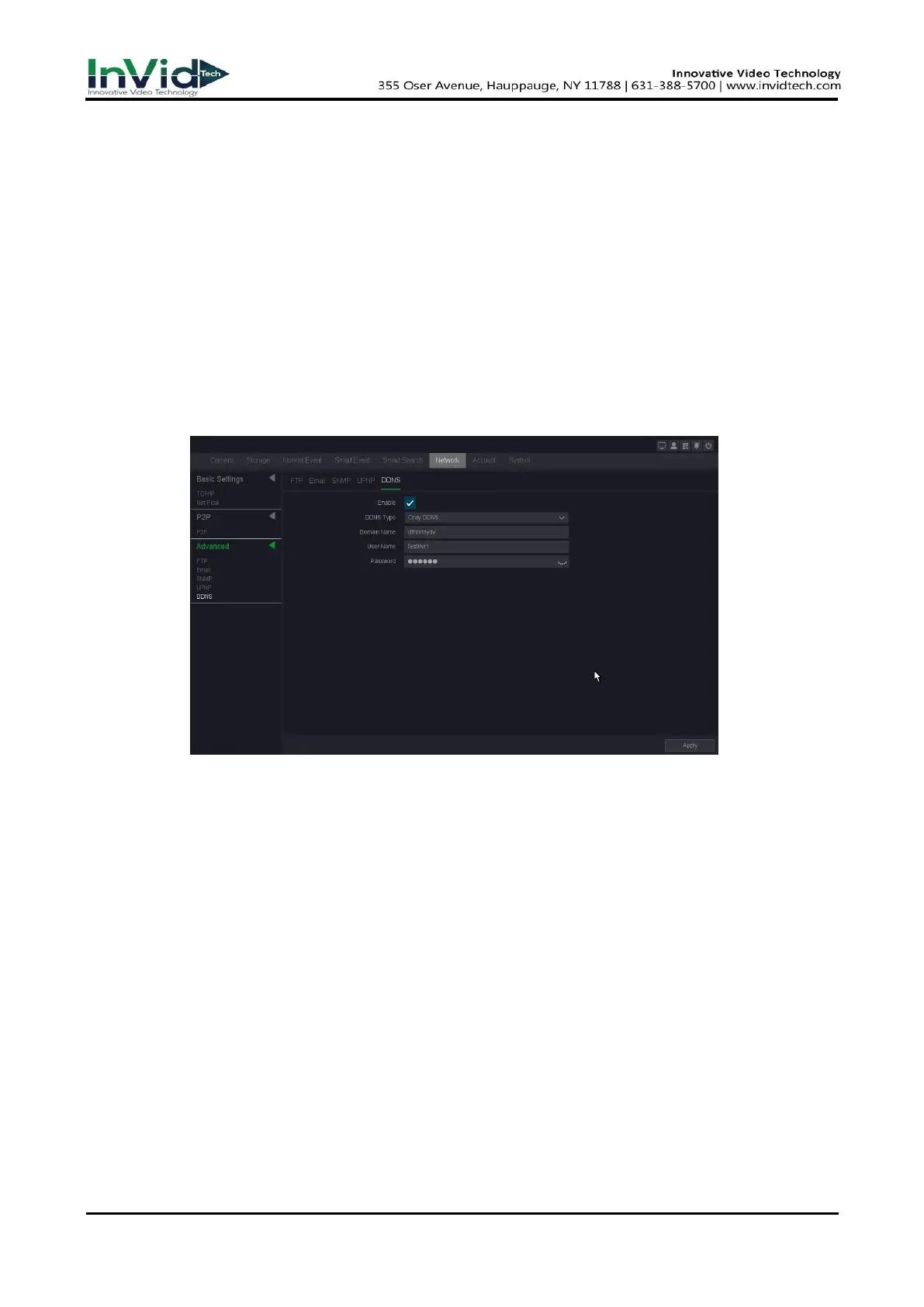
1. Go to Seven Grid Menu → Network →Advanced→ DDNS.
2. Turn on Enable.
3. Select a DDNS type.
4. Enter parameters including domain name, User name and Password etc.
Figure 10-2-3-5
5. Click Apply.
DDNS Type
ISP of DDNS, including Oray DDNS, CN99 DDNS, DynDNS DDNS, NO-IP DDNS. This option
can be customized according to the requirement of users.
Domain name
Fill in the domain name provided by ISP.
User name/Password
Fill in the username and password input correspond to the domain name.



 To Next Page