JUICE ULTRA - Operation Instructions and Installation Guide
Version 1-3A
5 Diagnosis and parameterization
All rights reserved. The reproduction of this document, also partially, is allowed only with authorization by alpitronic s.r.l.
5. Diagnosis and parameterization
After successful mechanical and electrical installation of the charging station, the correct
functioning of the device can be checked by means of a diagnostic and parameterization
tool. The diagnostic interface can be loaded via any browser at the default IP address as
shown in Table 15.
Table 15: Default Charging Station IP address
5.1. User interface
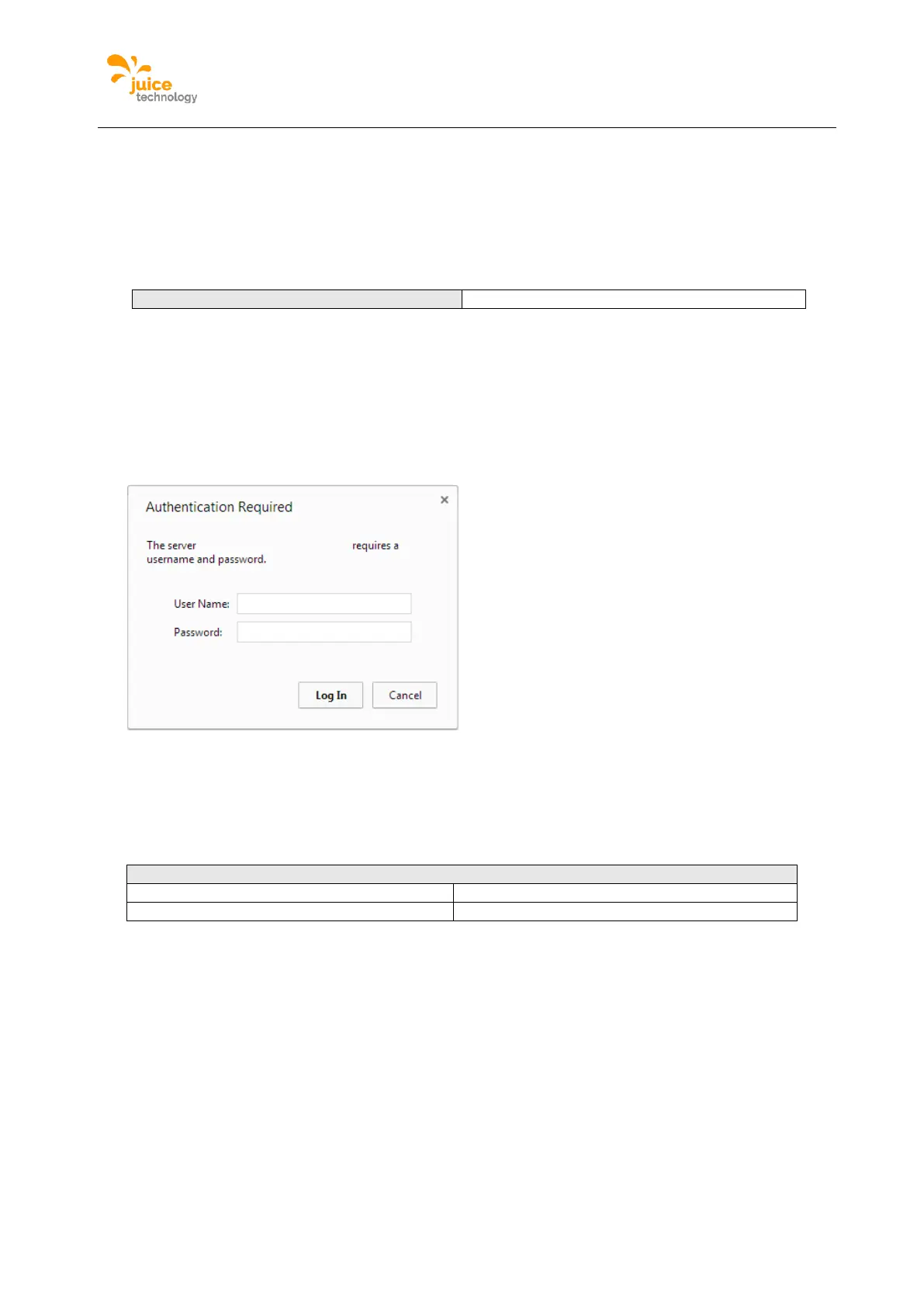
On the first connection to the web interface, one can find a prompt for the username and the
password, like presented in Figure 33.
Figure 33: Credentials form shown at first connection with web interface
Type the default username and password, as shows in Table 16. Please note that for
security reasons, it is important to change the username and password.
Table 16: Default Credentials to web interface


 To Next Page