K990400 16 April 2008
Acquisitioning (Scanning)
6-7
An audible is sounded and the X-ray ON light is illuminated
during radiation exposure.
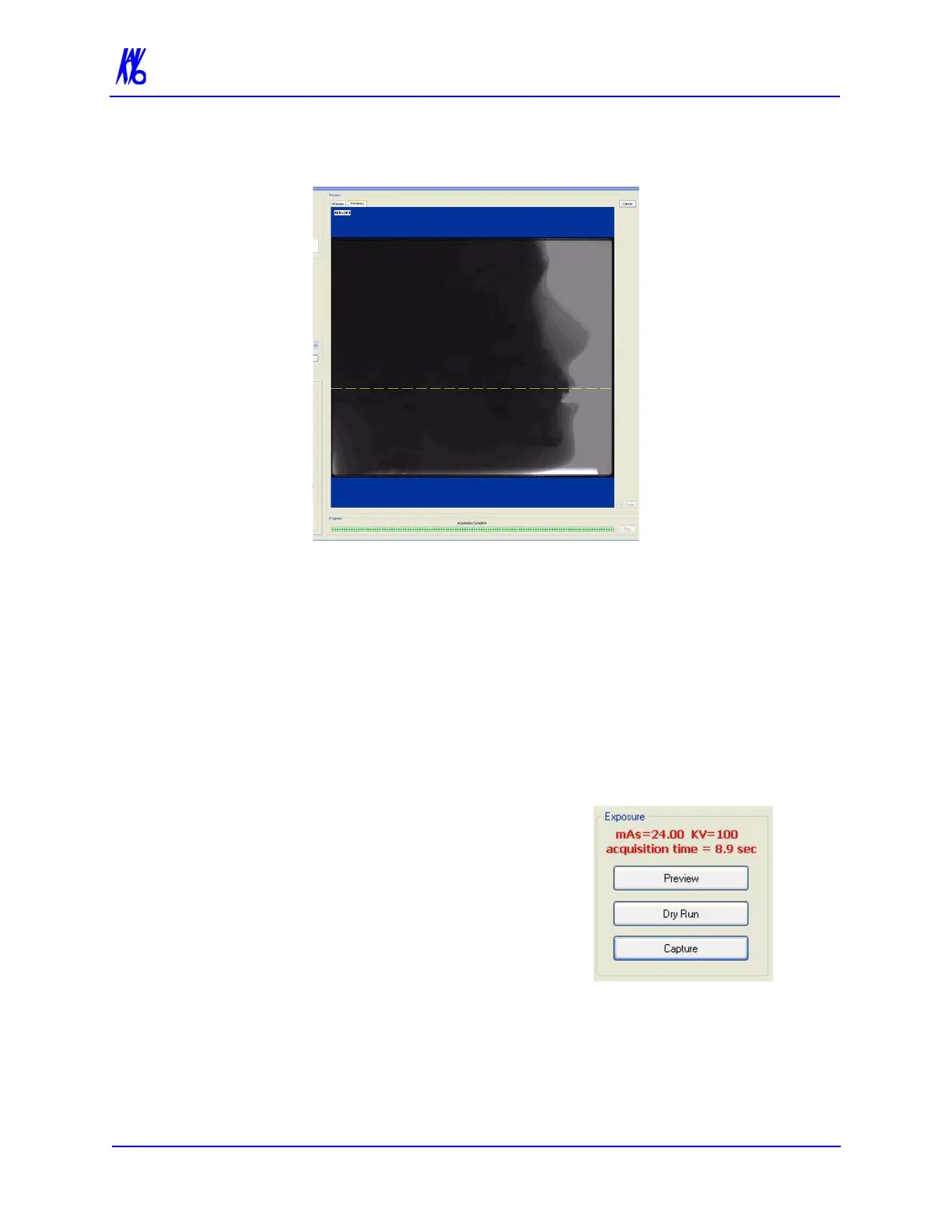
If the Patient position appears to be correct, then proceed with the
scan. To ensure good quality, the image should appear within a ¼
inch from the front border of the Preview screen.
Otherwise, re-position the Patient.
Access Volume Center to improve Front/Back positioning.
The Volume Center slide bar moves the X-ray sensor panel
(Front/Back) which adjusts the vertical image positioning.
Another Preview scan is recommended after repositioning the
Patient.
4. Dry Run is used to give the Patient
a demonstrate of the machine
motion and also checks shoulder
clearance without any radiation
exposure. The Dry Run scan rotates
the turret in the exact manner that is
required for the selected protocol,
but does not expose the Patient to
any radiation. If desired, do a Dry
Run by clicking the Dry Run
button.



 To Next Page