Kavo 3D eXam ® Operators’ Manual
K990400 16 April 2008
6-16
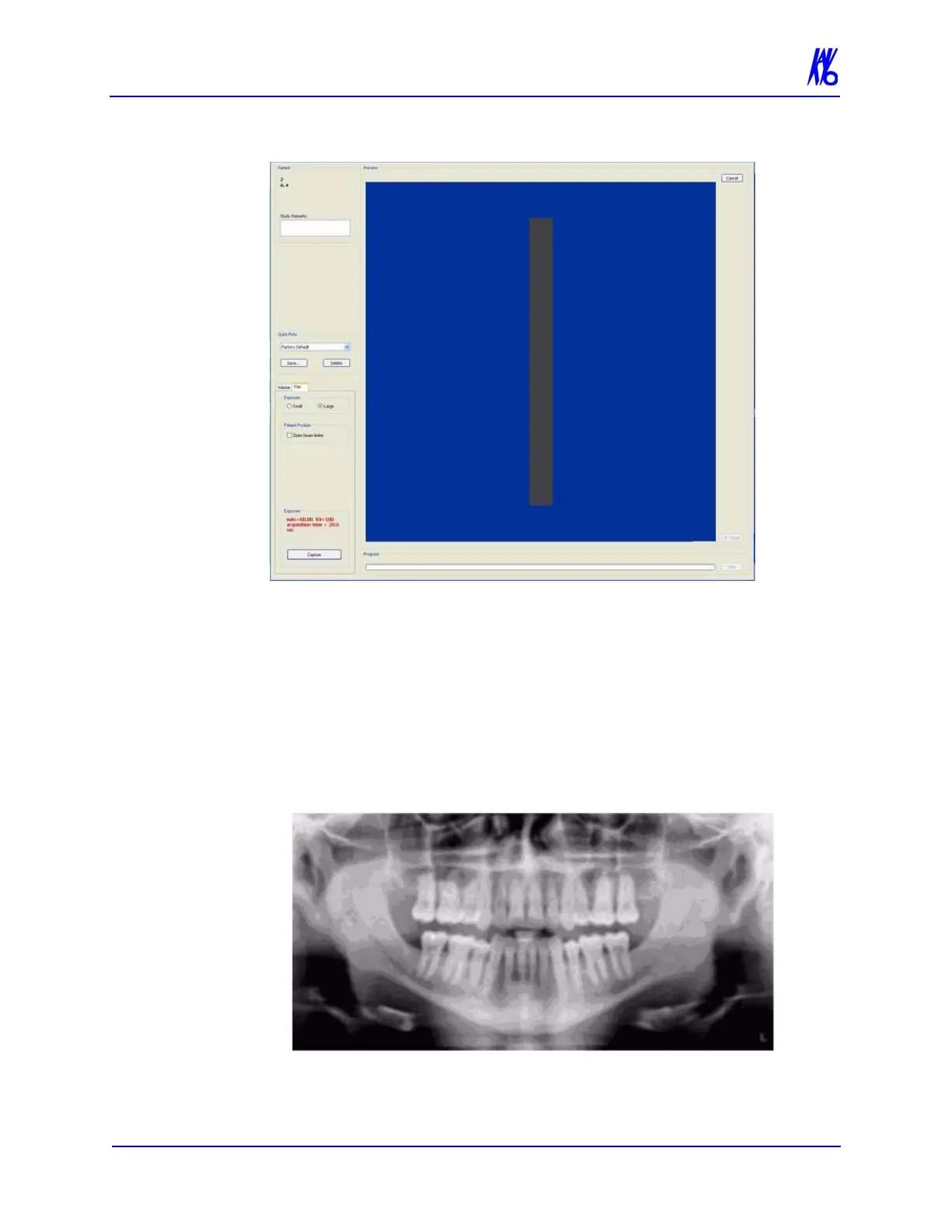
21. Click the Capture button to start the test.
22. The system moves approximately 1/4 rotation to the Home
Position and then displays the scan parameters.
23. Click OK to start the scan process.
24. Press the Scan button on the Control Box when prompted. An
audible is sounded and the X-ray ON light is illuminated during
radiation exposure.
25. The PAN scan runs for about 20 seconds, and the reconstructed
image displays in less than one minute.
26. Adjust the Brightness/Contrast by dragging the cursor across the
image (vertical/horizontal).



 To Next Page