Kavo 3D eXam ® Operators’ Manual
K990400 16 April 2008
7-16
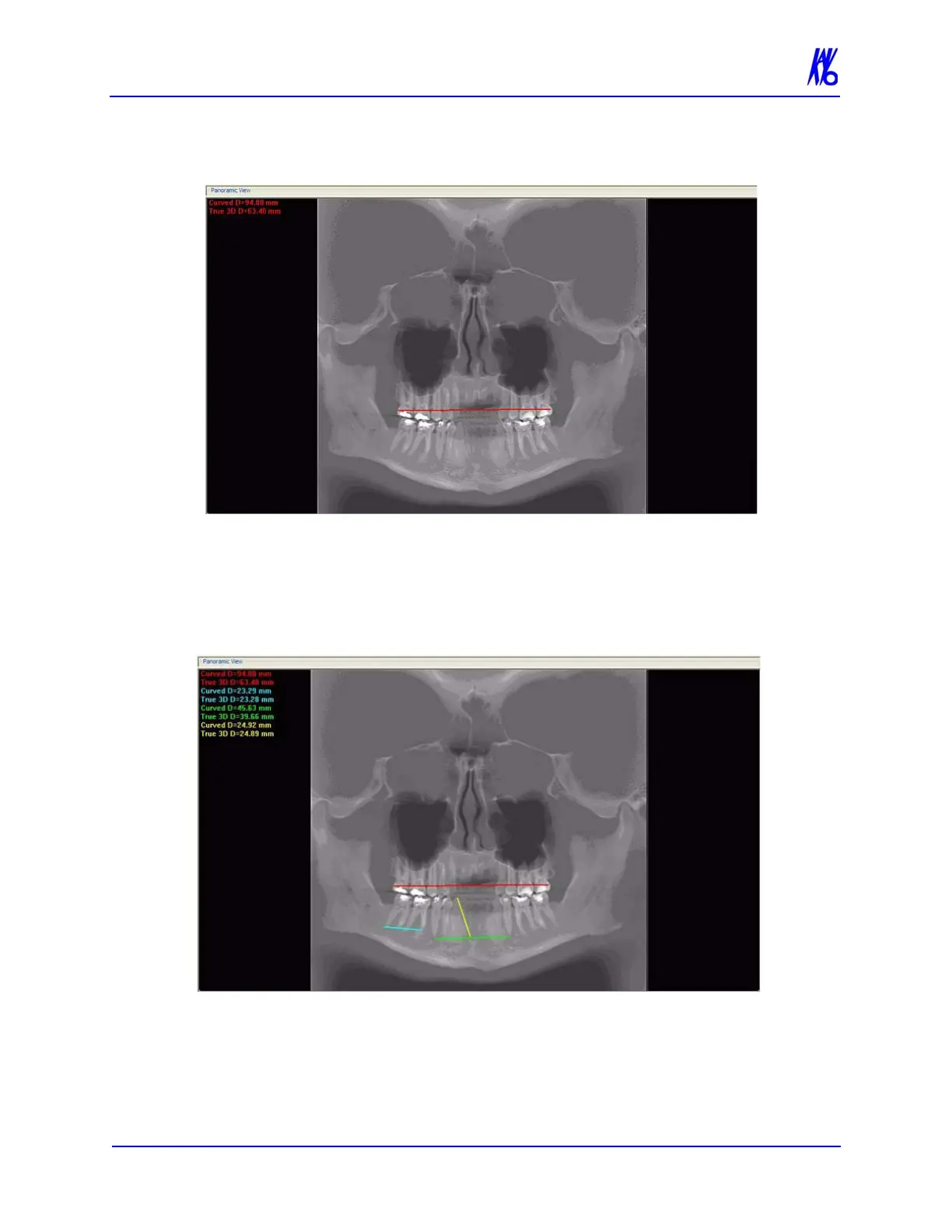
2. Click, drag, and click to define the measurement. Measurement
statistics appear in the upper left corner of the image.
3. Repeat steps 2 and 3 to take additional measurements. A
maximum of nine distance measurements can be taken at a time
in a normal view and four in a cross section view. Additional
measurements are displayed in varying colors so that they can be
easily associated with the selected measurement.
To switch off the distance cursor:
1. Right click the image and select Distance. The cursor reverts to
the default cursor.



 To Next Page