K990400 16 April 2008
Reconstruction of Anatomy
7-17
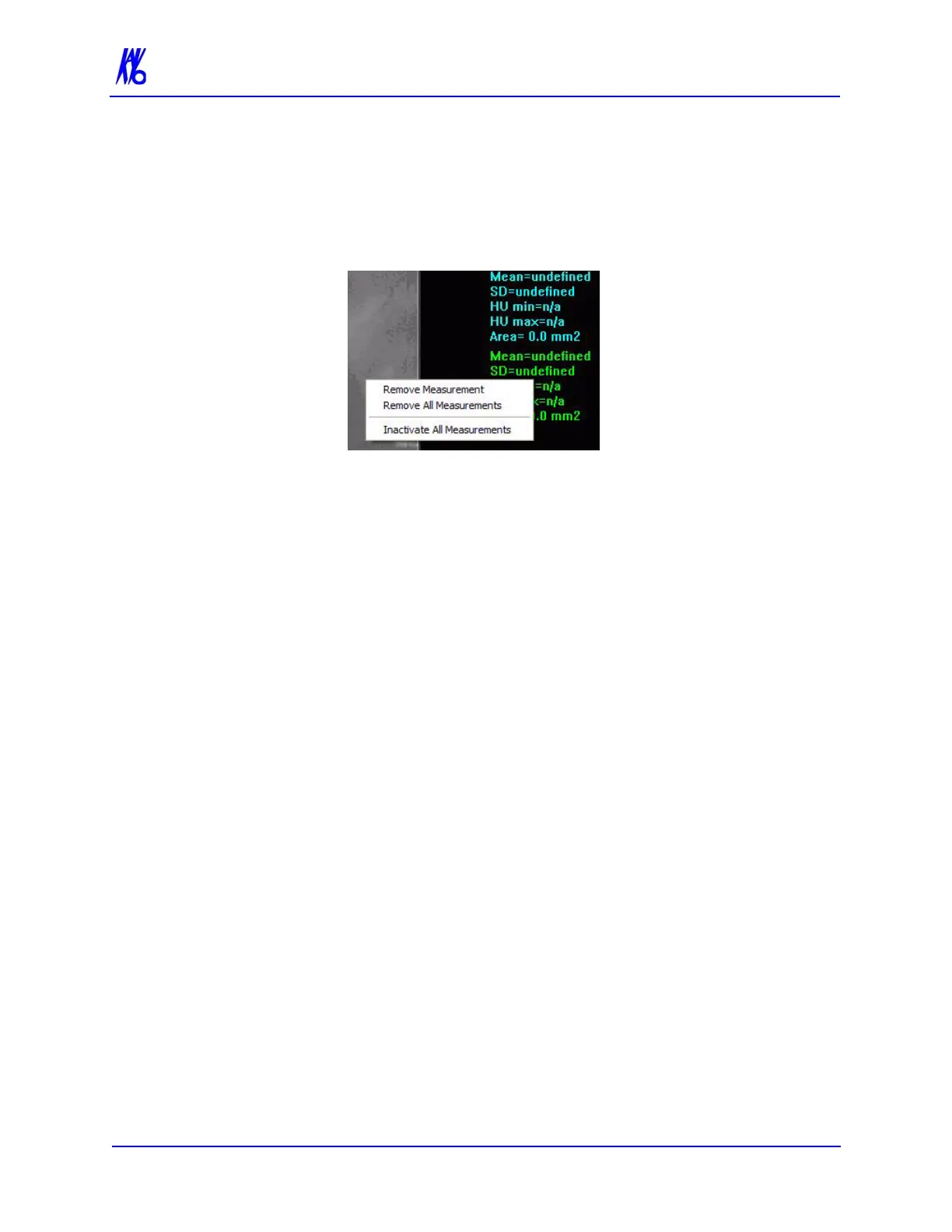
To remove a specific measurement:
Measurements can be selectively removed from a view as desired. All
measurements can also be deactivated/reactivated for a view.
1. Right-click the measurement to be removed and select Remove
Measurement.
Remove All Measurements - removes all measurements from
selected view.
Inactivate All Measurements - grays out all measurement
indicators and removes the measurements from the selected
view. When this is done, the Reactivate All Measurements
becomes available.
Reactivate All Measurements - restores all of the inactivated
measurements to the selected view.



 To Next Page