- 72 -
FUNCTION SETTINGS
7. SPEED UNIT
The unit of the ship’s speed displayed on the screen can be selected when an external
navigator connected.
Use the Cursor Shift key ( or ) to select “SPEED UNIT”.
Use the Cursor Shift key ( or ) to change the setting.
SPEED UNIT kt Use the Cursor Shift key ( or ) to change.
[kt, km/h]
kt: displays the speed in knots.
km/h: displays the speed in km/h.
8. AUTO RETRACT
The Transducer unit can be raised automatically when the ship’s speed exceeds the speed
previously set. The preset speed can be set.
Use the Cursor Shift key ( or ) to select “AUTO RETRACT”.
Use the Cursor Shift key ( or ) to change the setting.
AUTO RETRACT OFF Use the Cursor Shift key ( or ) to change.
[OFF, 10kt (18km/h)] Available setting ranges: 1 to 15kt (1km/h to 27km/h)
Use the Cursor Shift key ( or ) to set the speed after selecting the initial value.
: increases the value.
: decreases the value.
With the speed input the Transducer unit can be raised automatically when the ship’s speed
exceeds a preset speed.
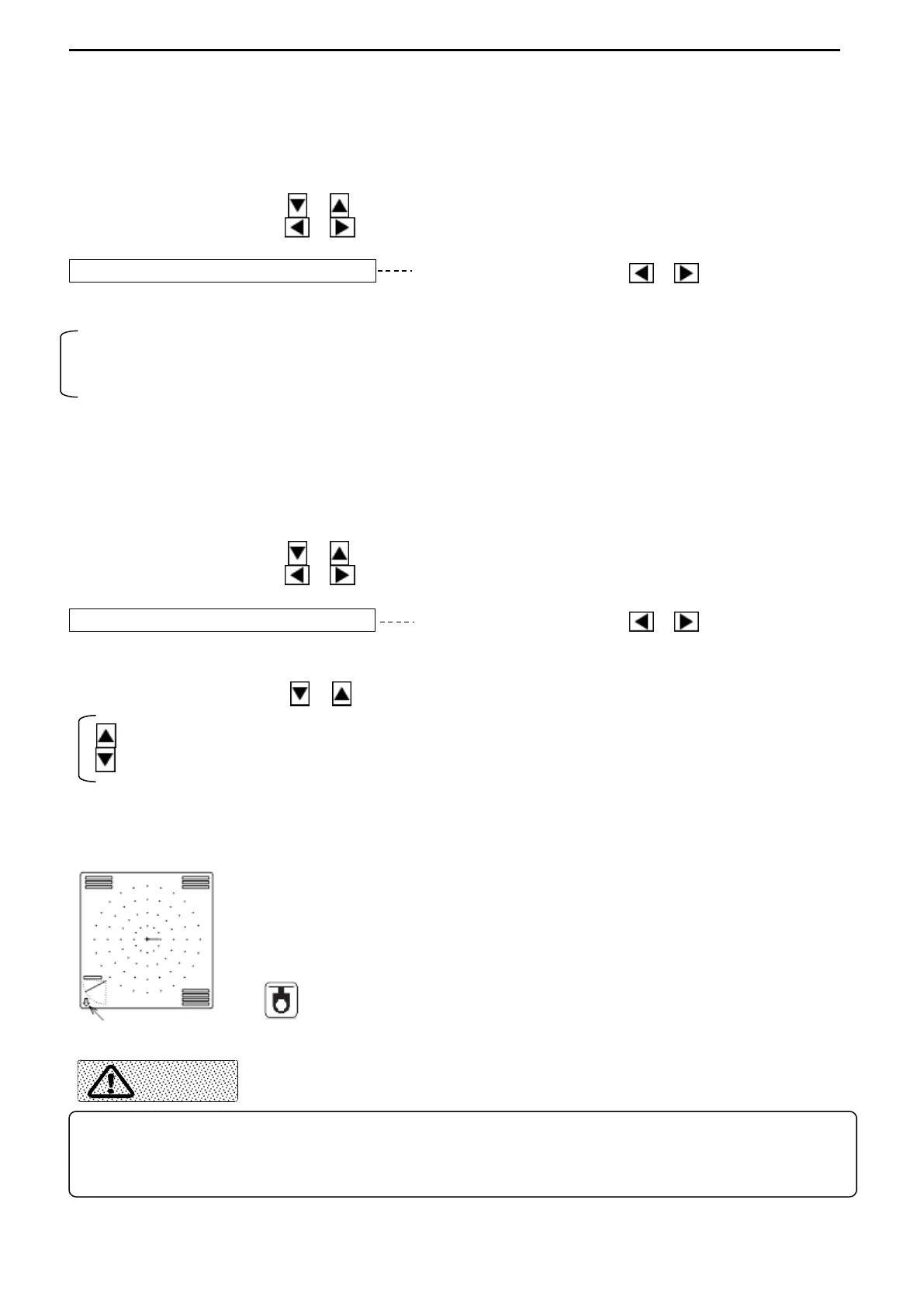
: Sensor lamp on the Operation unit
The down arrow appears at the down left corner of the screen
when the Transducer unit is being lowered.
When this function is activated, the arrow changes into the up
arrow. When the Transducer unit is retracted completely, the sensor
lamp on the control panel is turned off.
Transducer unit status indicator
The ship’s speed should not exceed 15 knots (27km/h) while retracting the Transducer unit.
The recommended setting speed is less 12kt (22km/h) considering the case that it speeds up
without retracting the Transducer unit.



 To Next Page