KONE NanoSpace™
Owner’s Manual
79 (196) OM-01.03.086
(B) 2016-01-11
© 2014 KONE Corporation
All rights reserved.
5
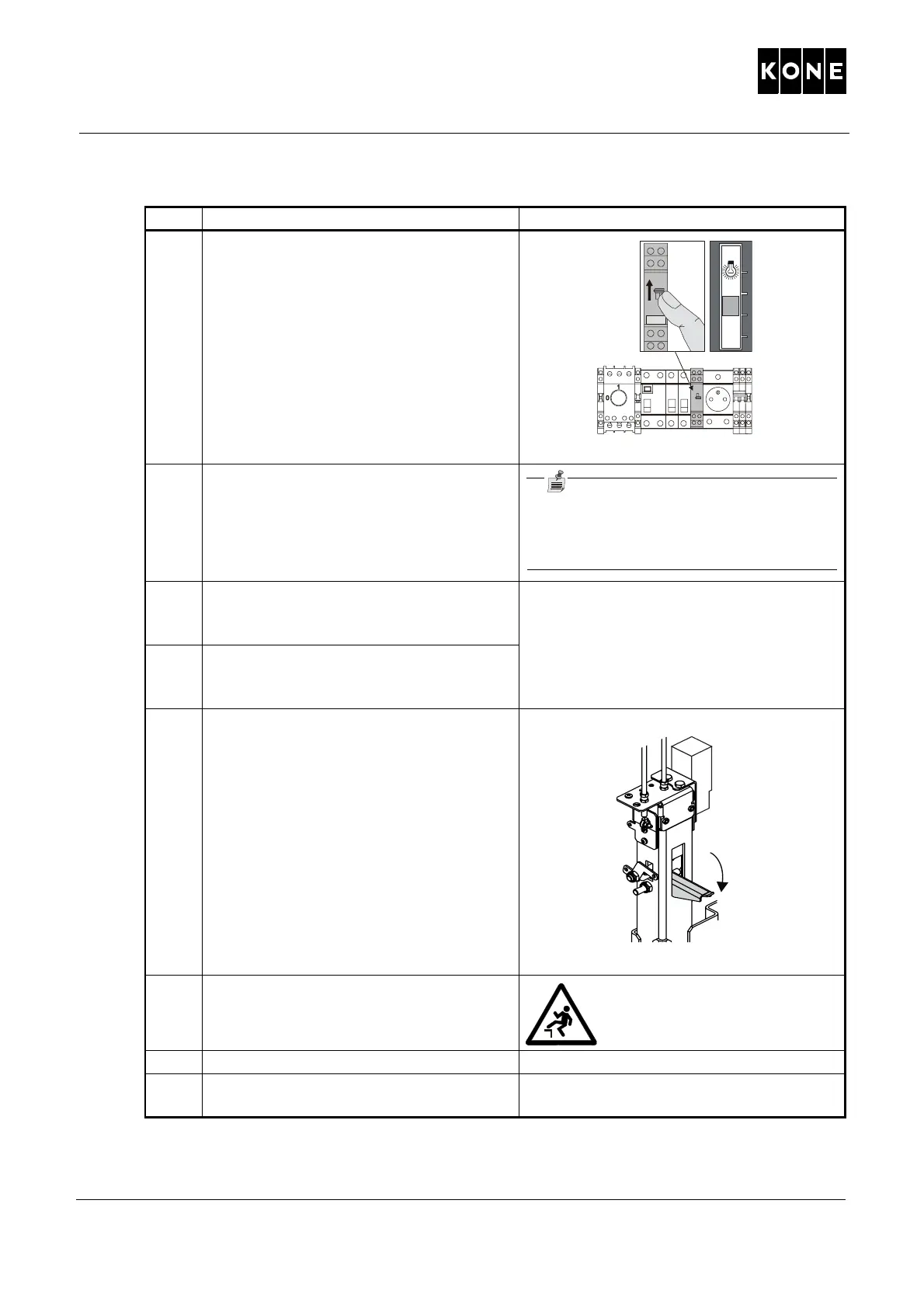
Switch on the shaft lights (268).
6 Make a car call from the bottom floor to
the second floor and go to
the landing.
NOTE! If the maintenance access
panel (MAP) is not on the bottom floor,
close and lock the MAP.
7 Stop the elevator at a suitable position
by operating the emergency opening
key.
You must see the pit safety device from
the landing.
8 Open the bottom floor landing door with
emergency openin
g key.
9 Check that the pit safety device is
activated.
10 Close the
landing doors. Check that the landing doors
are mechanically locked.
11 Go to the maintenance access panel.
12 If applicable, reset the Shaft Access
Monitor (SAM).
Refer to APPE
NDIX B.1 Resetting the
shaf
t access monitor (SAM).
Step Actions Illustration/Note
1092859.wmf
268



 To Next Page