121
KMHA 500-000099
Revision D
KDR
TM
AU-DDR Advanced U-Arm System with
Dynamic Digital Radiography (KDR AU DDR)
V. DYNAMIC MODE
Clone Subsequence
Selecting the “Clone Subsequence” function will generate a new image sequence using only the current active portion, as
dened by “StartFrame” and “EndFrame” markers.
To Clone a Subsequence:
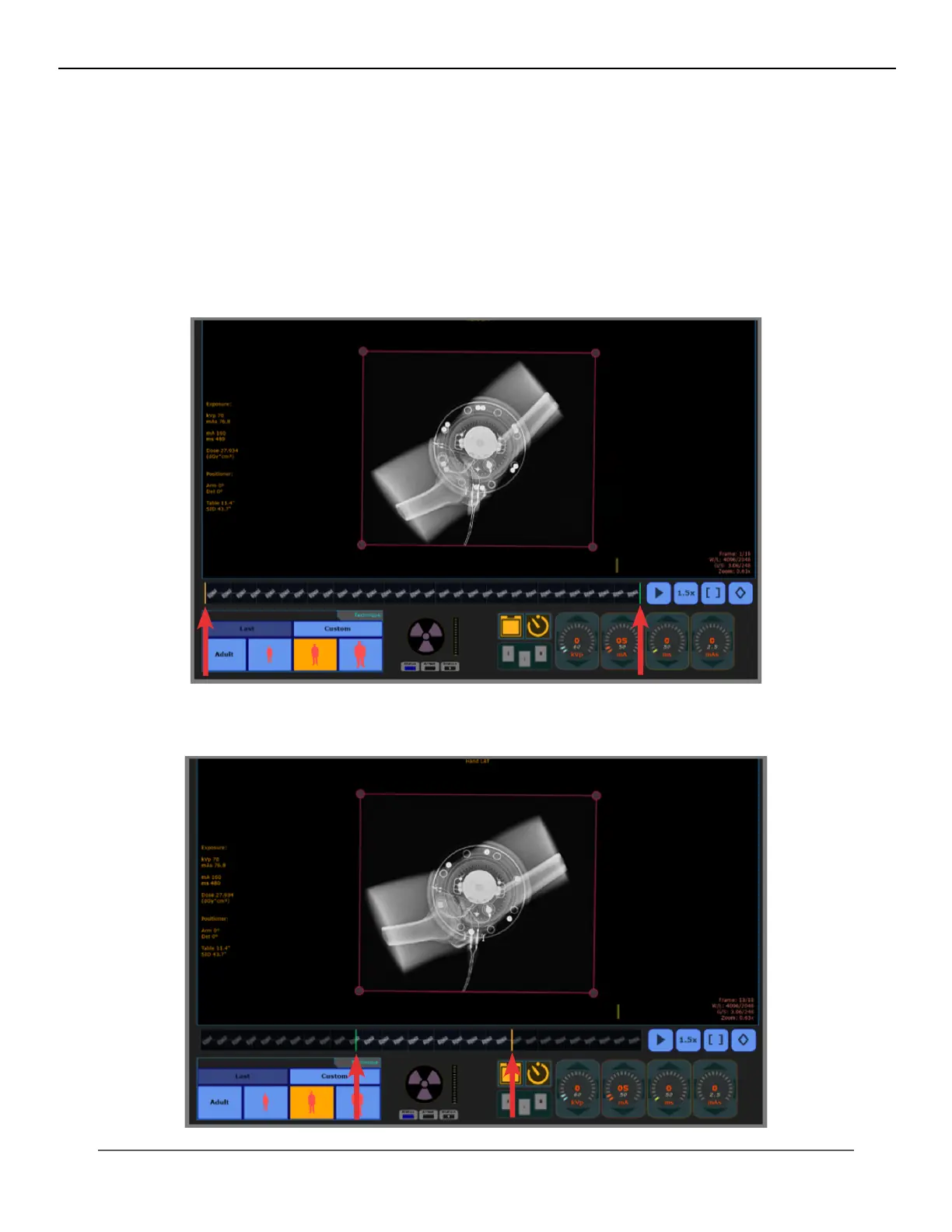
1. Drag the “StartFrame” and “EndFrame” markers to the desired beginning and end of the subsequence (see Fig-
ure 26.2.8 and Figure 26.2.9).
Figure 26.2.8
StartFrame and EndFrame
Figure 26.2.9
StartFrame and EndFrame Subsequence Selected



 To Next Page
 Loading...




