120
KMHA 500-000099
Revision D
KDR
TM
AU-DDR Advanced U-Arm System with
Dynamic Digital Radiography (KDR AU DDR)
V. DYNAMIC MODE
Display Frame by Frame
To display the video frame by frame:
1. Pause the video.
2. Click on each frame with the mouse.
NOTE: You can also scroll through each frame using the left and right cursor keys of the keyboard.
Accelerate or Slow Down Playback
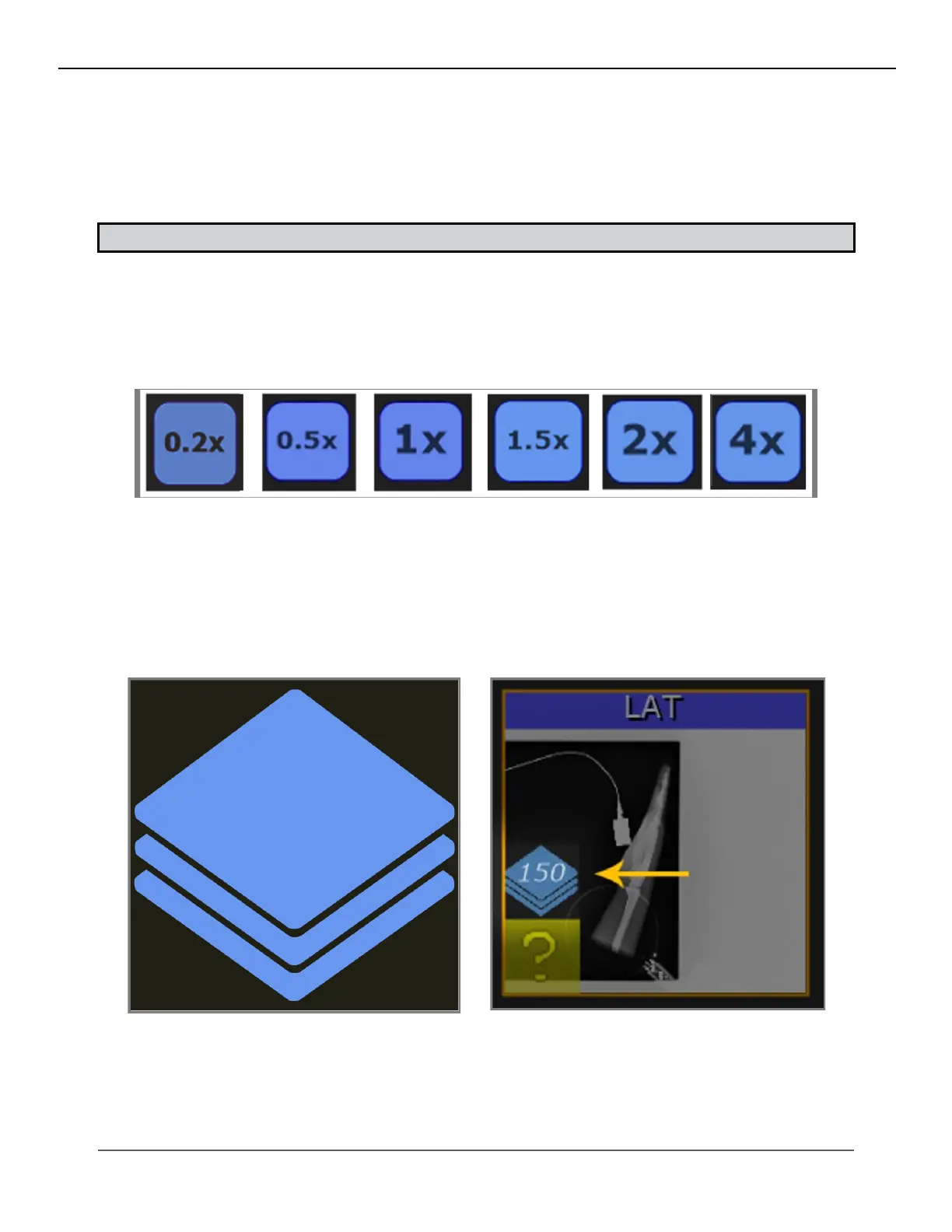
1. Click the playback speed button to cycle through speed presets (see Figure 26.2.5).
2. The last used setting is saved to the conguration le, allowing users to keep their preferences.
Figure 26.2.5
Speed Presets
Image Stack Indicator
1. Display an indicator on “thumbnails” view to discern which images are dynamic sequences.
2. The icon chosen represents a stack of images. The number of frames is displayed on top of the icon (see Figures
26.2.6 and 26.2.7).
Figure 26.2.6
Icon Depicng Image Stack
Figure 26.2.7
Example Thumbnail of a Sequence Containing 150 Frames



 To Next Page
 Loading...




