41
KMHA 500-000099
Revision D
KDR
TM
AU-DDR Advanced U-Arm System with
Dynamic Digital Radiography (KDR AU DDR)
III. USER INTERFACES
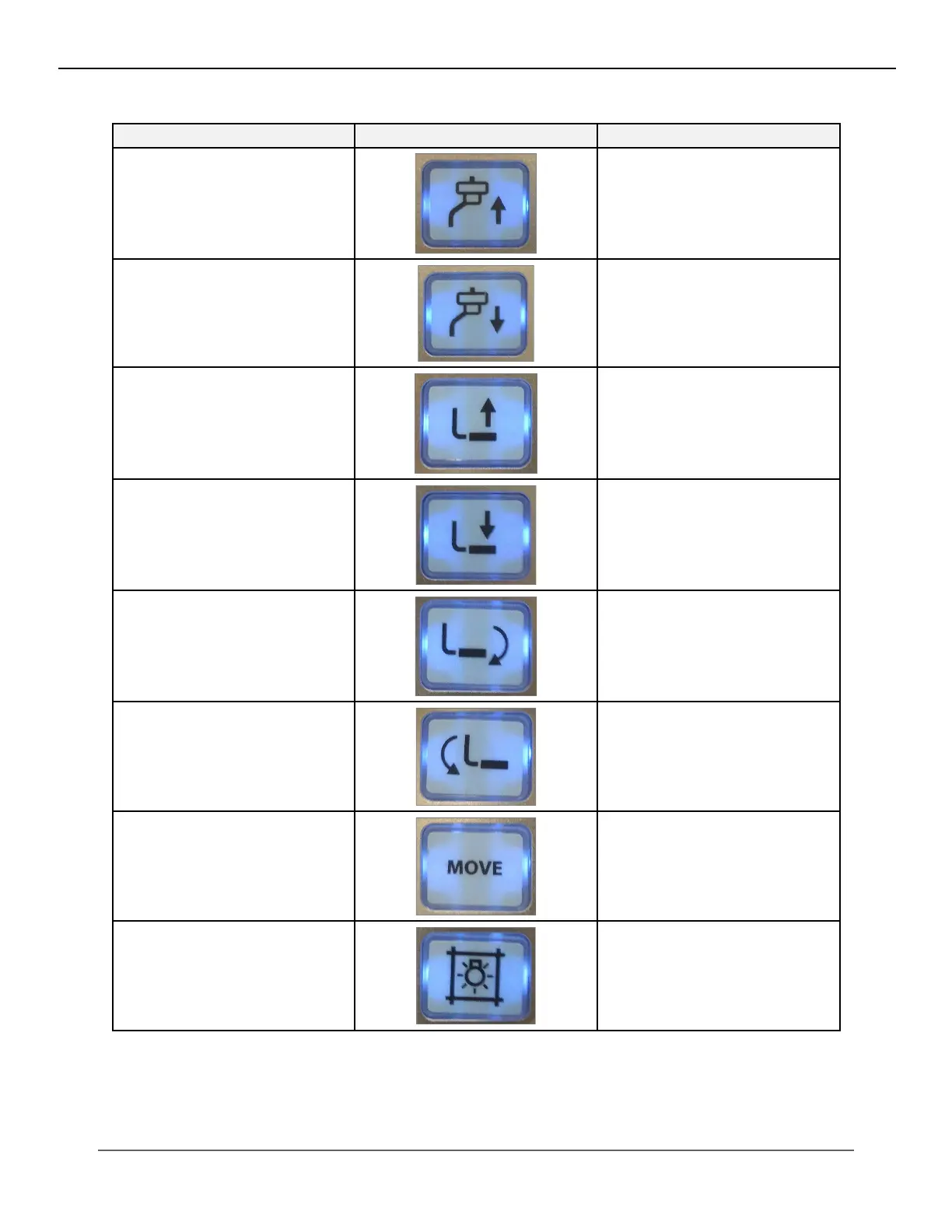
Figure 13.7.2
Posioner Control Buons on the Bucky Handle Control Panel
Button Image Function
5. Tube Arm Up Button
Raises the tube arm
6. Tube Arm Down Button
Lowers the tube arm
7. Detector Arm Up Button
Moves the detector arm up
8. Detector Arm Down Button Moves the detector arm down
9. Detector Left Rotate Button
Rotates the detector in the coun-
terclockwise direction
10. Detector Right Rotate Button
Rotates the detector in the clock-
wise direction
11. Move Button
Selects an auto-programmed
position
12. Collimator Light Button
Turns on the Collimator Light
*The large red button on the front side of the bucky handle is an emergency stop (see section 13.4,
“Emergency Stop Switch.”


 To Next Page
 Loading...




