Machine Information 3-11
Machine Information
Machine Configuration (continued)
Optional Equipment (continued)
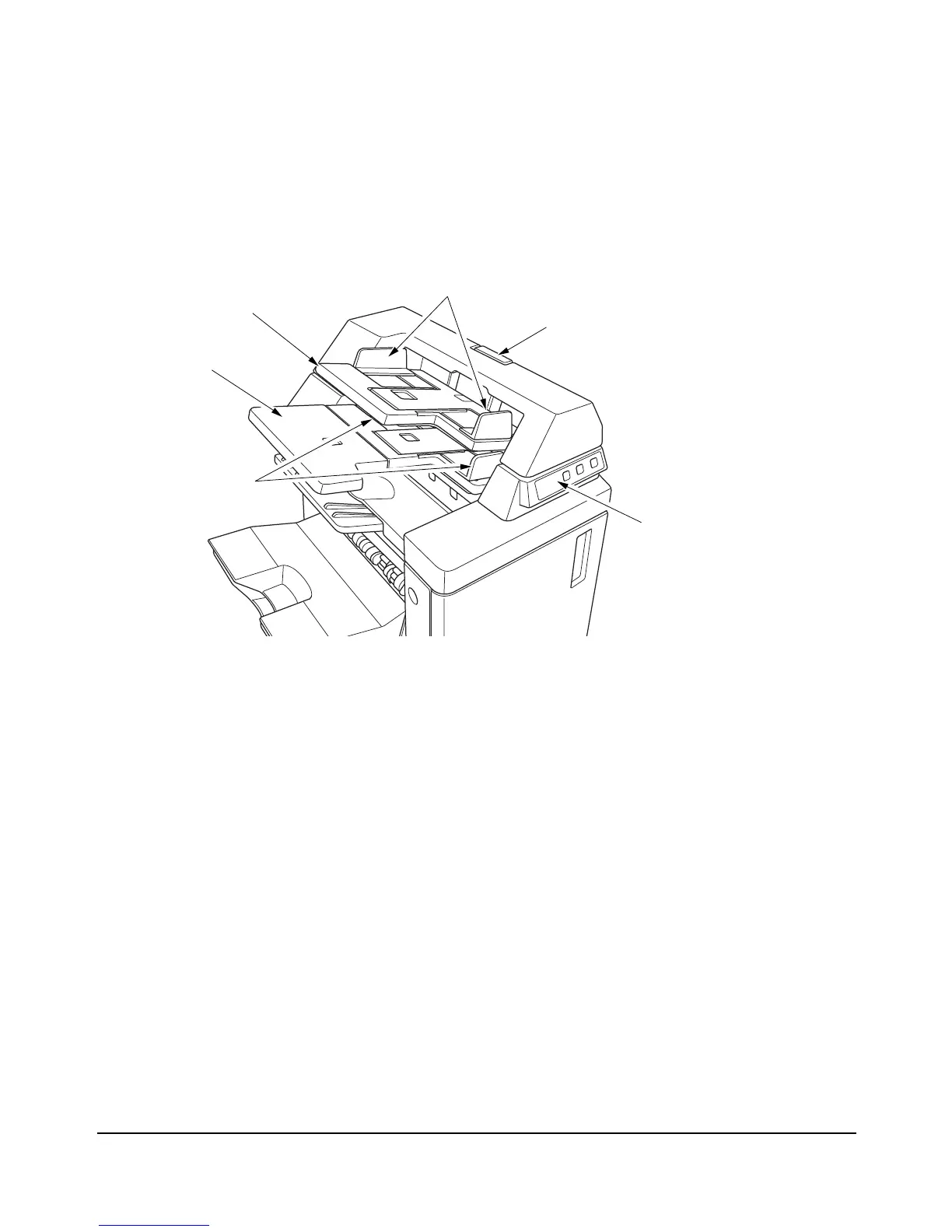
1Cover sheet feeder control panel controls cover sheet feeder operations.
2 Upper unit release lever can be moved to slide the upper unit of cover sheet feeder
for removal of mishandled paper.
3 Upper tray guide plates hold cover sheets to fix the position.
4 Upper tray holds cover sheets for use in cover sheet output mode.
5Lower tray holds cover sheets for use in cover sheet output mode or a printed set in
manual stapling/punching/three-folding mode.
6Lower tray guide plates hold cover sheets to fix the position.
q Cover sheet feeder
control panel
e Upper tray guide plates
r Upper tray
t Lower tray
y Lower tray
guide plates
w Upper unit release lever














 To Next Page