26 Laborie alpHaONE User & Service Manual LBL-01791 [B]
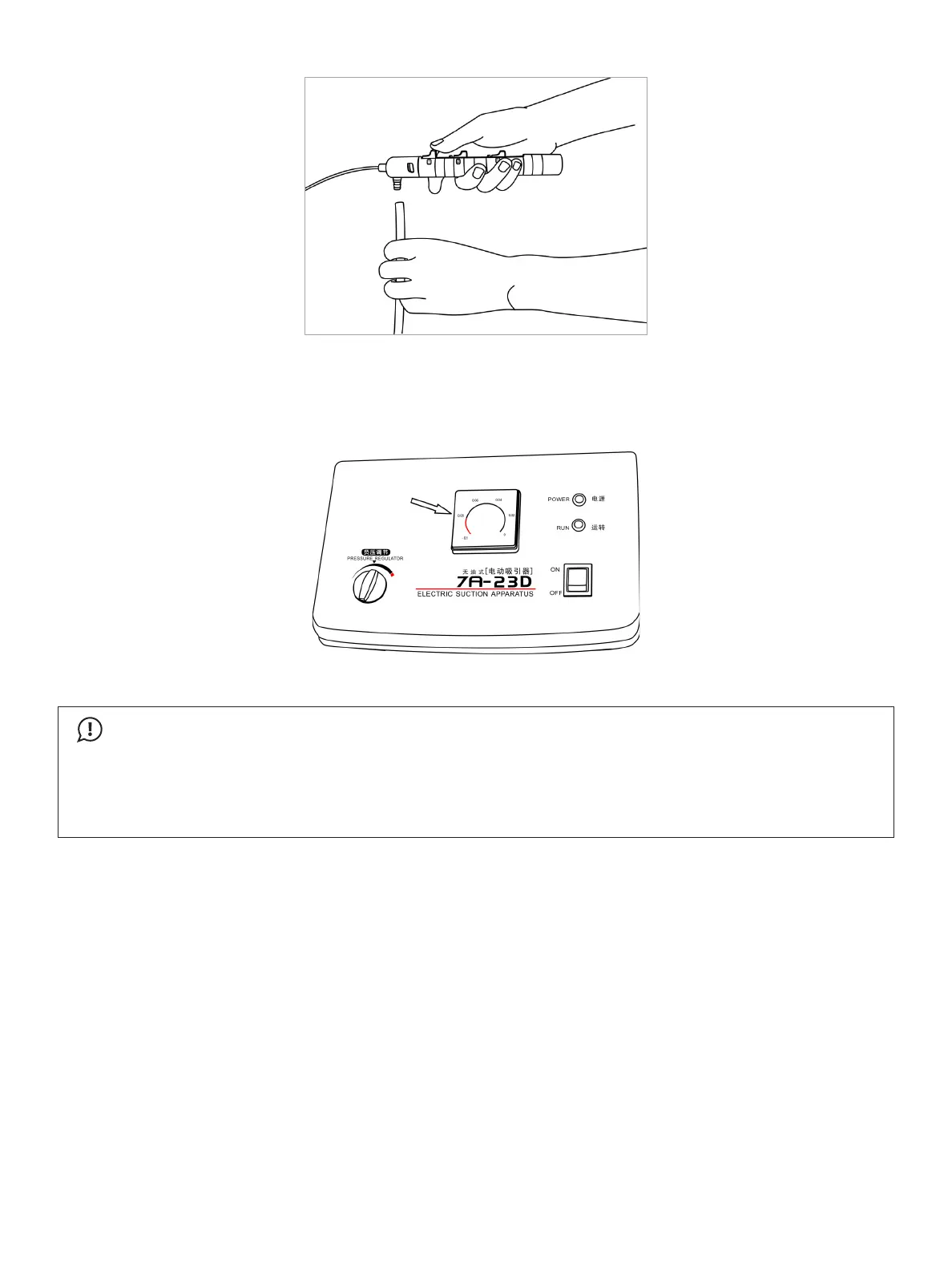
Figure2-12: AttachingtheVacuumPumptotheDeliverySystem
4. Turn on the vacuum pump, and adjust the Pressure Regulatorknobuntilyouattainapressureof0.08MPa(600
mmHg), as depicted in Figure2-13.Maintainthispressurefor10secondstoallowforasucientamountof
esophogealtissuetollthesuctionchamberonthecapsule.
Figure2-13: AdjusttheVacuumPumpto0.08MPa(600mmHg)
IMPORTANT
•
Do not move the delivery system during the suction process. Motion of the delivery system during this
phase can result in improper attachment of the capsule or no attachment at all.
•
Duringthecapsulexingperiod,maintainthevacuumat0.08MPa.Higherpressuremaybeharmfulto
the patient. If 0.08 MPa cannot be achieved, reposition the delivery system until you are able to attain
the proper vacuum.
5. Ontheoperationhandle,removetheretainerbehindtherstthumbslider(theoneclosesttothedelivery
system;seeFigure2-14A)andthendrawbacktheslider(Figure2-14B), followed by the second slider, and then
the third slider, one by one, as illustrated in Figure2-14C and Figure2-14D.



 To Next Page