Chapter 4 TheAnalysisModule 51
Inserting General Artifact Markers
Theinsertionofthegeneralartifactmarkerinuencesthesymptomanalysisresults.
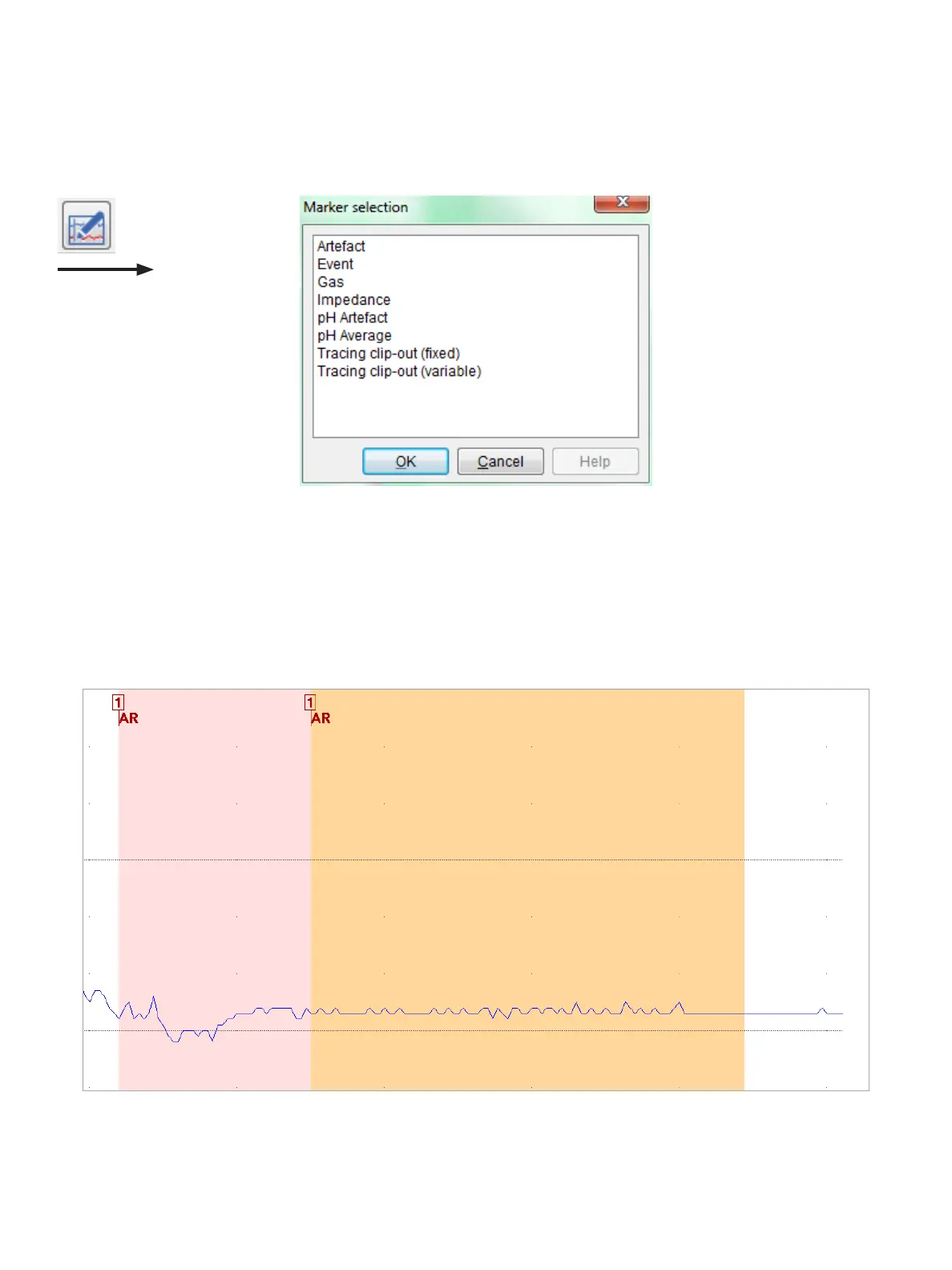
On the menu bar, choose Marker > Insert marker,or,onthetoolbar,clicktheInsert marker button to open the Marker
selection dialog box, as shown in Figure4-12.
Figure4-12: InsertingaMarker
SelecttheArtifactmarkerthatyouwanttoinsertandthenclickOK. Move the cursor to the location on the graph
wherethemarkertoappearandthenclicktoinsertthemarkeratthedesiredbeginandendtimes.
Symptom Analysis Results: Symptom Related or Not to pH Reux
Asymptomisnotseenasreuxrelatedwhenthestartvalueand/orlowvalueofthepHdropiswithinartifact
markers.Figure4-13showsanexample,inwhichthestartvalueofthepHdropiswithinartifactmarkers.
Figure4-13: ExampleofaSymptomNotDesignatedasReuxRelated



 To Next Page