6600 Product Manual
Operator Manual
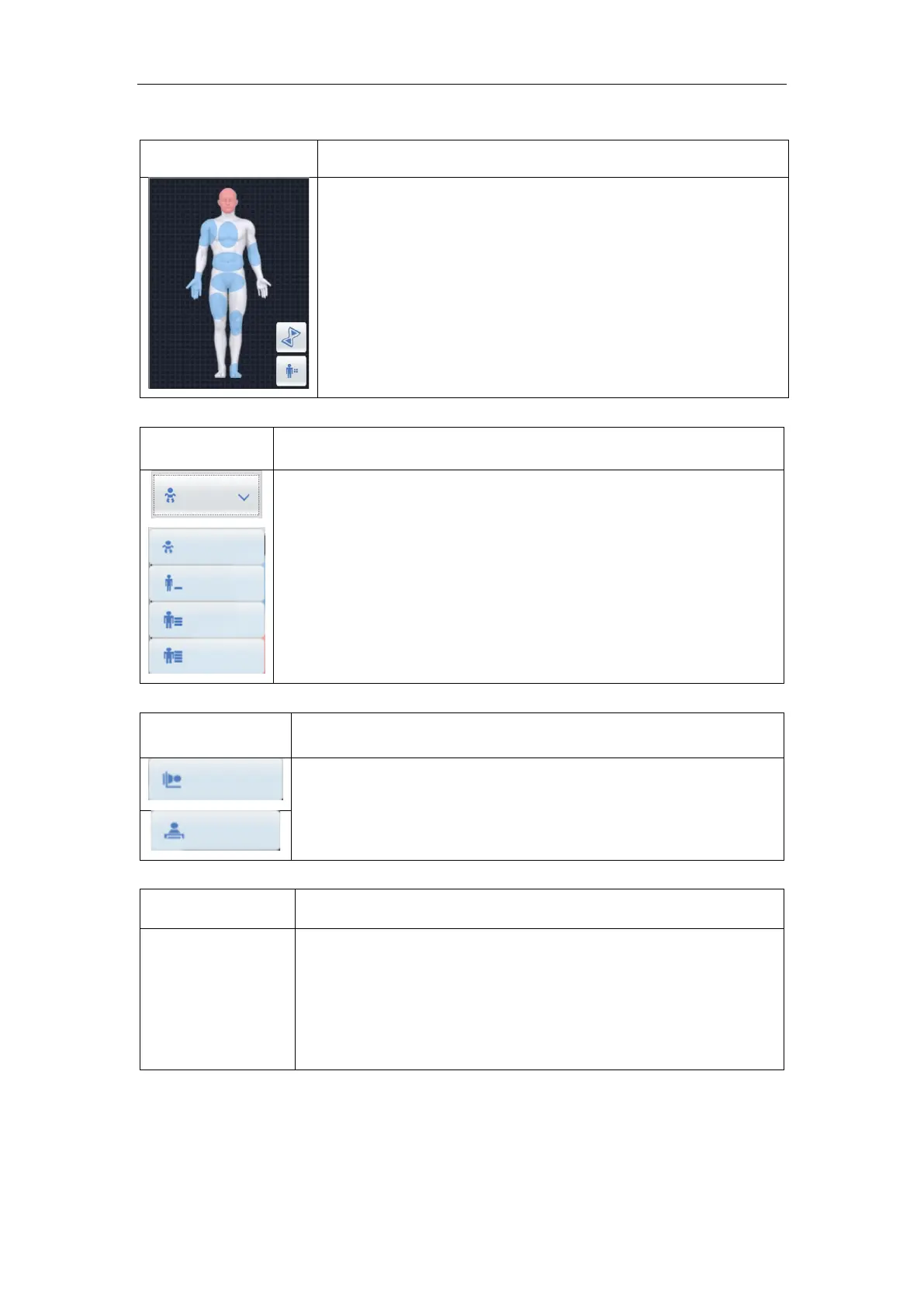
6.5.1.1 Examination body part choice
Here shows all the examination part of human body. The
operator can select the required examination part by using
mouse click.
6.5.1.2 Patient body type selection
Select the patient body size by clicking different icon here;
Three buttons represent underweight, normal and adults.
Three kinds of figure can be arbitrarily switched
NOTE:When a child is examined, Please select the child option
first.
The icon display system on bed-bit or chest position status;
6.5.1.4 Examination items choice
Optional
examination
position
Optional examination position: according to the "human body
selection", select the human body area to be inspected. All the
human body parts of the area are shown here correspondingly.
Double-click to select the specific site to be inspected. Or click to
add the body part to be examined



 To Next Page