4
LeeBoy 8515D Conveyor Paver 4-9
Operation
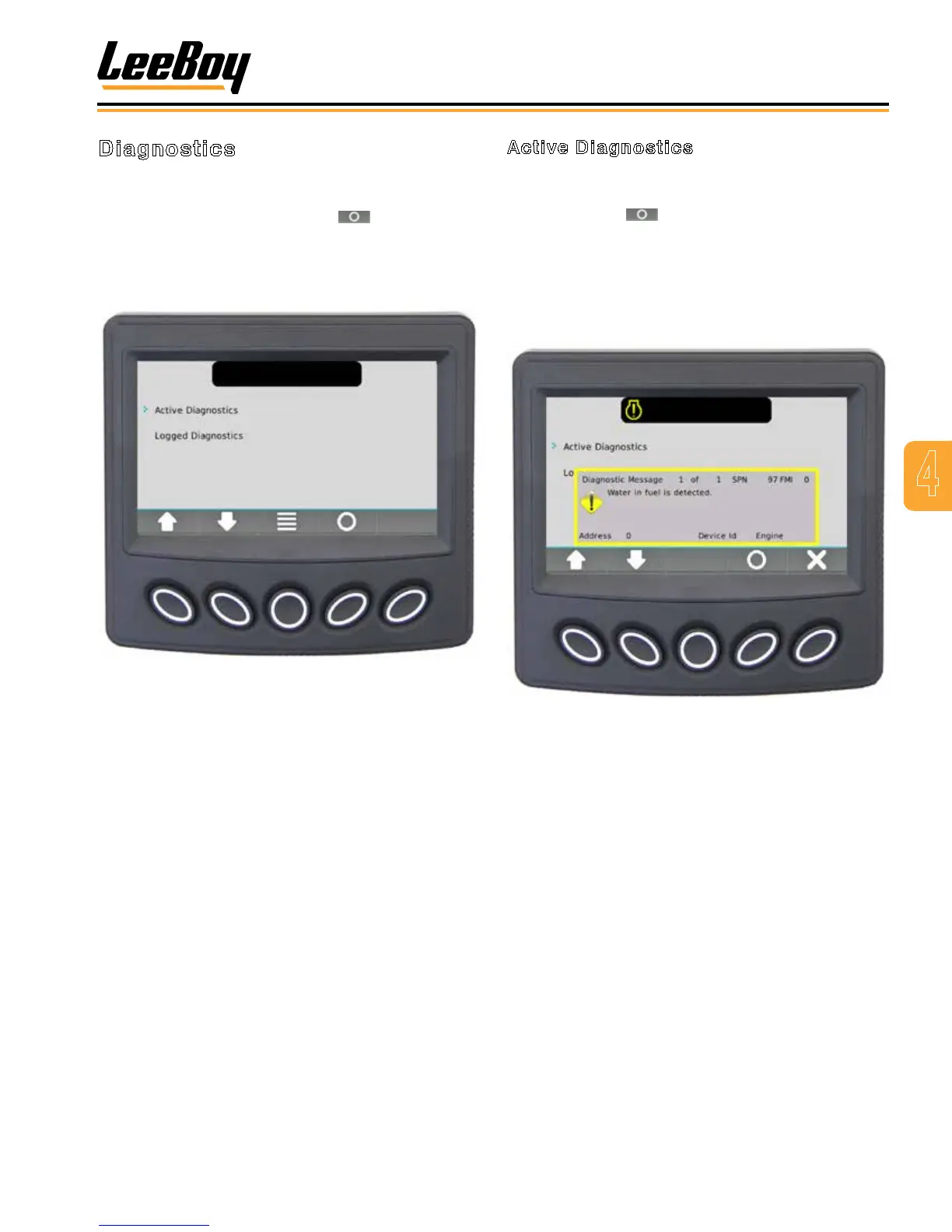
Active Diagnostics
Use the UP/DOWN soft keys and stop the cursor (>)
next to the action item Active Diagnostics. (Figure 4-7)
Press the select ( ) soft key .The screen displays
active warnings or faults from the ECU. Each diagnostic
is shown with the appropriate Suspect Parameter
Number (SPN) and Failure Mode Indicator (FMI), Text
Description (if available), and the ID/Name of the device
that transmitted the DM1 message. Press the UP/DOWN
soft keys to reach the next diagnostic in the list.
Figure 4-7. Active Diagnostics Screen
Diagnostics
Scroll through the Main Menu list using the UP/DOWN
soft keys and stop the cursor (>) next to the action
item Diagnostics. Press the Select ( ) soft key. The
screen (Figure 4-6) displays the following items:
• Active Diagnostics
• Logged Diagnostics
Figure 4-6. Diagnostics Screen



 To Next Page