4-14 LeeBoy 8515D Conveyor Paver
Operation
Date and Time Setting
Use the UP/DOWN soft keys and stop the cursor (>)
next to the action item Date or Time. (Figure 4-20)
Press the select ( ) soft key to initiate change to
the month value. Use the (+/–) soft keys to increment or
decrement the number. Use the DOWN arrow to reach
the day value and year value and the +/– soft keys to
make changes.
NOTE: A reboot is required for changes to the Date
Setting to take effect.
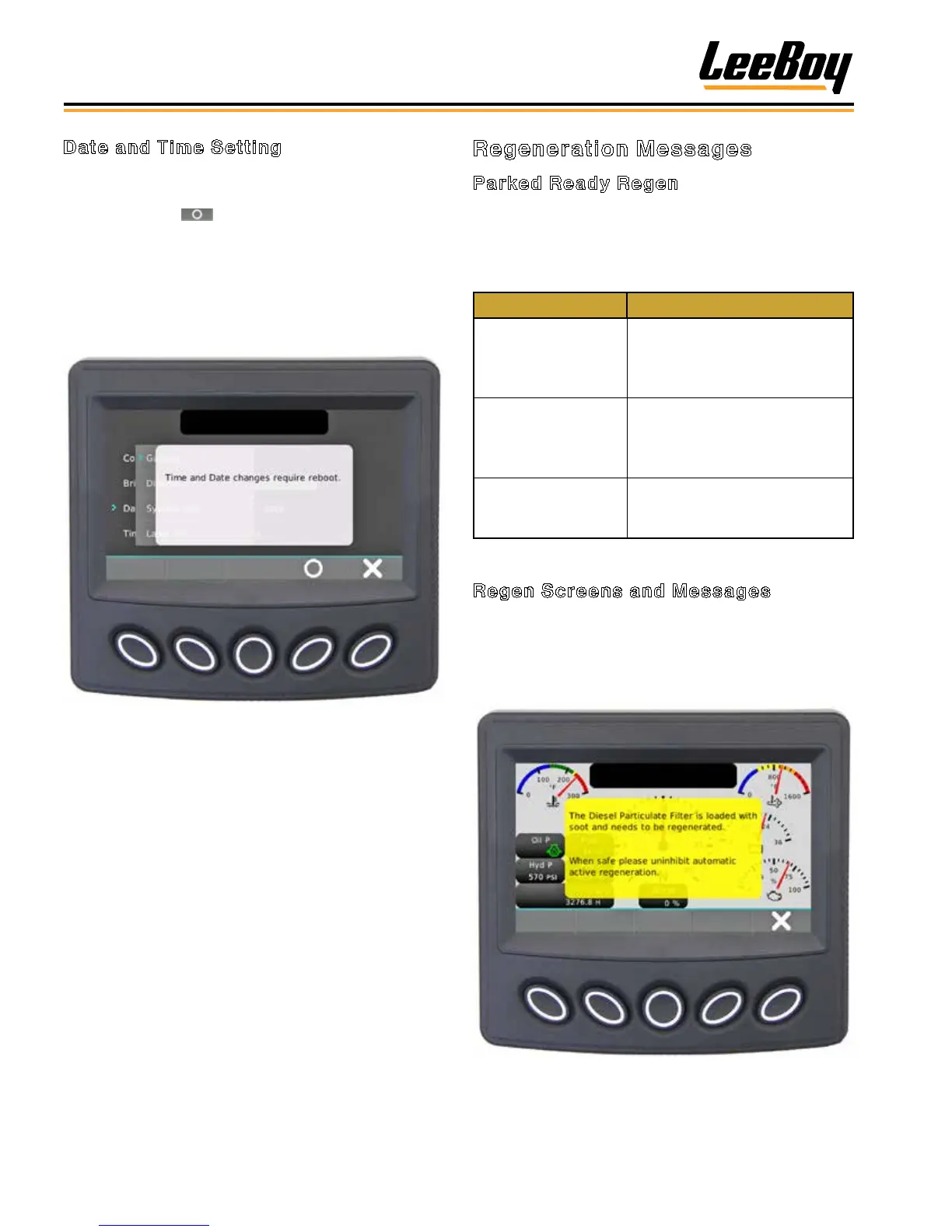
Figure 4-20. Time Setting Screen
Regeneration Messages
Parked Ready Regen
Machine is in an operating condition such that the DPF
can regenerate. (A complete listing of Fault Codes is
shown at the end of Section 5.)
Table 4-4. Parked Ready Regen
Action Description
Cancel Regen
Communicates with the engine
that Regen is not wanted or is
unsafe to regenerate at this
time.
Regen Mode Inhibit
Communicates with the engine
that Regen is not wanted or is
unsafe to regenerate at this
time.
Request Regen Communicates with the
engine that Regen is safe to
regenerate at this time.
Regen Screens and Messages
The operator may experience a Regen Caution
message on the controller screen (Figures 4-21).
The message requires an active response by the
operator, so it is important that the operator reads
the entire message as it may display instructions.
Figure 4-21. Regen Caution Message Popup Screen
Example



 To Next Page