DSS-1000 User Manual
2.7 Configuring Network Settings
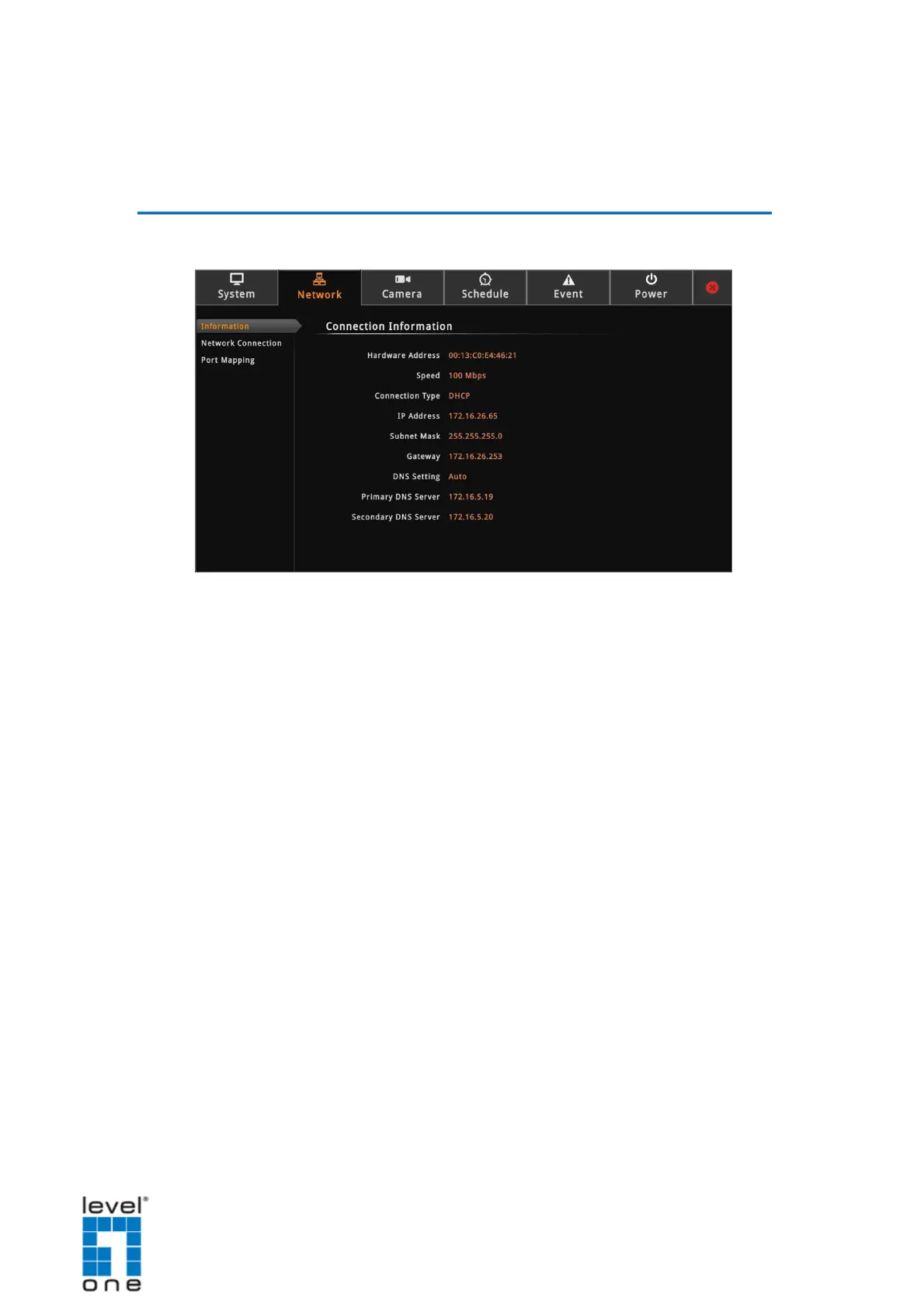
Viewing the Network Information
On the Setup screen, click Network.
The network information, such as the Hardware Address (MAC address), Speed,
Connection Type, IP Address, Subnet Mask, Gateway, DNS Setting, and Primary and
Secondary DNS Server are displayed.
49


 To Next Page