69
Inserting and removing tape cartridges
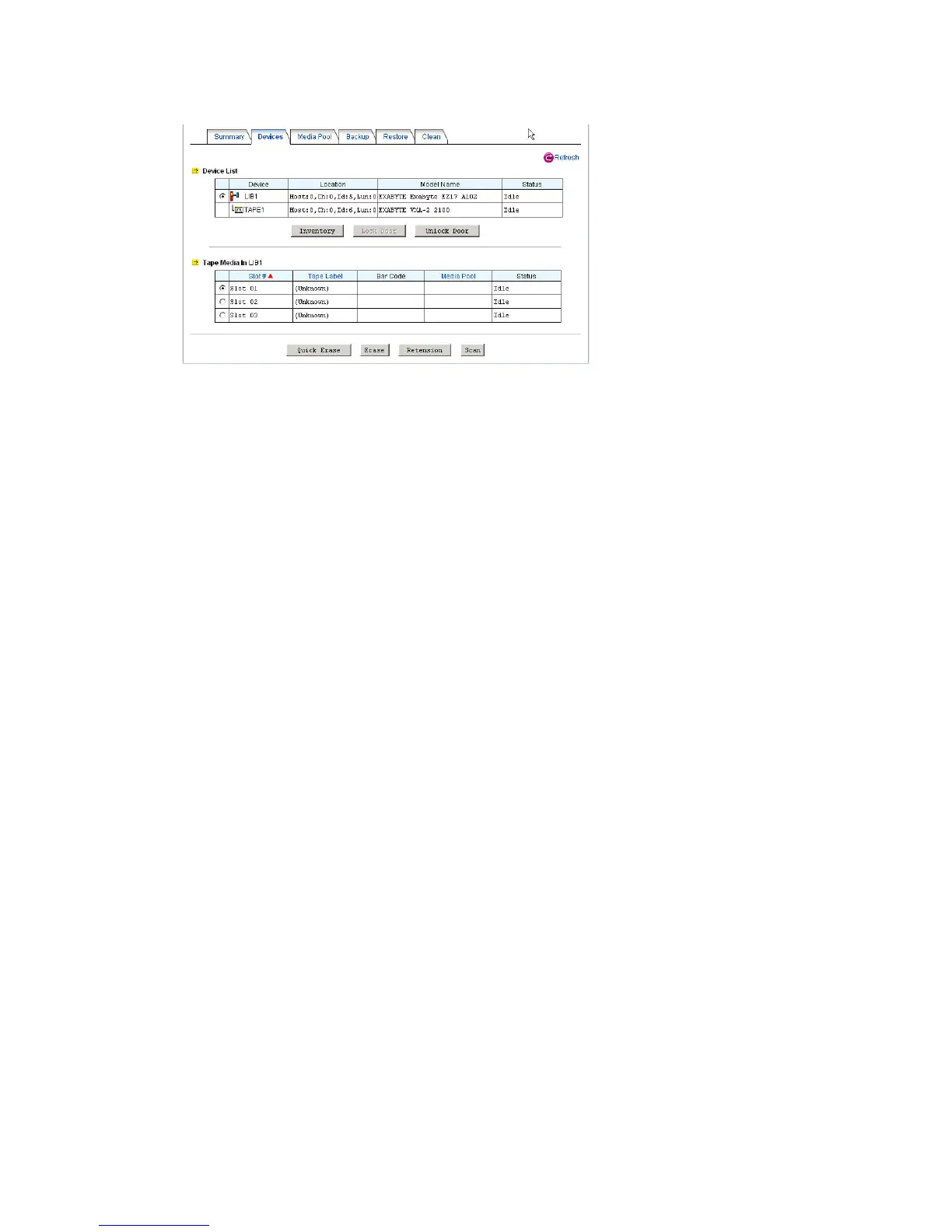
The NAS server will initialize the tape library at start-up and lock the door. To insert or remove tapes
from the tape library with no cartridge access ports (CAP), please unlock the door first. Then follow
the tape library's instruction manuals to insert or remove tapes. Afterwards, lock the door again so
that the tape library can resume to work. It will start the inventory process automatically to read in all
media information after the door is locked.
For some tape libraries which have cartridge access ports (CAP), use the 'Import/Export' function to
insert or remove tapes from the tape library. To insert a tape, first place the tape in the CAP by
following the tape library's instruction manual. Use the 'Import' function to move the tape to an empty
slot. The NAS server will read the tape and add it to its inventory. To remove a tape, use the 'Export'
function to move it to the CAP.
Inventorying tape slots
It checks all the slots of the tape library to see if they are occupied and reads in media information
from all the tapes. The whole process may take a while, depending on the number of tapes and the
tape drive speed.
Erasing a tape
The quick-erasing function overwrites the tape header only. It takes much less time than erasing a
tape, which wipes out all data in the tape. To quick-erase or erase a tape, please click the radio button
in front of the slot and click the Quick Erase or Erase button.
Retensioning a tape
To retension a tape is to wind the tape evenly so that it is properly tensioned. Use this feature only
when there are errors accessing the tape. To retension a tape, please click the radio button in front of
the slot and click the Retension button.



 To Next Page