71
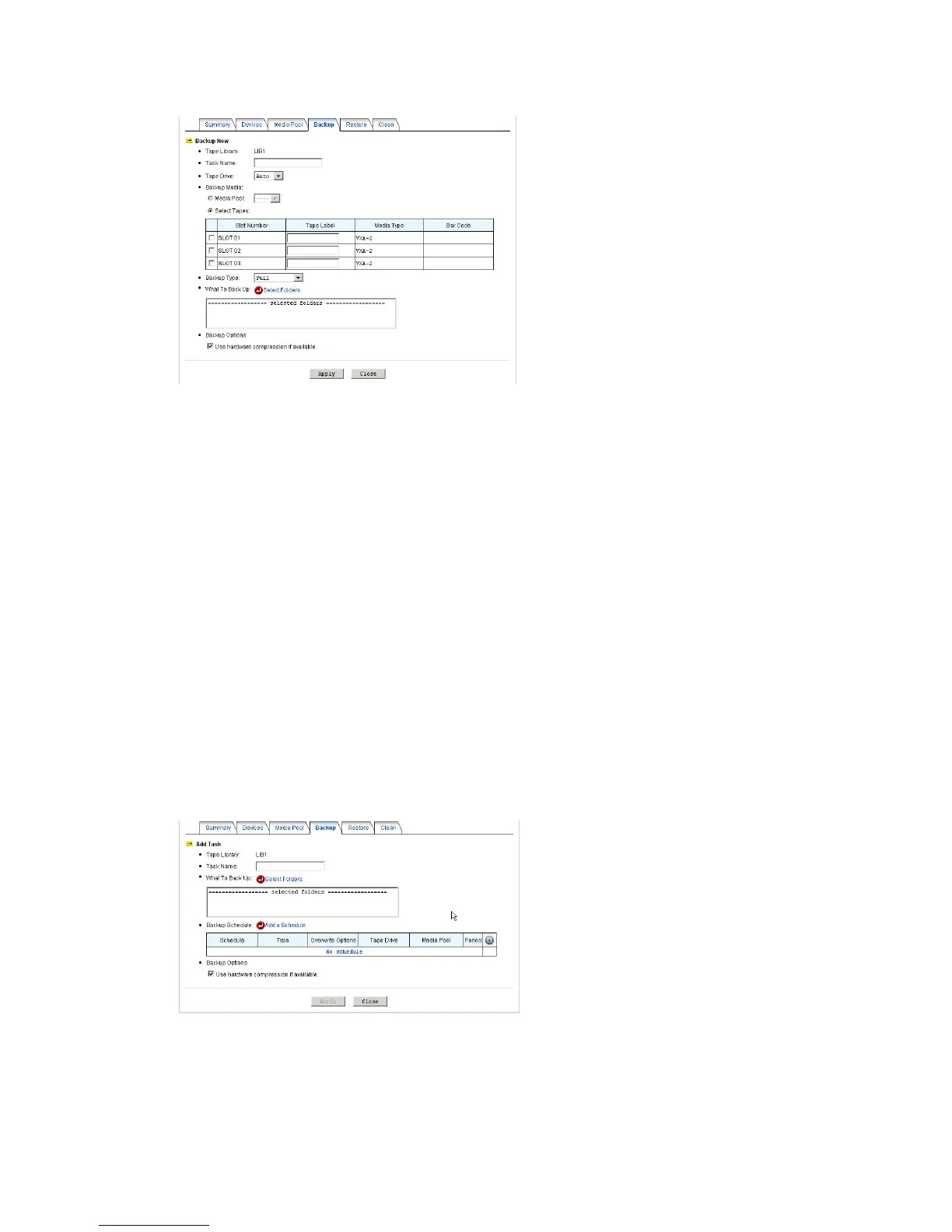
1. Specify the task name. The created backup set will be named after the task name, appended by
date/time.
2. Choose a tape library and the tape drive. Usually the tape drive is set to Auto, allowing the NAS
server to choose any available tape drive to do the backups.
3. Select backup media. If you have defined any media pool, just select one. If not, you can choose
the tapes to use for this backup task.
4. Choose to make full backups or incremental backups. A full backup will copy all source data. An
incremental backup will only copy those data with archive bits set.
After backup, the archive bits of the source data will be cleared.
5. Specify what to backup by selecting the folders to be backed up.
6. Specify whether to enable the hardware compression capability of the tape drives.
7. Click Apply to start to back up.
To create a backup task, please go to the Backup→Tape Library→Backup menu on the
administration page. Click the Add Task button and specify the following parameters.
1. Specify the task name. The created backup set will be named after the task name, appended by
date/time.
2. Choose a tape library.



 To Next Page