75
The GFS media rotation mechanism is the policy of managing backup versions. The policy is
described as below. Basically it will check for obsolete versions and delete them when a new backup
version is created. X, Y, Z are user-defined numbers.
a. It will keep all the backup versions today.
b. It will keep one backup version per day in the last X days, except today.
c. It will keep one backup version per week in the last Y weeks prior to the X days.
d. It will keep one backup version per month in the last Z months prior to the Y weeks.
On the NAS server which acts as the SmartSync client, set up a SmartSync task, which defines the
schedule settings and the source folder.
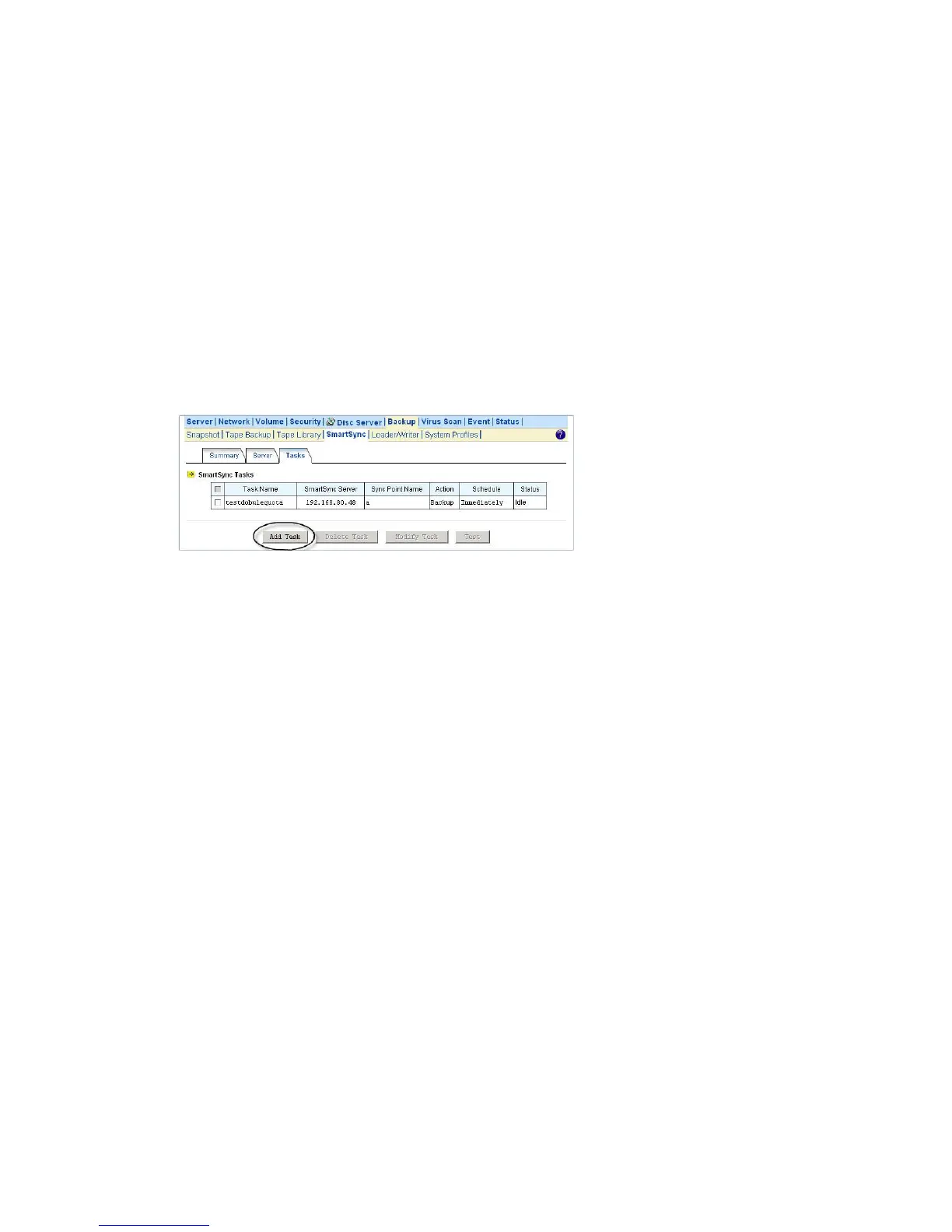
To set up a SmartSync task, please go to the Backup→SmartSync →Task menu on the
Administration Page. Click the Add Task button.
There are four steps to take when adding a SmartSync task.
Step 1 is to specify the IP address of the SmartSync server.
Step 2 is to choose a sync point of “Backup” mode in the SmartSync server. Specify the action as
“Backup to server”. Please also provide a user account with the privilege to replicate data to the
sync point.
Step 3 is to complete the task settings. On the page you should provide the task name, select the
source folder to replicate, specify the schedule and configure the SmartSync options.
Step 4 is for confirmation, showing the brief information of the task settings.
Restoring Files from the SmartSync Backups
To restore data from the SmartSync server, please create a SmartSync task on the client. Open the
Administration Page and enter the Backup→SmartSync →Task menu. Click the Add Task
button.
Follow the steps to take to add the SmartSync task.
Step 1 is to specify the IP address of the SmartSync server.
Step 2 is to choose a sync point of “Backup” mode in the SmartSync server. Specify the action as
“Restore from server”. Please also provide a user account with the privilege to replicate data to the
sync point.
Step 3 is to complete the task settings. On the page you should provide the task name, select which
backup version to restore, specify the target folder and configure the SmartSync options and the



 To Next Page