Menus
191
Using the MFP control panel and menus
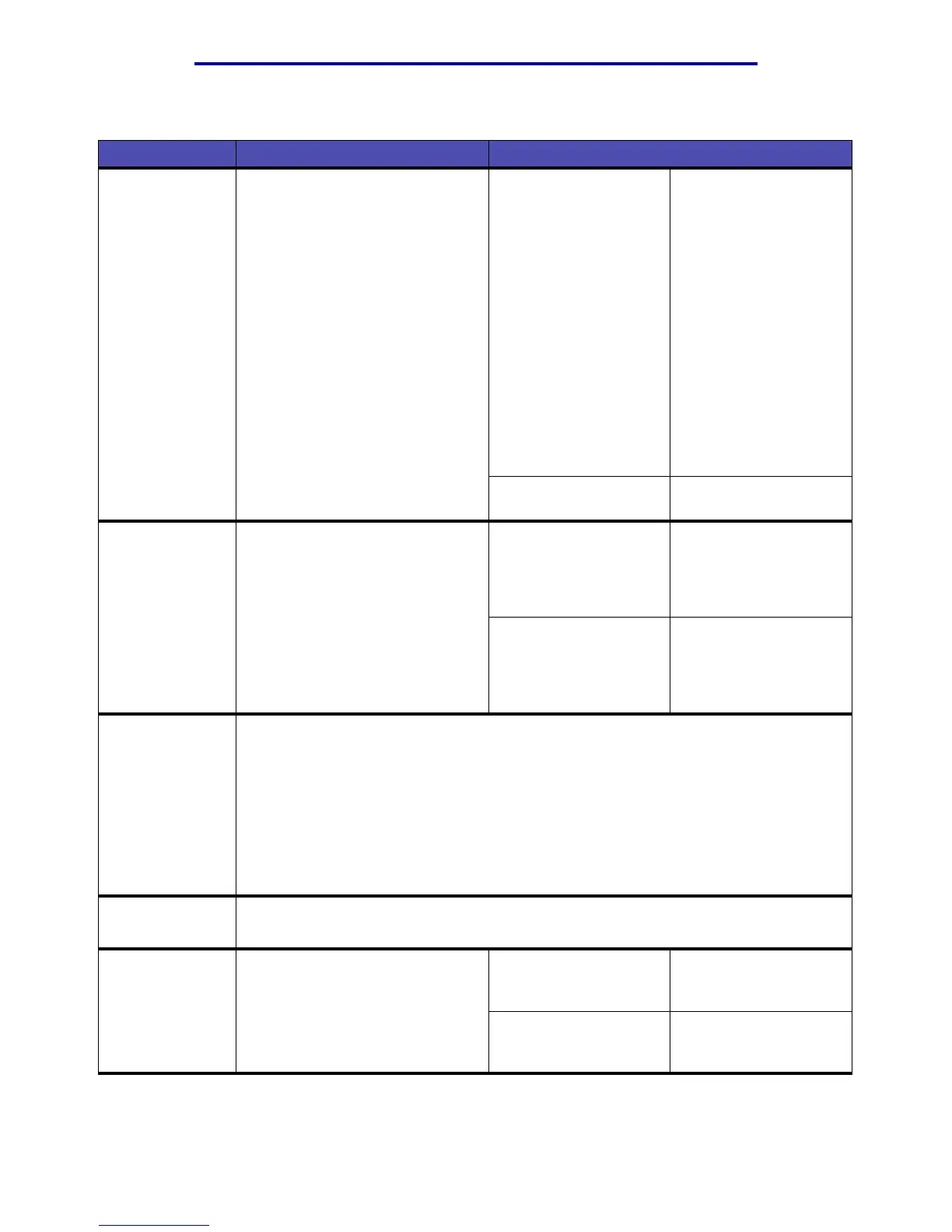
Factory Defaults To return your MFP settings to the
factory default values.
This menu item is also available in
the General Settings menu.
Restore Now • All menu items are
returned to the factory
default values except:
– Display Language.
– All settings in the
Fax Menu, E-mail/
FTP, Network
Menu, and USB
Menu.
• All downloaded
resources (fonts,
macros, and symbol
sets) in MFP memory
(RAM) are deleted.
(Resources residing
in flash memory are
unaffected.)
Do Not Restore* User-defined settings
remain.
Format Flash To format the flash memory.
Warning: Do not turn off the MFP
while the flash is formatting.
Note: This menu item is only
displayed if an optional flash
memory card is installed.
Yes Deletes any data stored
in flash memory and
prepares the flash
memory to receive new
resources.
No Cancels the request to
format the flash memory
and leaves current
resources stored in flash
memory.
Hex Trace To help isolate the source of a print job problem. With Hex Trace selected, all data sent
to the MFP is printed in hexadecimal and character representation. Control codes are
not executed.
To exit Hex Trace:
1 Press Stop.
2 Press the right arrow button to enter the list of menu items.
3 Press the down arrow button until Reset Printer is highlighted, and then press
✓.
Resetting the Printer appears on the control panel.
Print Directory To print a list of all the resources stored in flash memory.
Note: Print Directory is available only when an optional flash memory card is installed.
Print Fonts To print a sample of all the fonts
available for the selected printer
emulation.
PCL Fonts Prints a sample of all
MFP fonts available for
PCL emulation.
PS Fonts Prints a sample of all
MFP fonts available for
PostScript emulation.
Defaults Menu – Print Settings – Utilities Menu(continued)
Menu item Purpose Values and descriptions


 To Next Page