LogTag TRIX-8/TRIX-16 Work Instruction Manual Revision 9.20 Page 11/53
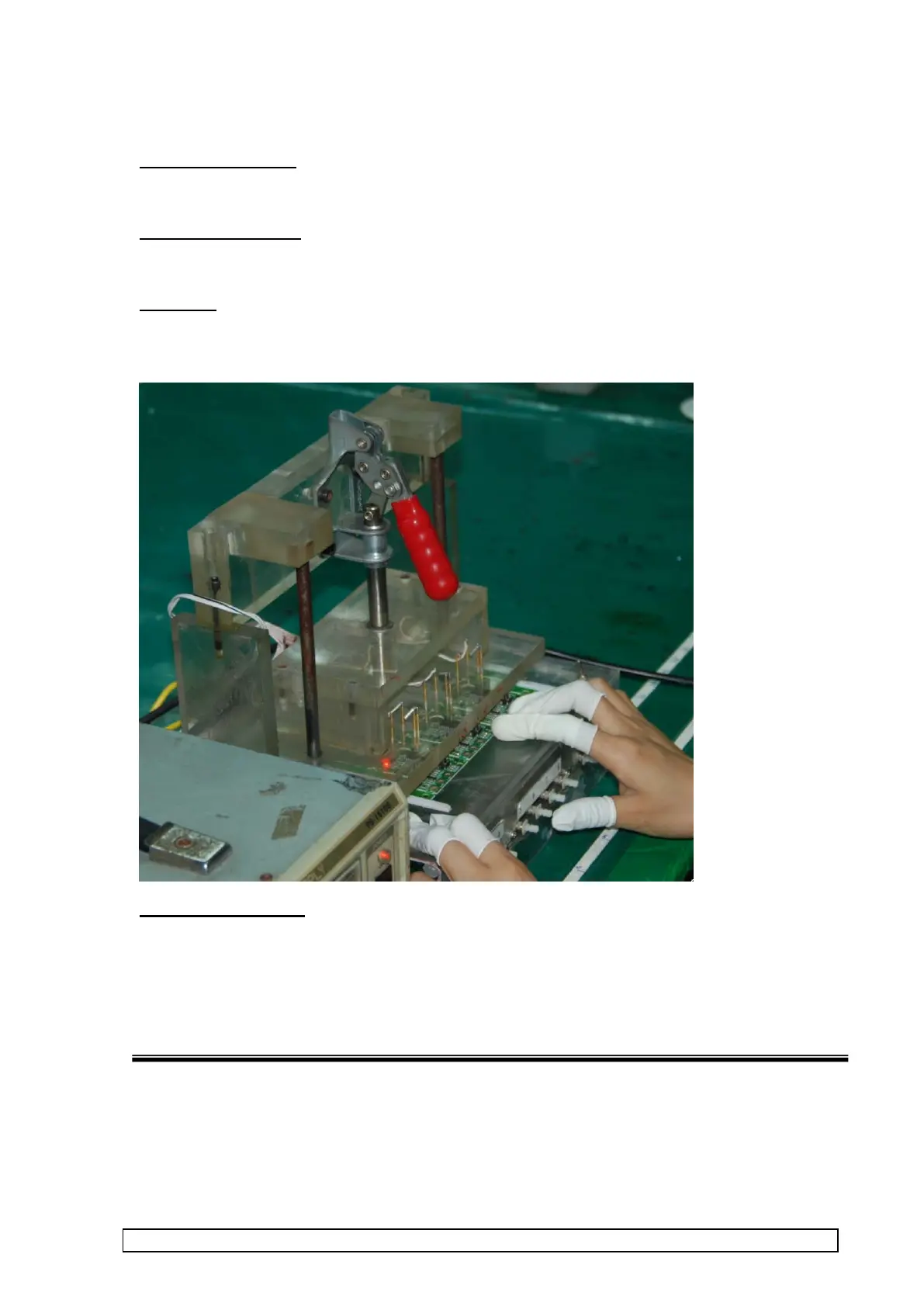
1.3 PCBA boot / LED flashing test
Reason of test stage:
To verify basic PCBA function before test fixture testing and to verify LEDs operation.
Equipment Required :
PCBA power up test tool
Procedure
1. Apply power up test tool to PCBA and observe that LEDs flash alternately for a few seconds.
Both LEDs must be flashing.
CORRECTIVE ACTION
Mark PCBAs that fail for rework and place panel in marked container with this inspection reference.
Undertake correction action to correct soldering problem.



 To Next Page