LogTag TRIX-8/TRIX-16 Work Instruction Manual Revision 9.20 Page 23/53
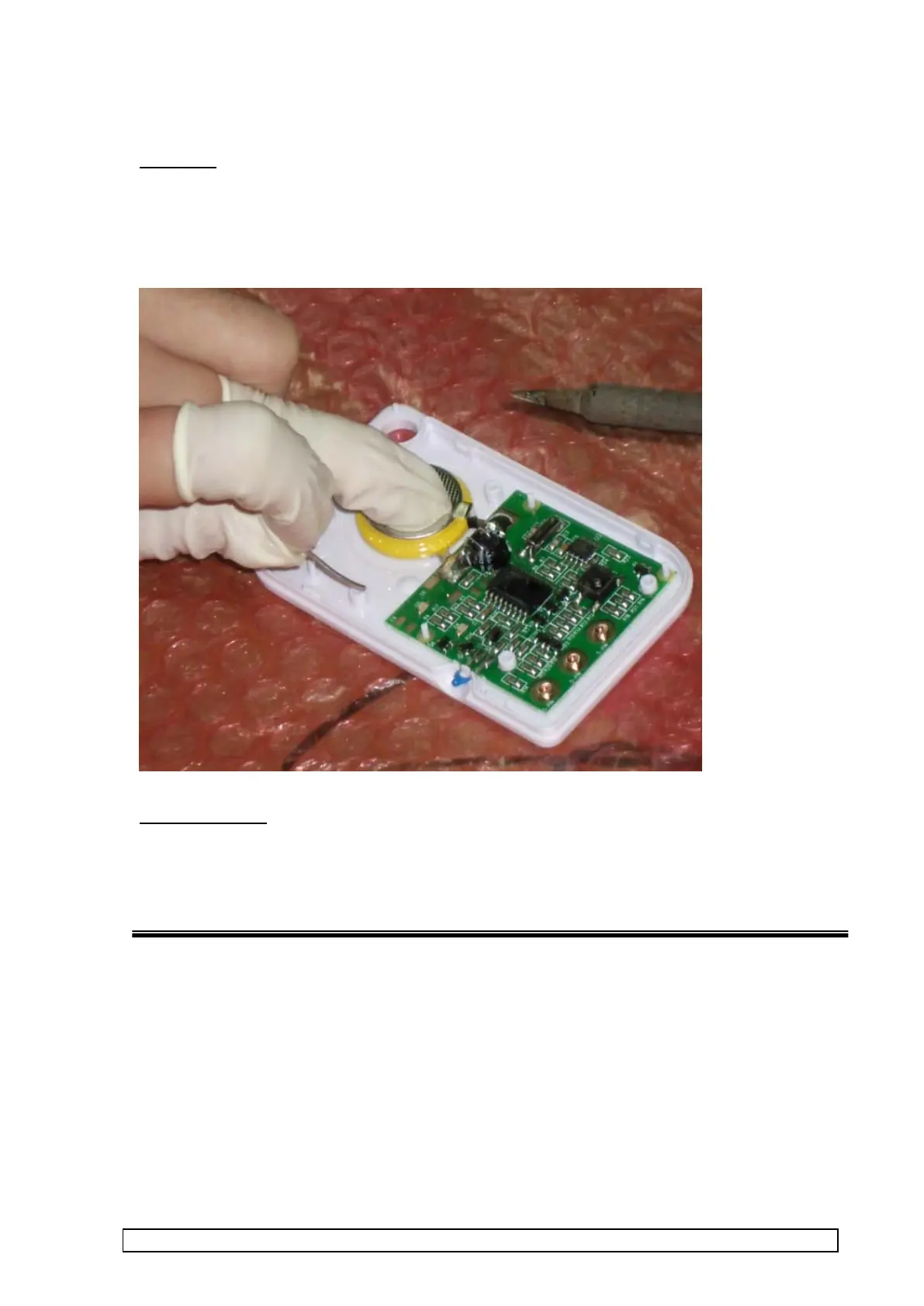
2.2 Solder on battery
Procedure
• Remove backing tape from previously applied foam pad on battery.
• Place battery into case with contacts overlapping PCBA.
• Solder battery contacts to PCBA.
NOTE: DO NOT apply too much solder !
Visual Inspection
Solder joint should be shiny and fully wetted, with no excess solder. Check
polarity



 To Next Page