LogTag TRIX-8/TRIX-16 Work Instruction Manual Revision 9.20 Page 48/53
APPENDIX 5: Production test software
Overview
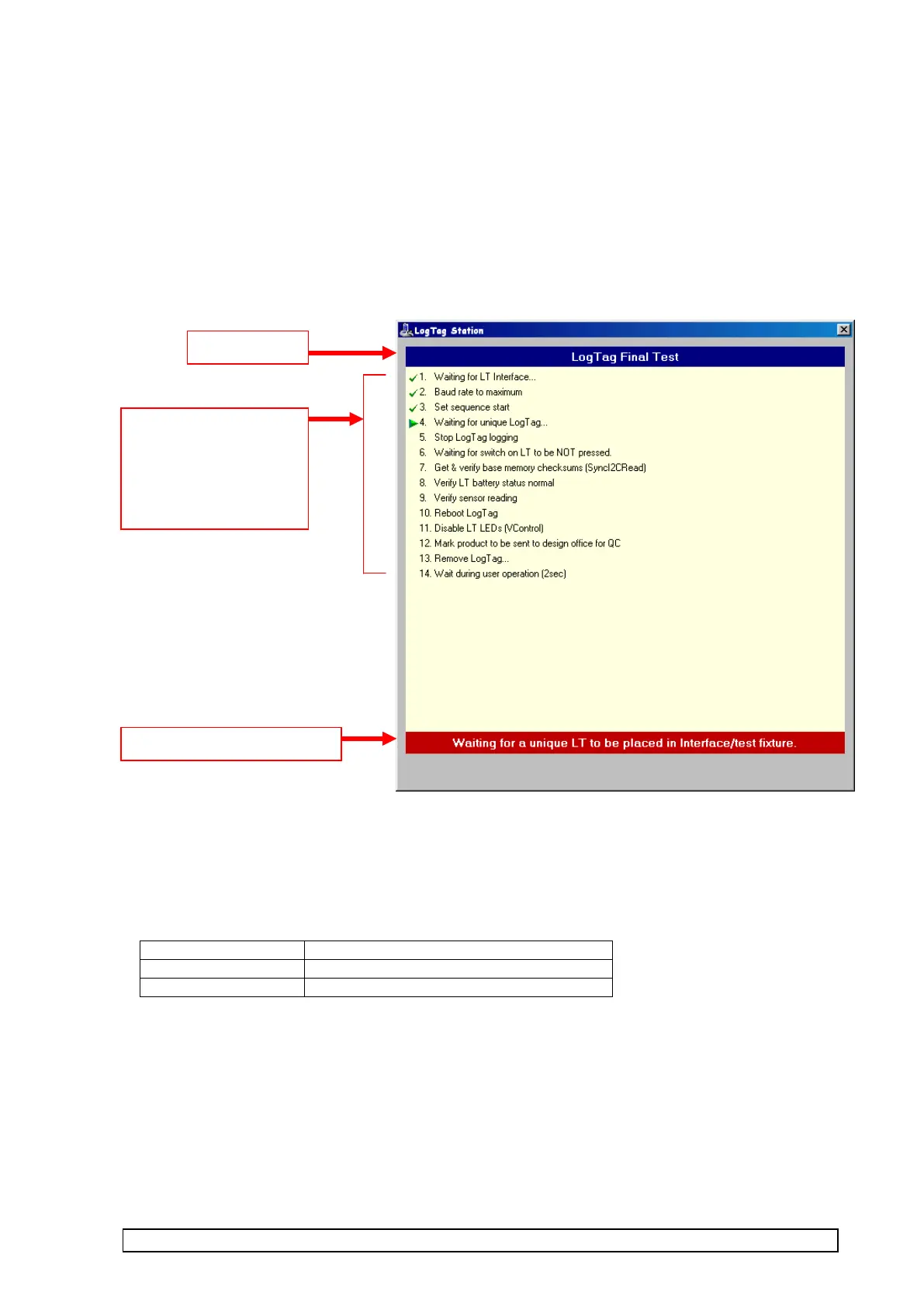
Test software uses an program called “LT station”.
This program provides a standard interface for displaying test procedures, progress, & results.
Some examples of LT station windows is shown below :-
Sounds
Production software activates Windows Sounds for the following conditions:-
The Windows sounds allocations can be found in the Windows Control Panel under Sounds.
Normally, if no sound card is installed then sound is beep through PC speaker
If no speakers, no sound !
List of test steps.
Green tick means test
passed, red cross
means test failed.



 To Next Page