LogTag TRIX-8/TRIX-16 Work Instruction Manual Revision 9.20 Page 49/53
Testing failure
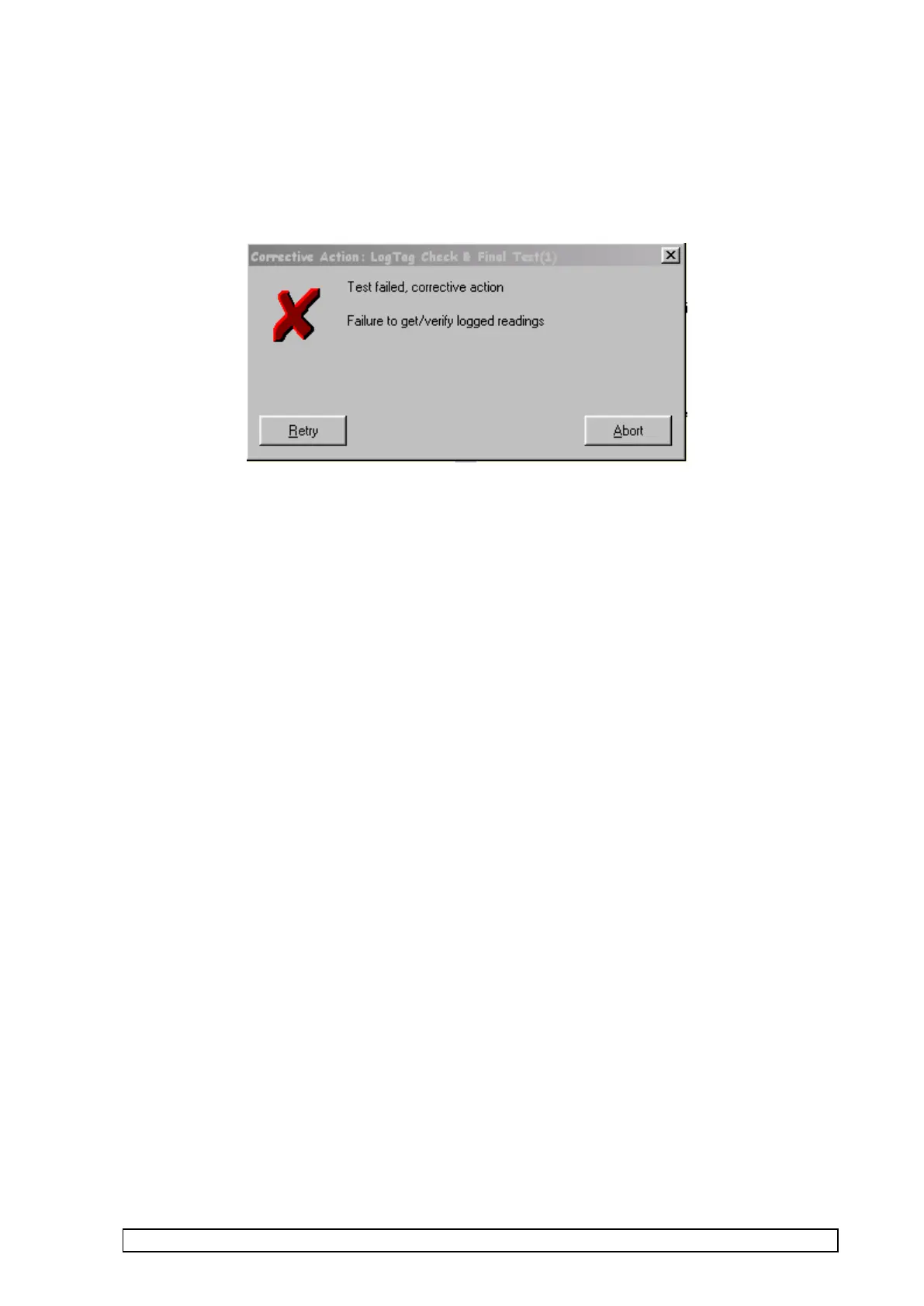
If an error occurs during one of the tests a “corrective action window” will appear providing the options of
Retry or Abort.
An example is shown below:-
Select:-
• RETRY – to Retry the failed TEST
• ABORT – to abort all further tests and restart all tests from beginning – remove product/PCBA from test
before clicking this option.
Installation
It is very important that the software is installed with the user logged on as “administrator” to ensure that the
software has write access to all the "LogTag Station" folders and all those under it, otherwise it will not run
properly. The logged on user must also have the same write access permissions to these folders.



 To Next Page