LogTag TRIX-8/TRIX-16 Work Instruction Manual Revision 9.20 Page 14/53
Setup for TRIX-8 PCBA testing
• Turn on PC, plug fixture controller into serial ports COM1 (&COM2 if second controller also used)
• Test Fixture(s) powered from 9V DC power supply
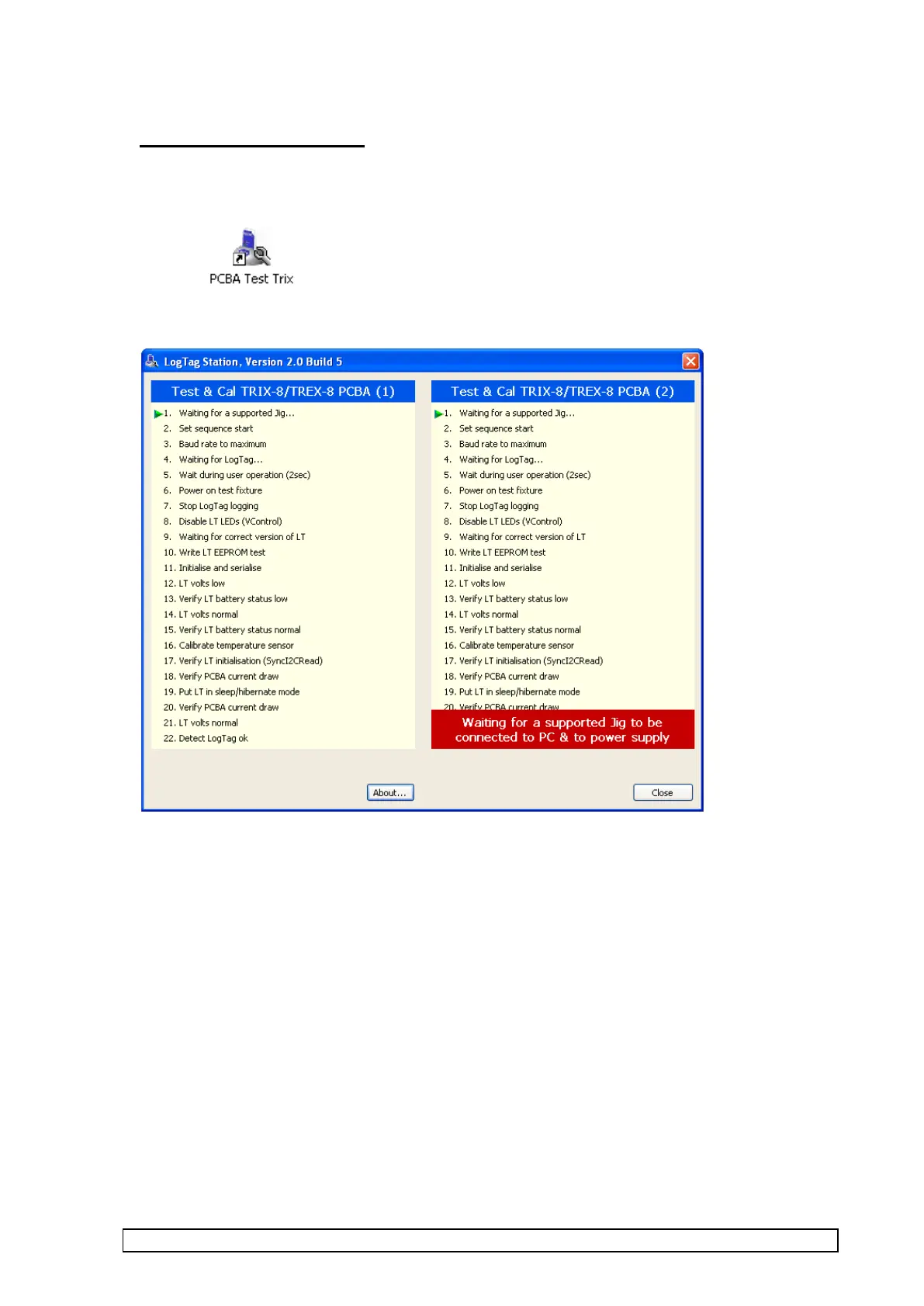
• Start up “Test & Cal TRIX-8/TREX-8 PCBA” software by double clicking the “PCBA Test Trix ”
icon :
Software opens with the following screen:-



 To Next Page