LogTag TRIX-8/TRIX-16 Work Instruction Manual Revision 9.20 Page 27/53
2.6 Perform ‘ LogTag Test and Setup’
Reason for test stage:
To verify assembled LogTag product function and setup and recording for temperature cycle test.
Equipment required:-
• PC installed with Windows XP and the Test and Setup (USB) software package using Installation
version 2.0 build 5 or later
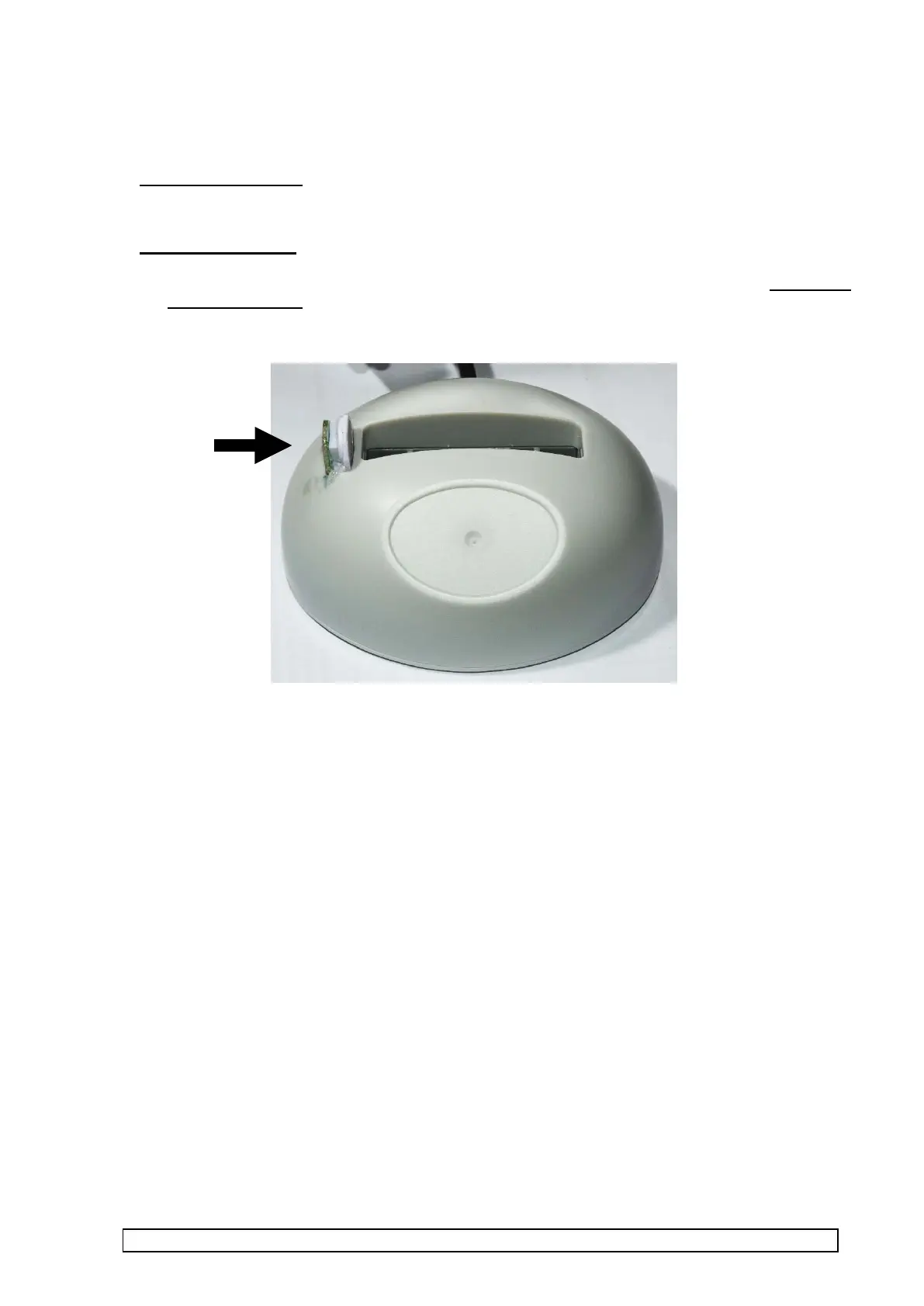
• USB interface with integrated temperature sensor.
• USB interface(s) plugged into PC’s USB port.



 To Next Page