LogTag TRIX-8/TRIX-16 Work Instruction Manual Revision 9.20 Page 13/53
1.5 Test & calibrate LogTag TRIX PCBA (test fixture)
The TRIX PCBA tests use the LogTag production test software.
There are two versions of the TRIX PCBA; TRIX-8 & TRIX-16 :-
• TRIX-8 PCBAs are tested with “Test & Cal TRIX-8/TREX-8 PCBA"
The test icon is :
• TRIX-16 PCBAs are tested with "Test & Cal TRIX-16/TREX-16 PCBA"
The test icon is :
The software runs on a PC under Windows XP.
Production software Installation version 2.0 build 5 or later is required.
Reason for test stage:
To test & verify complete PCBA function and calibrate the temperature sensor circuit.
Equipment required:-
• PC installed with Windows XP and the required production software package
• PC’s date/time MUST be correct
• PC must have at least RS232 communications port 1 (COM1) available.
A second test fixture controller can also be run on COM2.
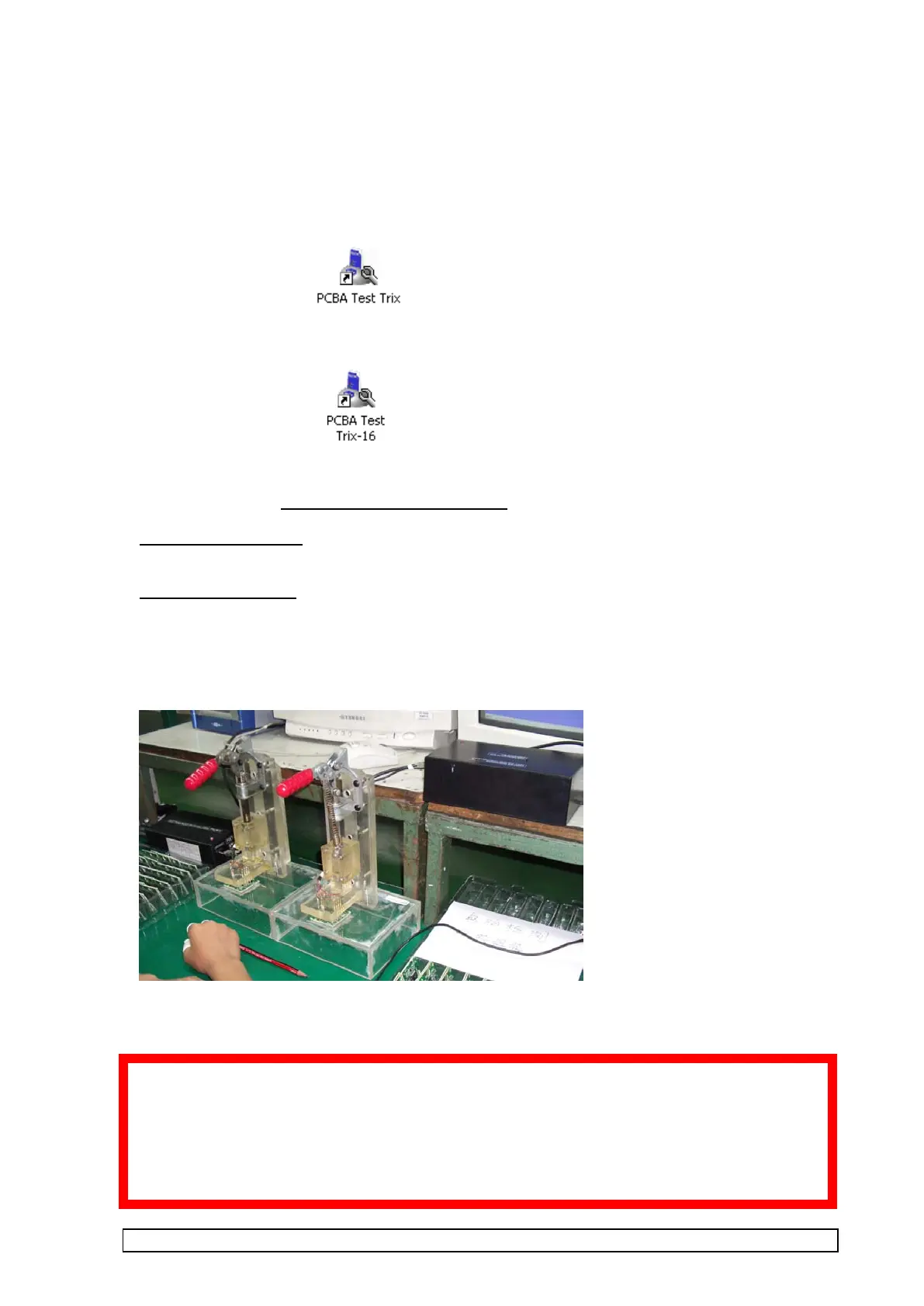
• Test fixture plugged into controller(s).
• At least one Test fixture control unit plugged into RS232 COM1.
• Power supply plugged into & powering test fixture control unit.
If the test fixture is being transferred from another computer during a production run the serial
number file will need to be transferred also to preserve the serial number sequence of LogTags in
the production run.
See Appendix 5 : Serial Number File Maintenance



 To Next Page