LogTag TRIX-8/TRIX-16 Work Instruction Manual Revision 9.20 Page 29/53
Procedure:
1. Store units to be testing in rack arrangement in same area as testing interfaces.
Each unit must be kept in the area with the testing interface for a period of at least 10minutes before being
tested to ensure it is at similar temperature to the interface.
Arrange unit stacking on production line area to allow for this.
Insert LogTag to be Tested & setup into an interface and observe that tests run without error.
NOTES:
1. During this test, the temperature sensor reading is checked and is compared to the temperature sensor
installed in the interface. If the unit or the interface has been over-handled or the temperatures have not
been allows to stabilise then the Verify temperature sensor reading part of the test will fail. Instruct
operators to not over handle product during test or the interface.
2. Use the Close button to exit program. DO NOT reset or switch off computer while it is running any test!
Failures & Corrective action.
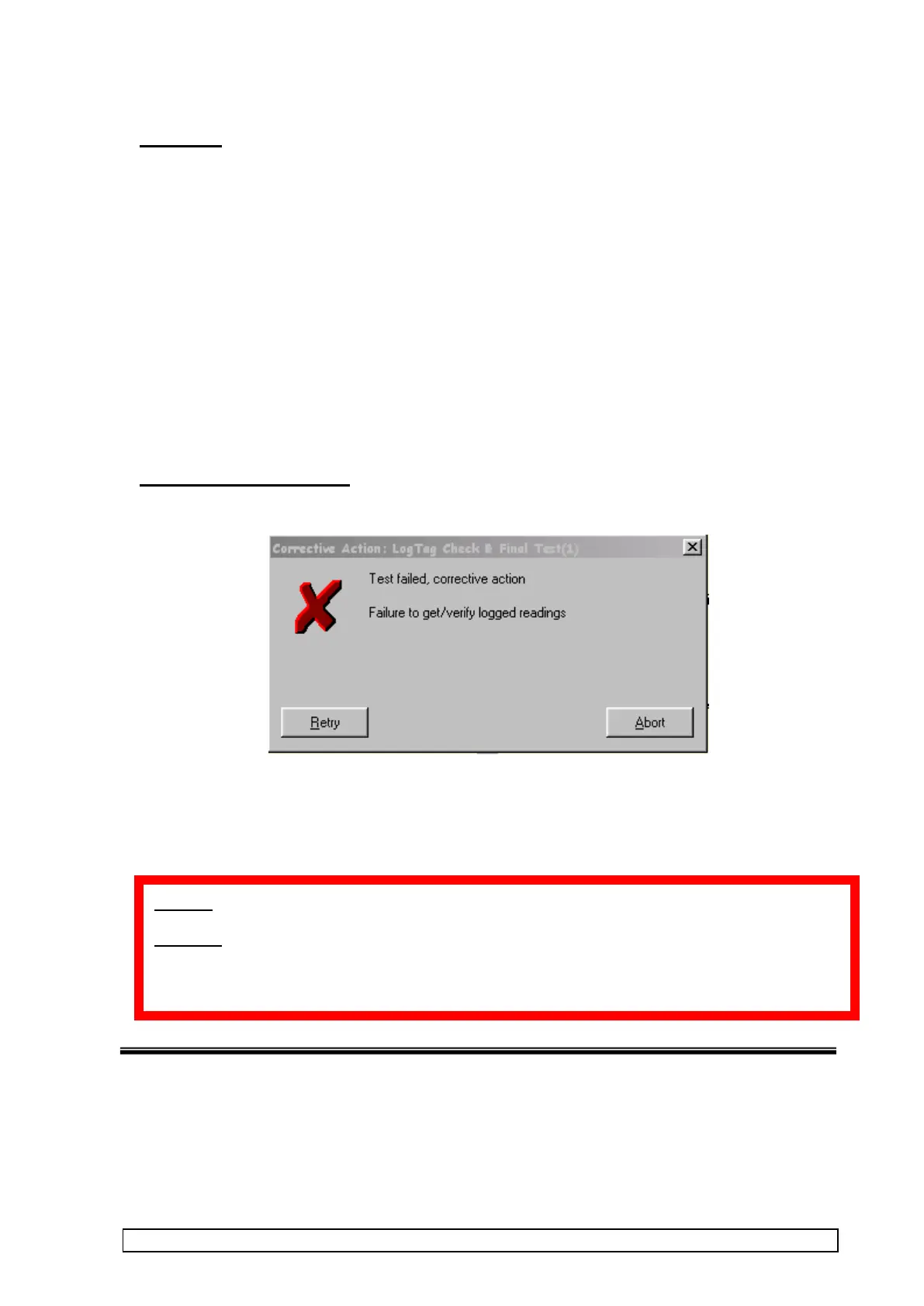
If a test fails then a display similar to below will open describing failure.
Options are to Retry or Abort the test.
If the product will not pass the test – remove it from the interface and click ABORT.
Place in separate marked container for service check. Rejected products must be clearly identified and
kept apart from accepted products
ALWAYS use the Close button to exit program
DO NOT reset or switch off computer while it is running any test otherwise production log files may
become corrupted !!



 To Next Page