43
User Manual
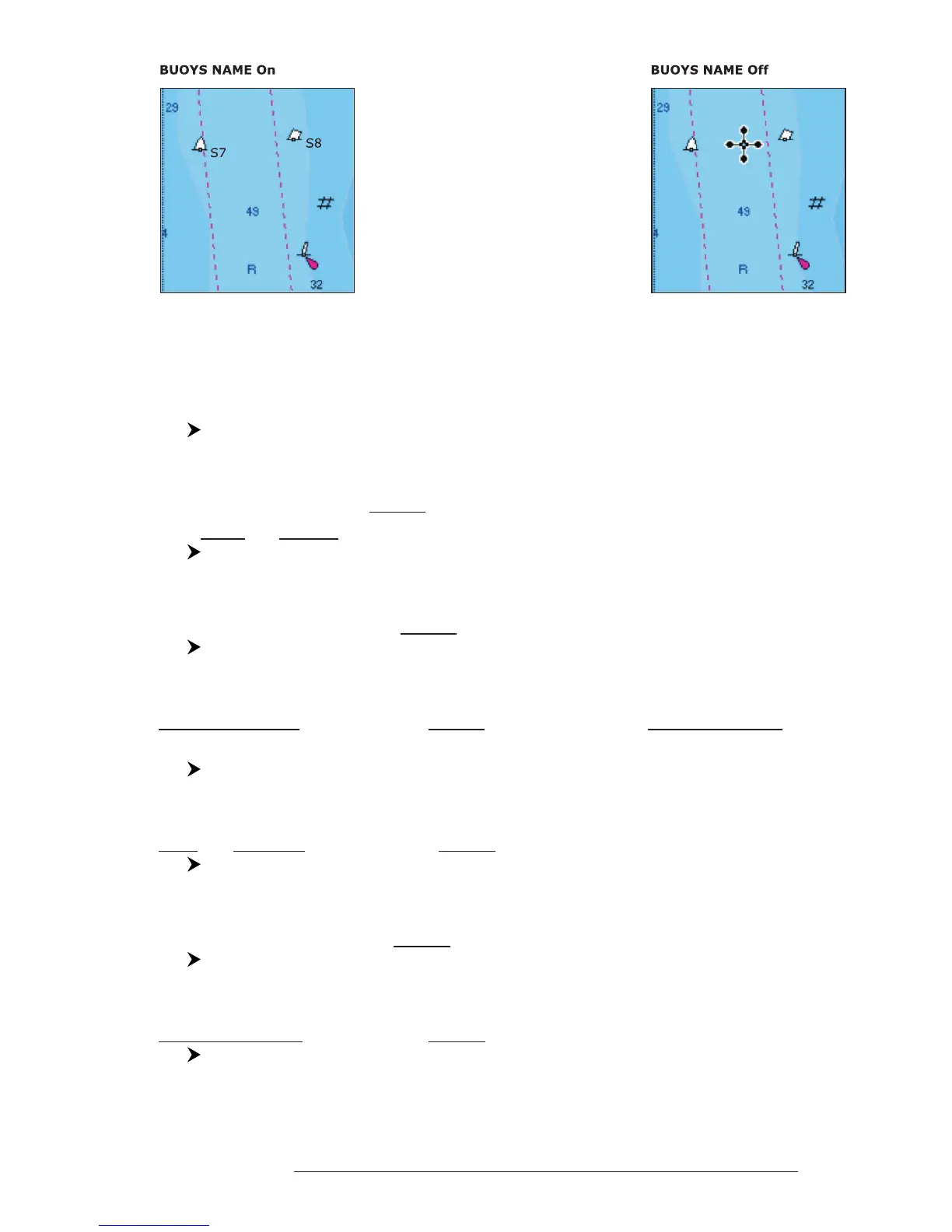
Fig. 3.5.1.10 - Buoy Name
On the left side of the previous figure the two buoys have their name shown on the
right side. On the right side of the previous figure, the two buoys do not show the
name.
'MENU' + "MAP SETTINGS" +'ENTER' + "Other Map Configurations" + 'ENTER'
+ "Buoys ID" + 'ENTER'
Nav-Aids: On/Off. The default setting is On. When selected it affects Lights, Sig-
nals, Buoys & Beacons display.
'MENU' + "MAP SETTINGS" +'ENTER' + "Other Map Configurations" + 'ENTER'
+ "Nav-Aids" + 'ENTER'
Light Sectors: On/Off. The default setting is On.
'MENU' + "MAP SETTINGS" +'ENTER' + "Other Map Configurations" + 'ENTER'
+"Light Sectors" + 'ENTER'
Attention Areas: On/Off. The default setting is On. The Attention Areas will al-
ways be contour only when On.
'MENU' + "MAP SETTINGS" +'ENTER' + "Other Map Configurations" + 'ENTER'
+ "Attention Areas" + 'ENTER'
Tides & Currents: On/Off. The default setting is On.
'MENU' + "MAP SETTINGS" +'ENTER' + "Other Map Configurations" + 'ENTER'
+ "Tides & Currents" + 'ENTER'
Seabed Type: On/Off. The default setting is On.
'MENU' + "MAP SETTINGS" +'ENTER' + "Other Map Configurations" + 'ENTER'
+"Seabed Type" + 'ENTER'
Ports & Services: On/Off. The default setting is On.
'MENU' + "MAP SETTINGS" +'ENTER' + "Other Map Configurations" + 'ENTER'
+"Ports & Services" + 'ENTER'



 To Next Page