Connection Instructions 39
Selecta
PBL200051, Rev J
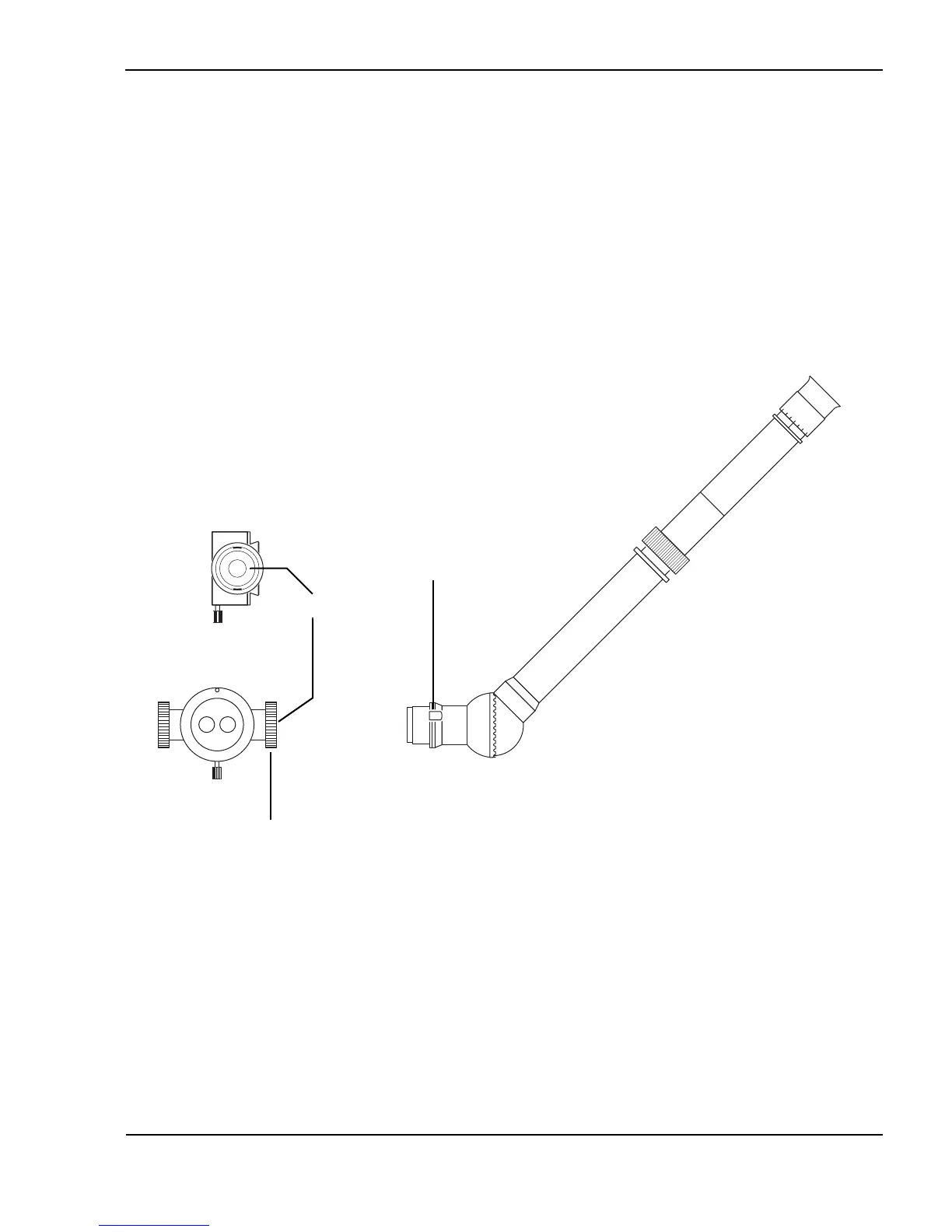
Attach a compatible viewing device to the beam splitter
(co-observation tube shown)
1 Verify that the beam splitter is properly installed, as instructed earlier in this
section.
2 Guide the centering groove on the co-observation tube into the beam splitter
side port.
3 Rotate the beam splitter attachment ring clockwise to secure the connection.
Attach the compatible viewing device to the beam splitter (co-observation tube shown)
Front view
Centering groove
Attachment ring
Side view
Beam splitter
port



 To Next Page