.
After processing, the re-analysed records are displayed in place of the
original records.
Finding a record
If information on the spray was entered into the SOP wizard Labels dialogue,
use Edit-find to locate a measurement record(s) subsequently based on this.
$
To find a record:
.
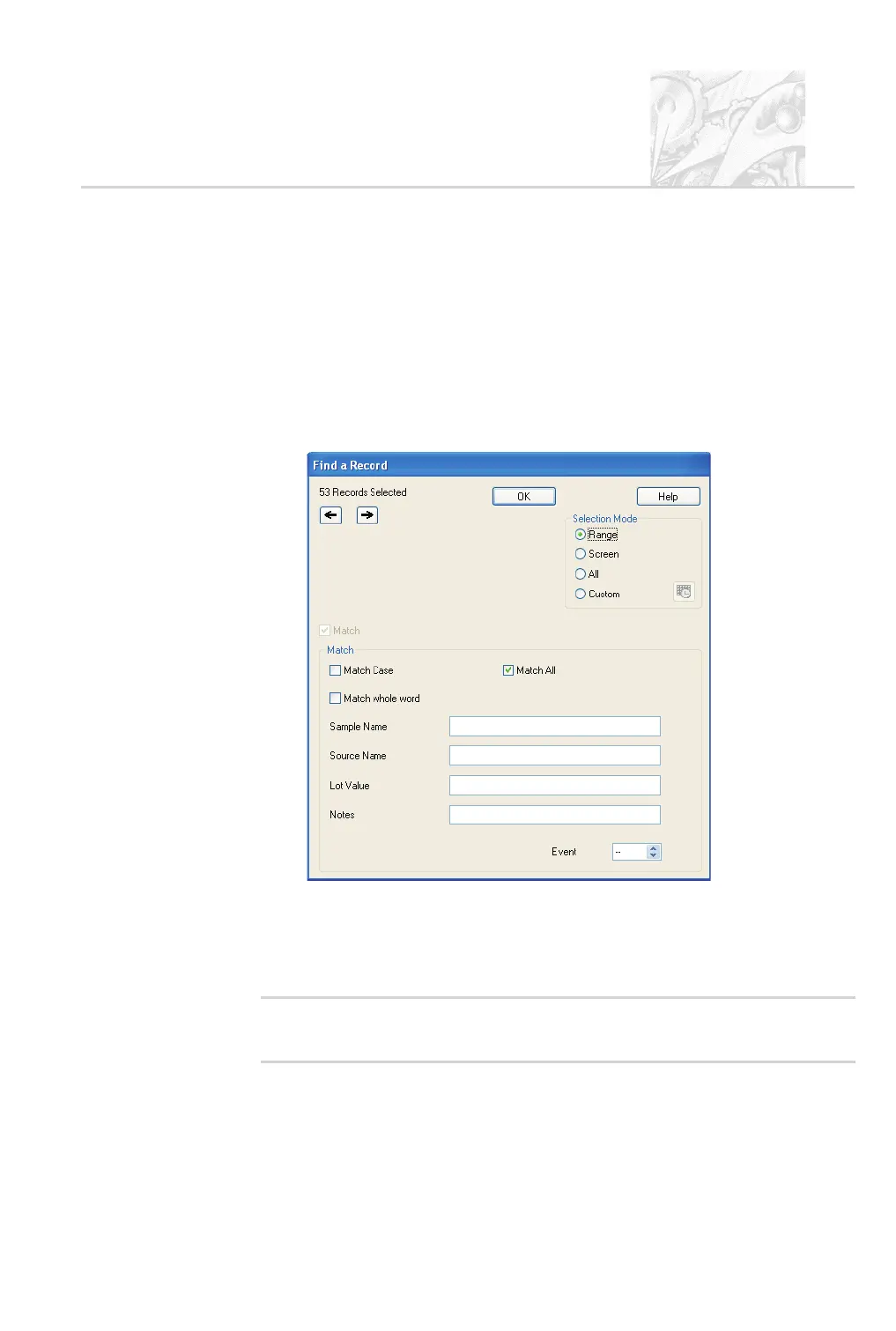
Choose Edit-Find. The Find a Record dialogue is displayed:
.
Based on spray information that has previously been entered, enter the
search criteria into the text entry boxes in the Match area.
.
Use the Selection Mode options if possible to narrow down the set of re
-
cords to search in.
'
Note
.
If using the Range option, select the required records in the Size
History before opening the Select Range of Records to... dialogue.
CHAPTER 6
Spraytec Page 6.7



 To Next Page