.
Clicking the and buttons moves the Size History selector bar
through the set of records selected for searching.
Deleting records
Records can be deleted from a Size History plot. This is useful if the plot contains
more records then is required. Deleting unwanted records also reduces the size of
the .smea file.
'
Note
.
A user must have Delete Size History records permission to perform
this procedure. Deleted information cannot be retrieved, except in 21
CFR Part 11 mode where a backup is kept.
$
To delete records:
.
Optionally, select the records to delete with the mouse.
.
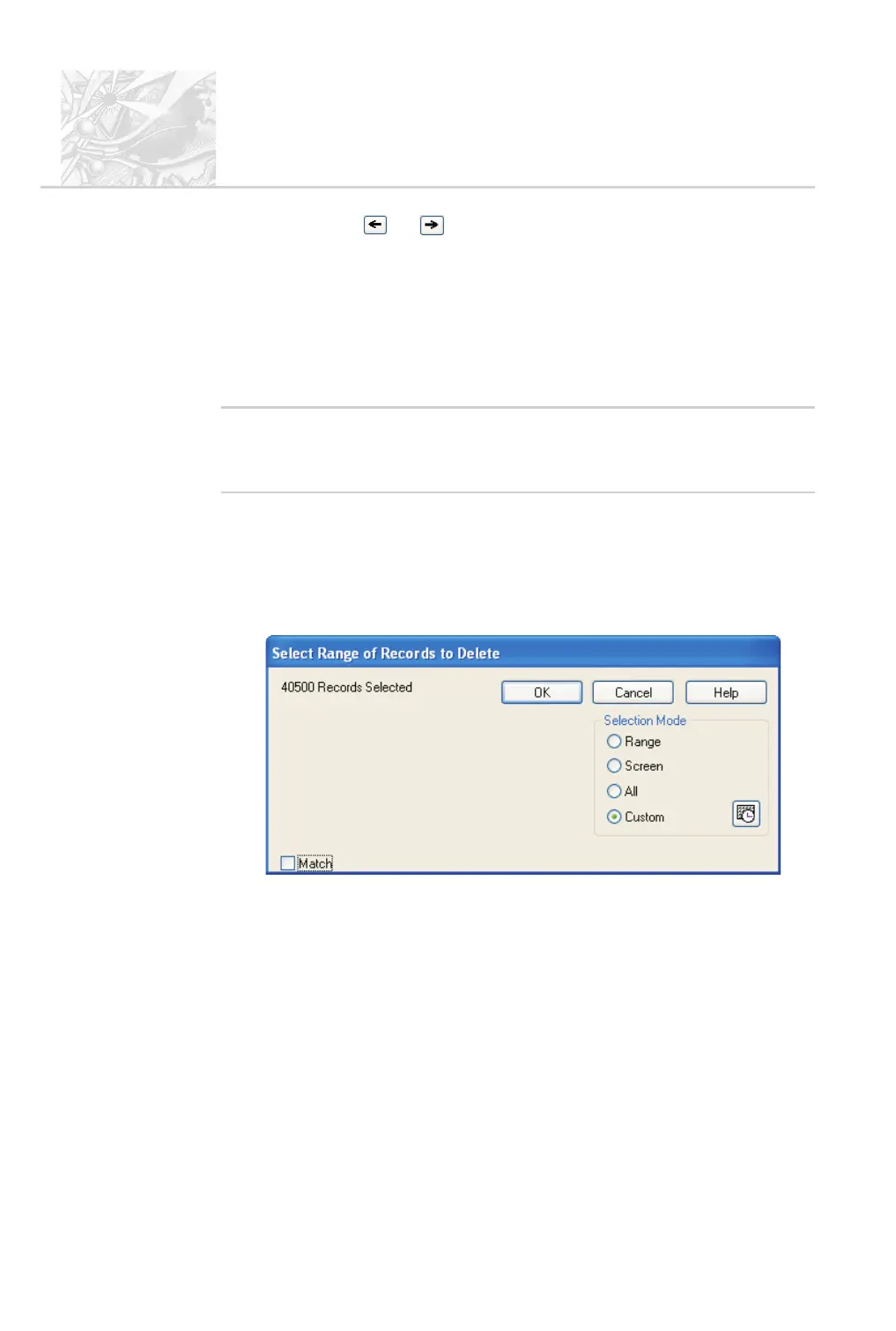
Choose Edit-Delete Records from the menu to display the Select
Range of Records to Delete dialogue:
.
Select the records required in the normal way described above then click
OK.
.
The message “Are you sure you want to delete the records?” appears.
Click OK to delete the records, otherwise click Cancel.
CHAPTER 6
Spraytec
Page 6.8 MAN 0368



 To Next Page