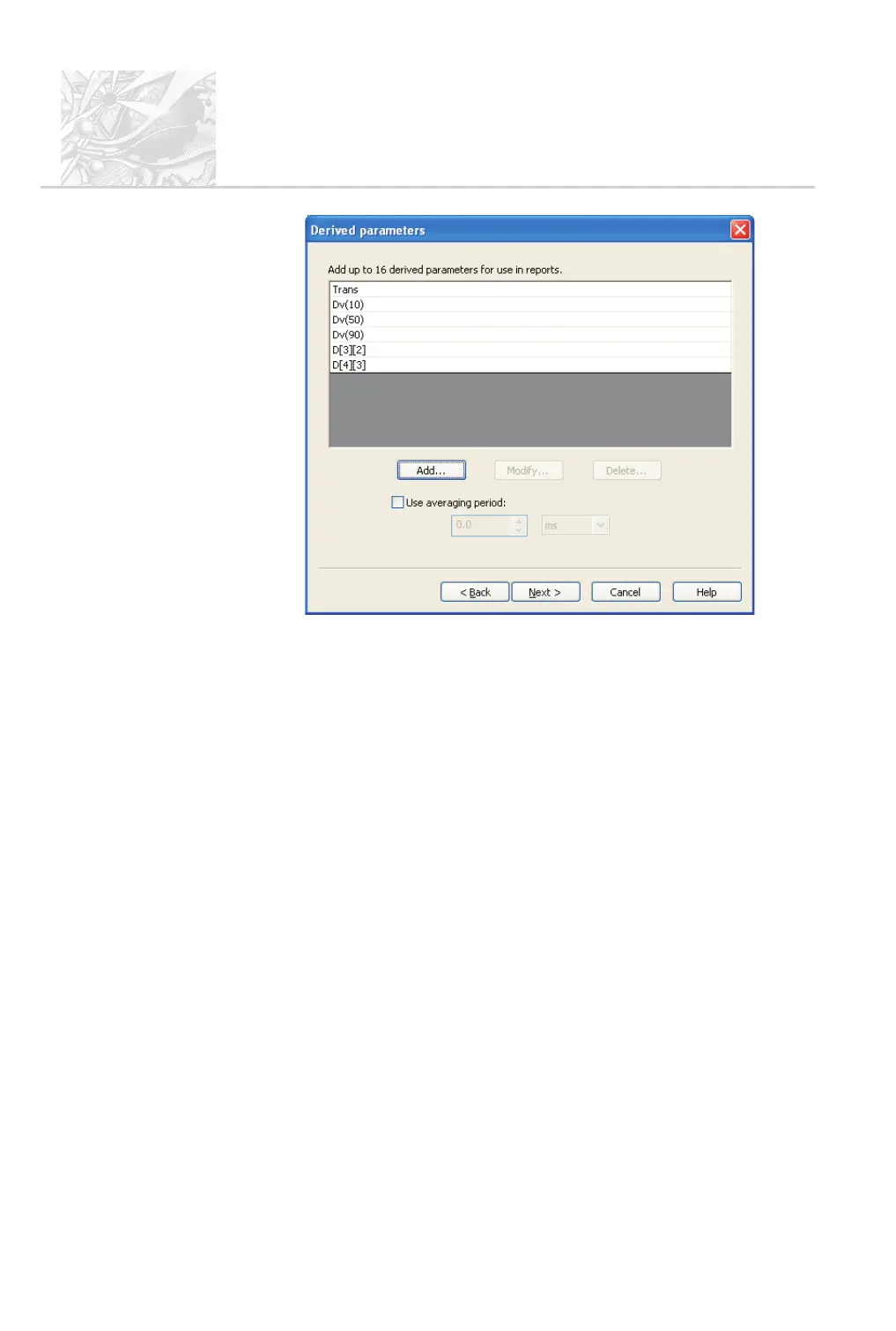
.
The list above shows the recommended parameters for a continuous mea-
surement.
.
This is the final dialogue. When all parameters are set up, click Next to dis-
play the Wizard Complete dialogue. Click Finish.
.
When prompted to save the new SOP, give it a name which will make it
easy for operators to identify what to use it for.
.
The SOP can now be run as described later in this chapter.
CHAPTER 5
Spraytec
Page 5.12 MAN 0368



 To Next Page