.
After displaying the electrical background, the optical background is shown.
This is shown as a percentage value. Typically on a clean instrument the
value should be between 70% and 95%, accompanied by a background of
less than 50 for a dry measurement, or 100 for a wet measurement.
If the laser intensity is low (around 60%) and the background level is over
200 the instrument optics need cleaning. If the optics have been cleaned to
give an acceptable background, but the laser intensity is still low (60% or
below) the laser may be failing; contact Malvern Instruments.
.
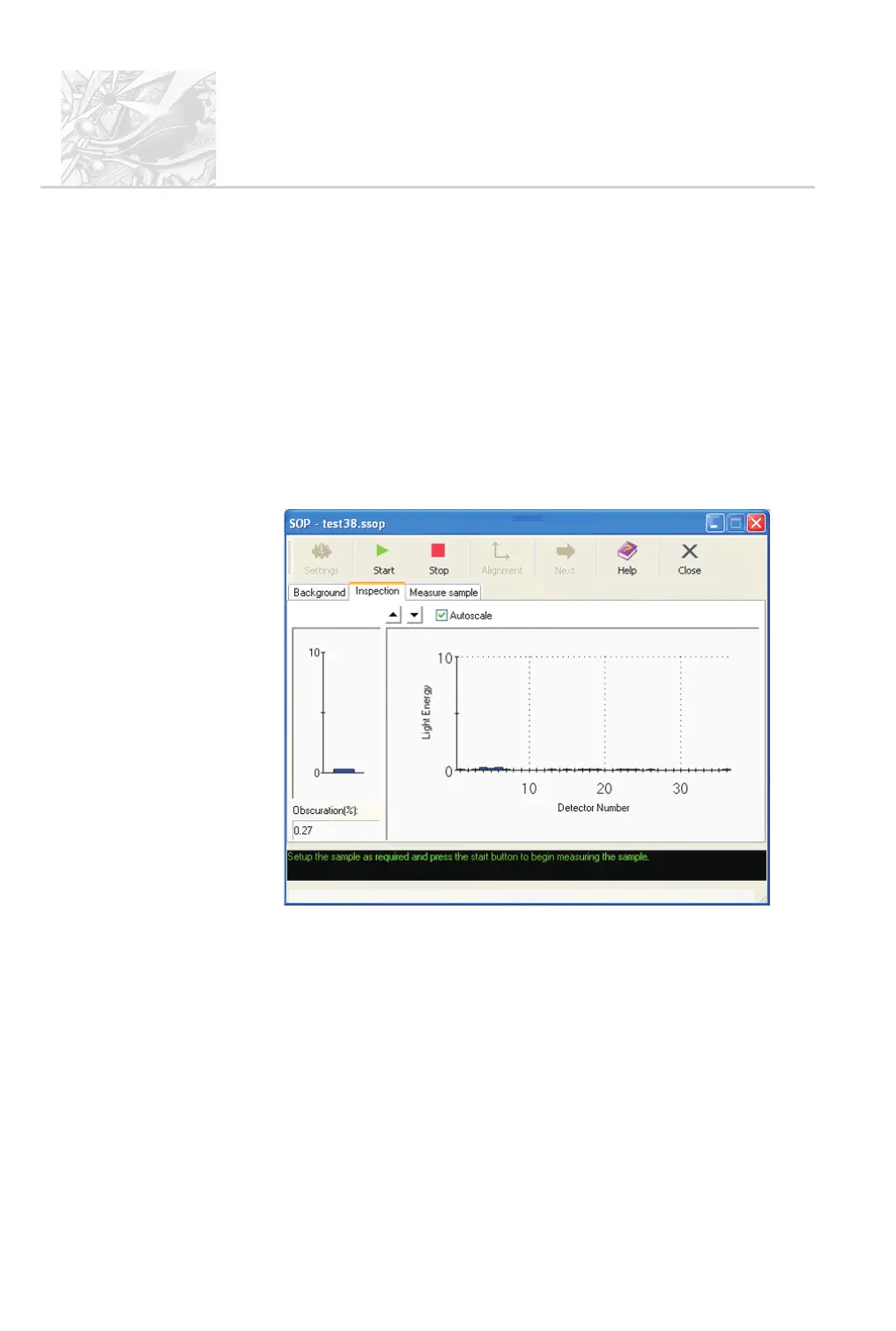
If an Inspection Stage was specified by the SOP, the Inspection tab
shown below appears. Spray some of the material into the measurement
zone and observe the obscuration and light energy histogram the dialogue
shows. These should be enough to confirm whether the instrument
settings and any accessories are set up correctly:
.
If there is anything obviously wrong, it’s possible to change the setup here.
Otherwise, click the Start button to begin the measurement. Follow any
instructions given.
.
Now the checks have been performed, the Measure sample tab appears as
the third tab in the dialogue and the Start button becomes available. (The
first two tabs in the window remain available for repeating background or
alignment checking if the user requires).
CHAPTER 5
Spraytec
Page 5.32 MAN 0368



 To Next Page