Configuring the Software Installing & Configuring PhotoPRINT Server
13-2 Sprinter User's Manual
Configuring the Software
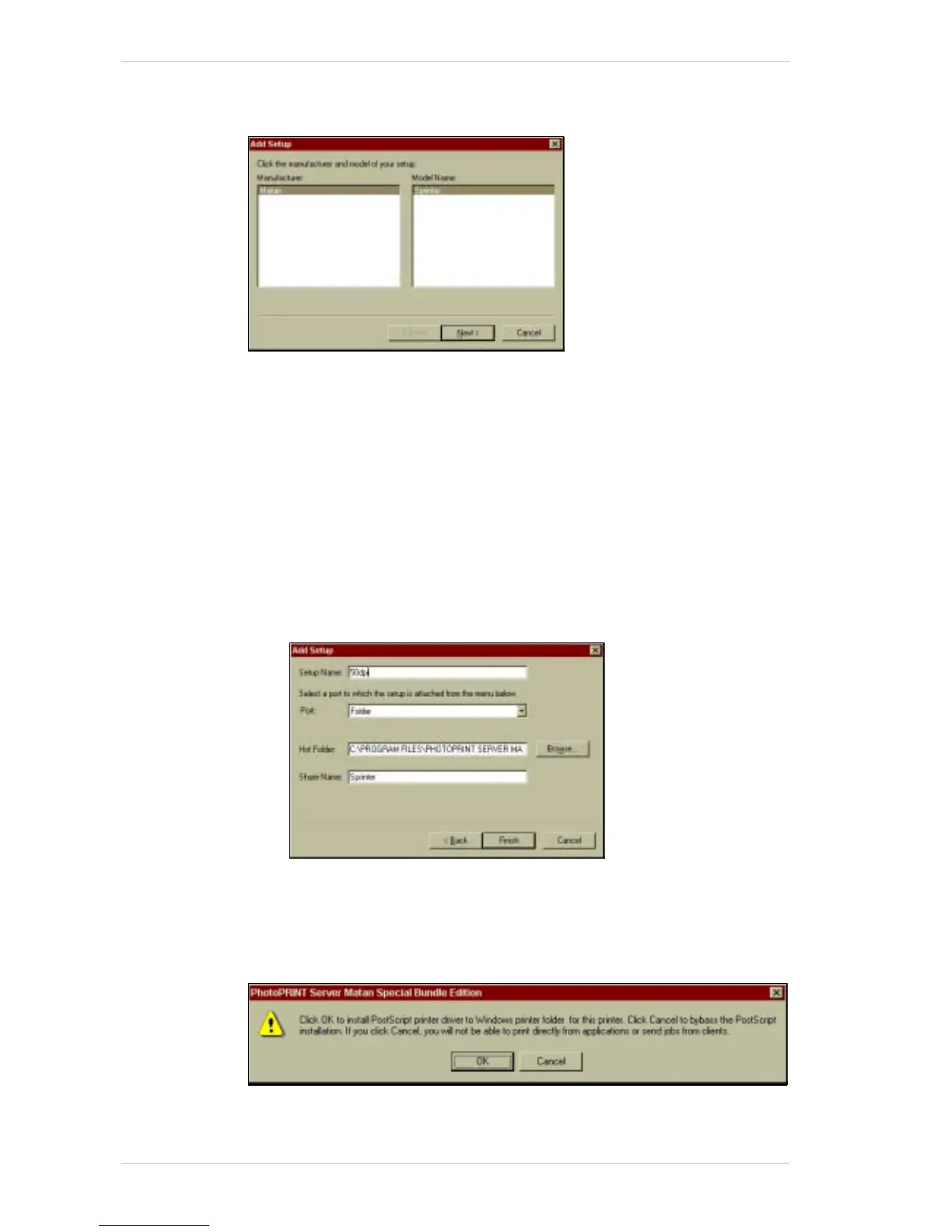
Figure 13-1: The PhotoPRINT Add Setup Window
First-time Setup
! To carry out a First-time Setup:
1. On the S
TART menu, click PROGRAMS and then PhotoPRINT Server.
–or–
On your D
ESKTOP, double-click the PPS icon.
The PhotoPRINT A
DD SETUP window appears. (Figure 13-1).
2. Click N
EXT.
The A
DD SETUP dialog box appears (Figure 13-2).
Figure 13-2: The Add Setup Dialog Box
3. In the SETUP NAME text box, type 50DPI.
4. Click F
INISH.
The following screen appears:
5. Click C
ANCEL, unless you wish to install postscript printer drivers for
your printer. In which case, click OK and install them in the usual
manner.



 To Next Page