Installing & Configuring PhotoPRINT Server Configuring the Software
Sprinter User's Manual 13-3
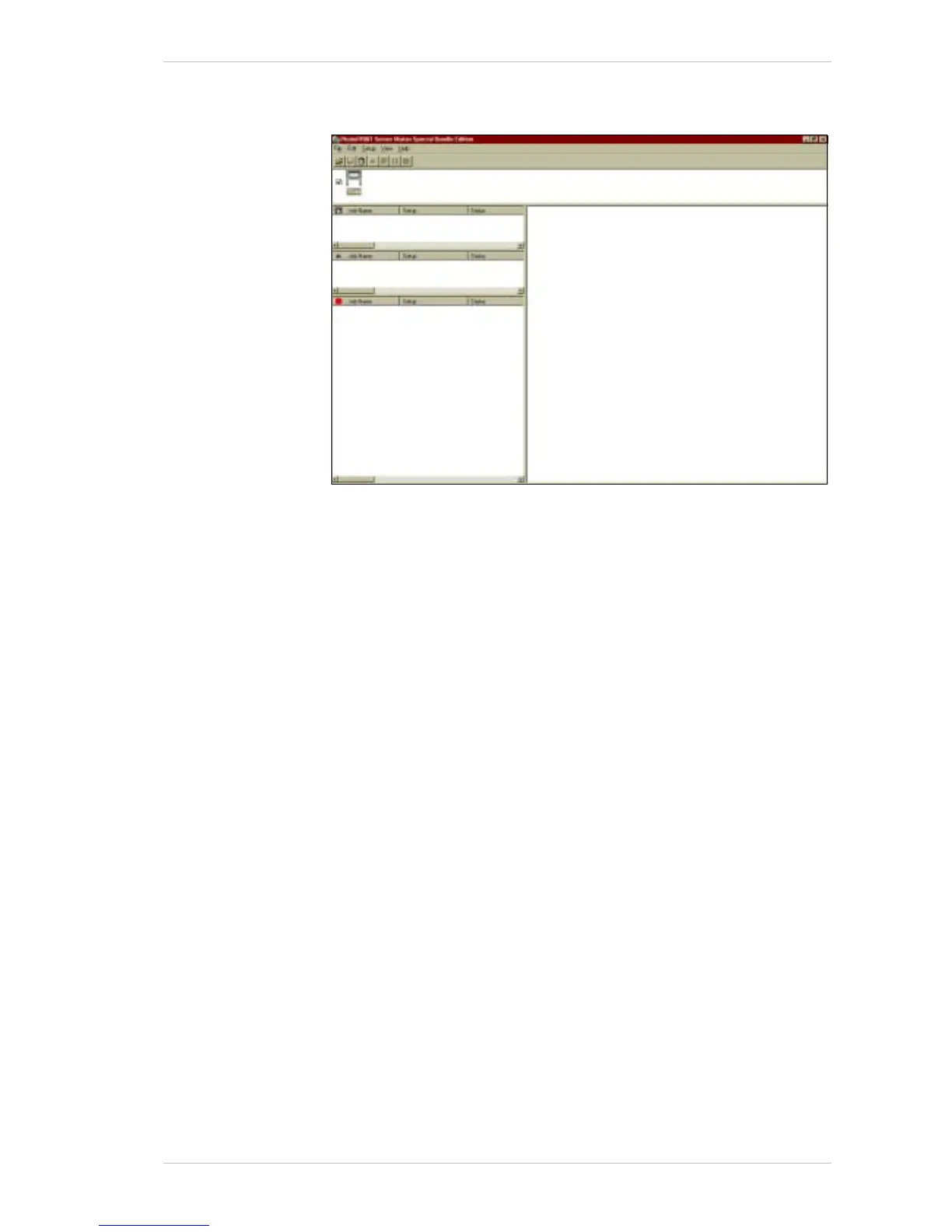
The PhotoPRINT Server Matan Special Edition main screen appears,
showing that the 50DPI setup is installed.
Figure 13-3: The PhotoPRINT Server Matan Special Edition Main Screen
You now have to configure the 50DPI Setup.



 To Next Page