Configuring the Software Installing & Configuring PhotoPRINT Server
13-4 Sprinter User's Manual
Configuring the 50dpi Setup
! To configure the 50dpi Setup:
1. From the main screen, double-click the 50dpi icon.
The S
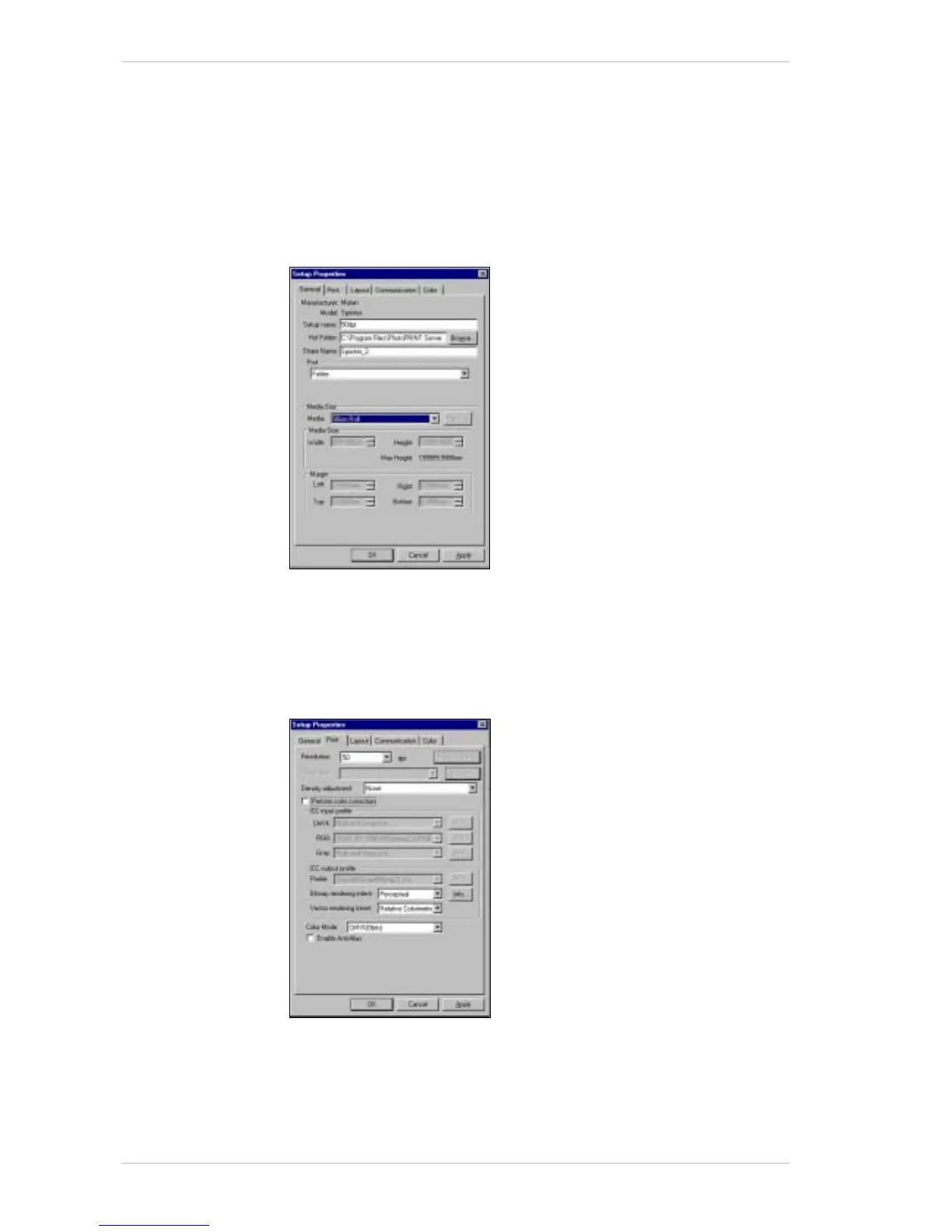
ETUP PROPERTIES window appears, with the General tab open
(Figure 13-4).
50dpi already appears in the S
ETUP NAME text box.
Figure 13-4: Setup Properties Window – General Tab
2. In the MEDIA SIZE drop-down combo box, select your roll width, or, as
we recommend, select 90cm Roll.
3. Click the P
RINT tab.
The P
RINT tab appears (Figure 13-5).
Figure 13-5: Setup Properties Window – Print Tab
4. From the RESOLUTION drop-down combo box, select 50dpi.
5. From the D
ENSITY ADJUSTMENT drop-down combo box, select None,
unless you wish to create your own density profile.



 To Next Page