Installing & Configuring PhotoPRINT Server Configuring the Software
Sprinter User's Manual 13-5
If required, check the PERFORM COLOR CORRECTION option.
See the section on “Using Color Management and ICC Profiles,” page
13-14.
6. From the C
OLOR MODE drop-down combo box, select CMYK (8bits).
7. Check the E
NABLE ANTI-ALIAS option.
8. Click the L
AYOUT tab.
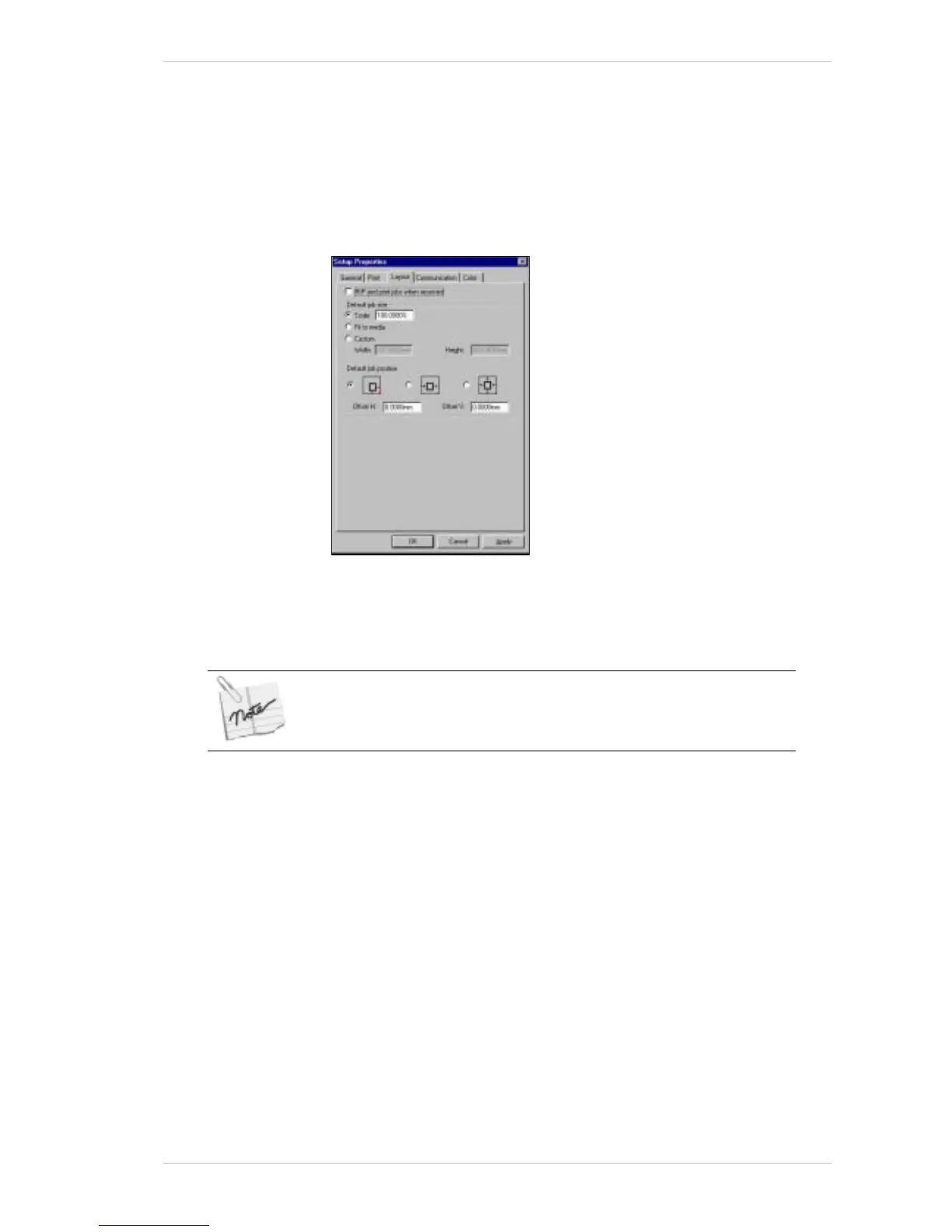
The L
AYOUT tab appears (Figure 13-6).
Figure 13-6: Setup Properties Window – Layout Tab
If you don’t want to adjust the print settings of the imported files in a
session, check the RIP
AND PRINT JOBS WHEN RECEIVED option.
You can only apply this ‘RIP and print’ option to all the files in a particular
print session.
9. In the D
EFAULT JOB SIZE group box, check the SCALE option and set it at
100%.
10. Click the C
OMMUNICATION tab.
The C
OMMUNICATION tab appears (Figure 13-7, page 13-6).



 To Next Page