Installing & Configuring PhotoPRINT Server Configuring the Software
Sprinter User's Manual 13-9
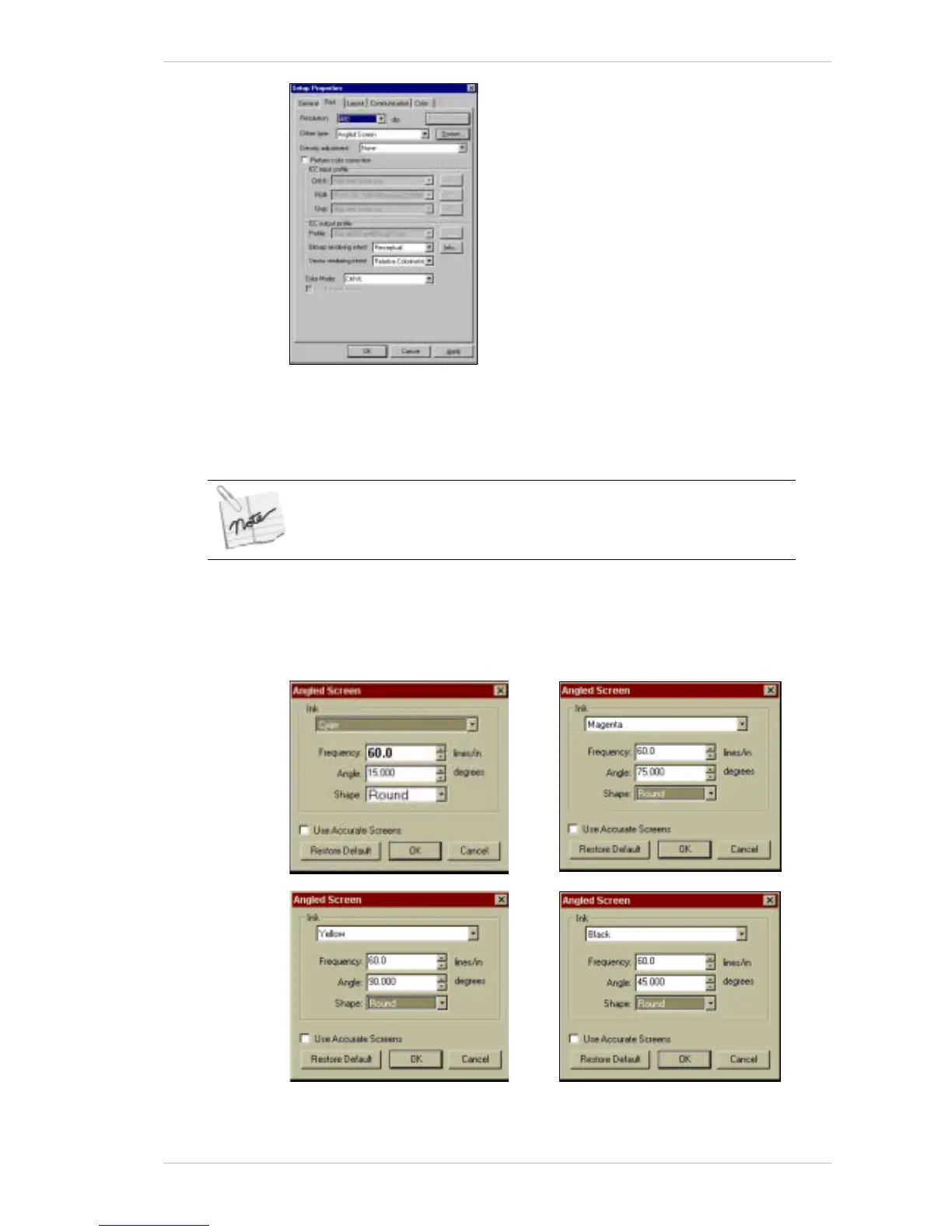
Figure 13-13: Setup Properties Window – Print Tab
4. From the RESOLUTION drop-down combo box, select 200 or 400dpi as
required.
This setting is the only difference between the 200 and 400 dpi resolution.
5. From the D
ITHER TYPE drop-down combo box, select ANGLED SCREEN.
6. Click S
CREEN.
The A
NGLE SCREEN dialog box appears, with the Cyan settings displayed
as the default, as illustrated below.
Figure 13-14: The Angled Screen Dialog Boxes



 To Next Page