Removing the Matrox 4Sight chassis 75
Removing the Matrox 4Sight chassis
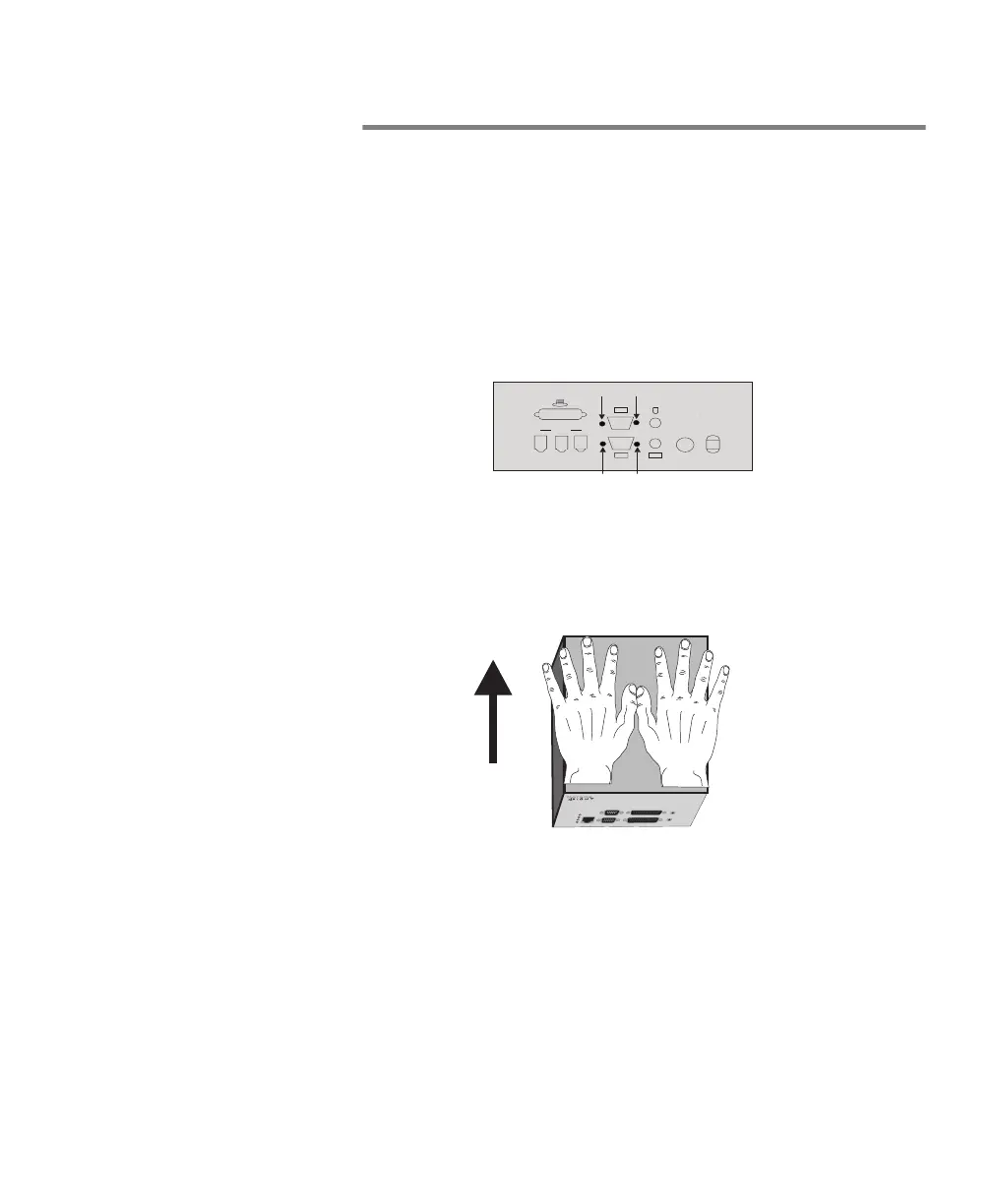
To remove the Matrox 4Sight chassis:
▲ Warning 1. Unplug the Matrox 4Sight power cord.
2. Remove the appropriate screws on the side of the back panel
of the Matrox 4Sight unit.
3. With the Matrox 4Sight unit laid flat, place your hands on
top of the chassis and slowly slide the chassis so that it
emerges from the back panel.
▲ Warning As you begin to slide the chassis out, you will be met with
some resistance. This is due to the connectors on the back
panel. Do not use excessive force to slide the chassis past
these connectors; this can damage the connectors. Instead,
ease the chassis past the connectors.
Back panel
1394
1
2
3
1
2
Power
2.5 A
12 V
Serial ports
Parallel ports
Front panel



 To Next Page