LAN options 33
The available display modes are:
LAN options
Connecting to your
network
The Ethernet connector allows you to connect to a LAN in either
a 10BaseT or 100BaseT operation mode. To connect to a LAN
in 100BaseT mode, use an Unshielded Twisted Pair Category 5
(UTP5) cable. To connect to a LAN in 10BaseT mode, use a
UTP5 or UTP3 cable.
Peer-to-peer
connections
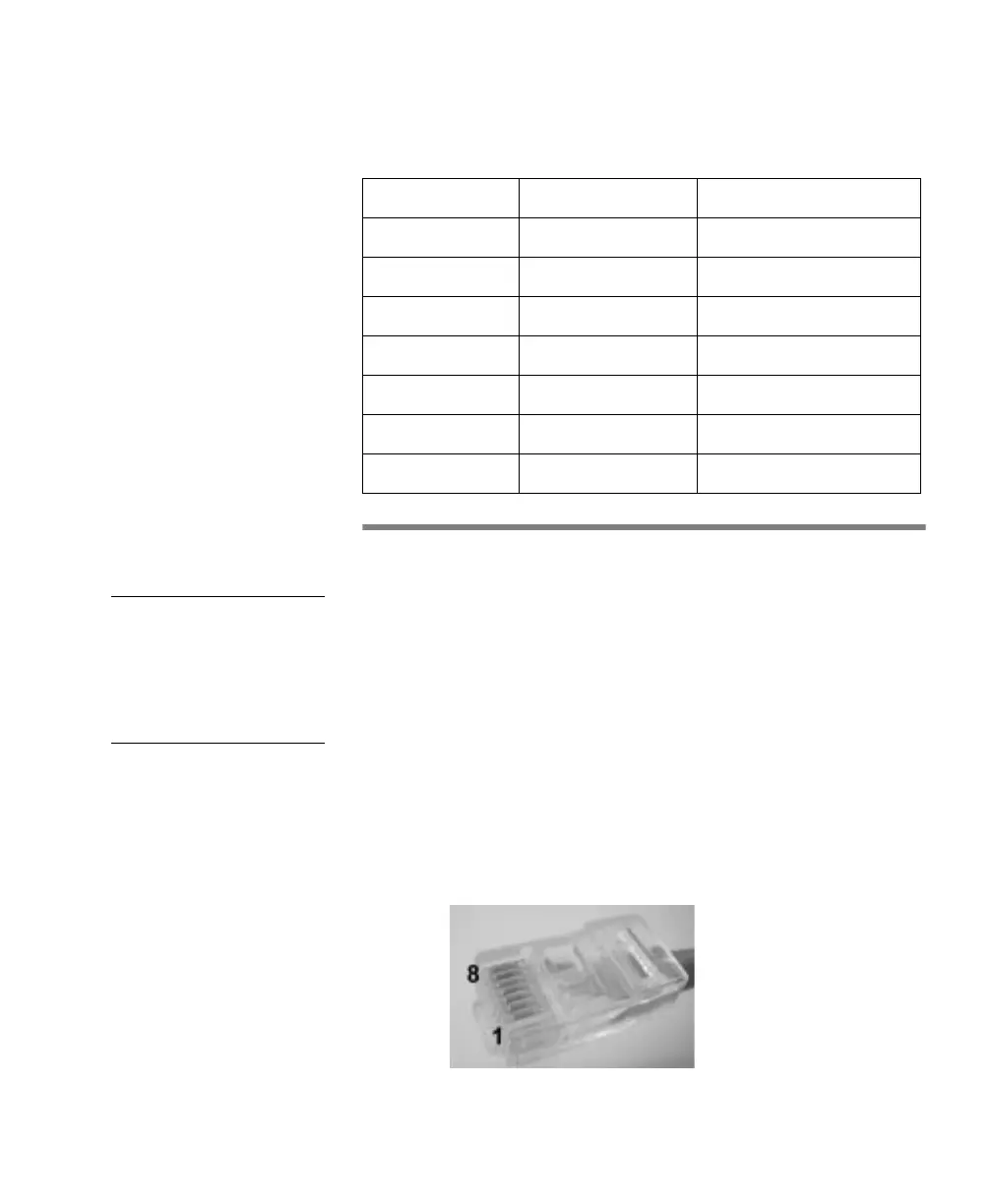
When connecting a Matrox 4Sight unit in a peer-to-peer
configuration, you will have to use a crossover network cable.
Build this special cable based on the following table using an
Unshielded Twisted Pair Category 5 (UTP5) cable. An RJ45
connector must be attached to each end of the crossover cable.
In the table, each row represents a wire of the cable.
Display size Available Colors Refresh Rates
640 x 480 256 colors 60, 72 or 75 Hz
640 x 480 65536 colors 60, 72 or 75 Hz
800 x 600 256 colors 60, 72 or 75 Hz
800 x 600 65536 colors 60, 72 or 75 Hz
1024 x 768 256 colors 60, 70 or 75 Hz
1024 x 768 65536 colors 60, 70 or 75 Hz
1280 x 1024 256 colors 60 or 75 Hz



 To Next Page