76 Chapter 6: Using the hard drive based Matrox 4Sight
Connecting to a floppy drive
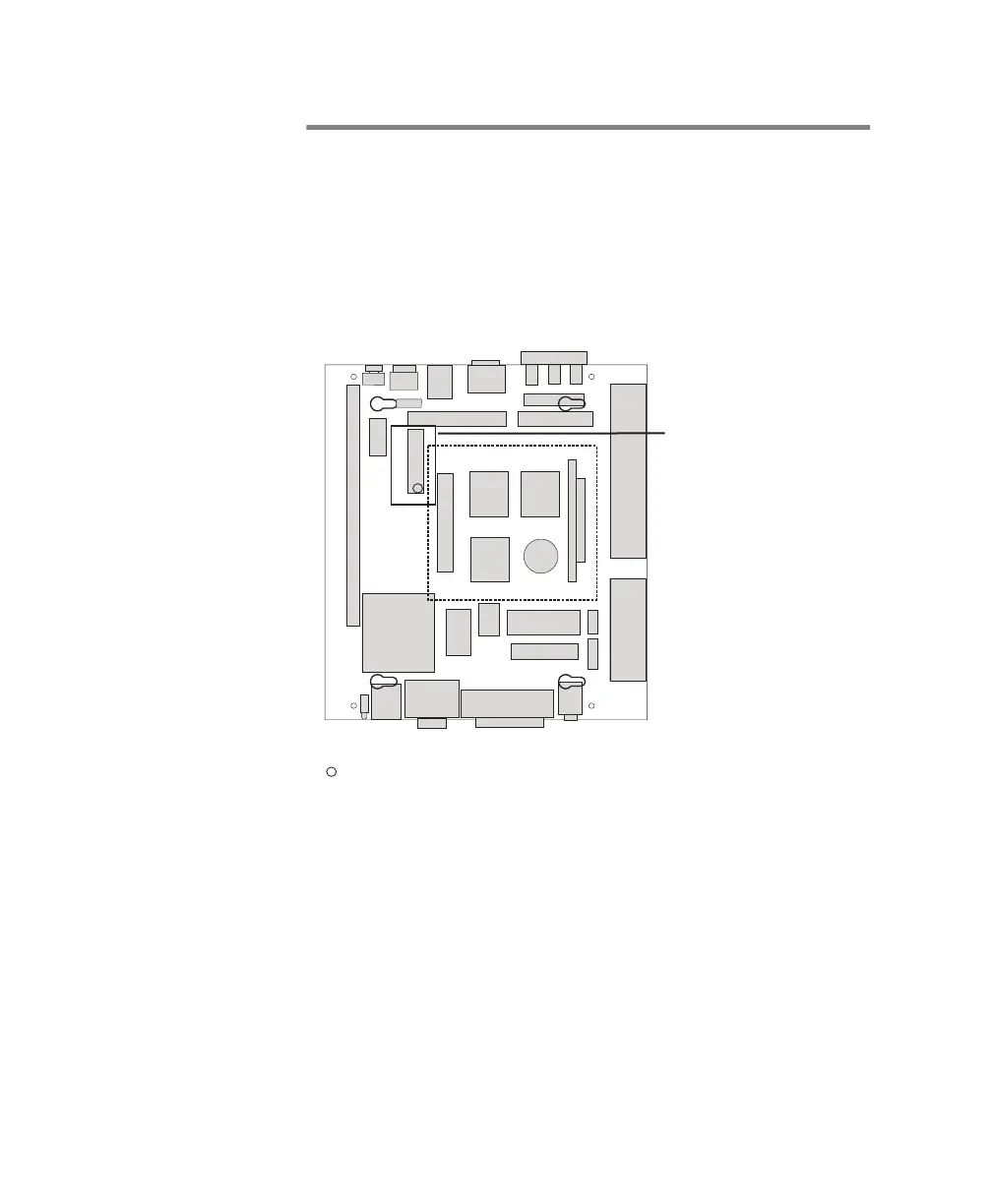
You can connect a floppy drive using a 34-pin flat ribbon cable.
Connect one end of the ribbon cable to the floppy drive and the
other end to the connector highlighted in the following diagram
of the Matrox 4Sight motherboard. You must also attach a
power cable to the power connector on your floppy drive.
After connecting to a floppy drive, you must reconfigure the
BIOS of the Matrox 4Sight in order to accomodate this change
by using the BIOS Setup program. You may access this program
by hitting the Delete key during the boot-up sequence.
Floppy disk connector
Back Panel
Front Panel
1
1
= Pin 1



 To Next Page