Additions to the unit 87
Connecting an alternate hard drive
If you wish to connect an external hard drive, refer to Chapter
6: Using the hard drive based Matrox 4Sight.
Connecting to a flat panel
Matrox 4Sight supports connection to any flat panel that
complies with the VESA FPDI-1 specifications.
To interface a flat panel to Matrox 4Sight:
■ Attach a 41-pin flat ribbon cable to the interface connectors
on your Matrox 4Sight and flat panel.
■ Attach a power cable from the flat panel backlight connector
on Matrox 4Sight to the backlight power supply connector on
your flat panel.
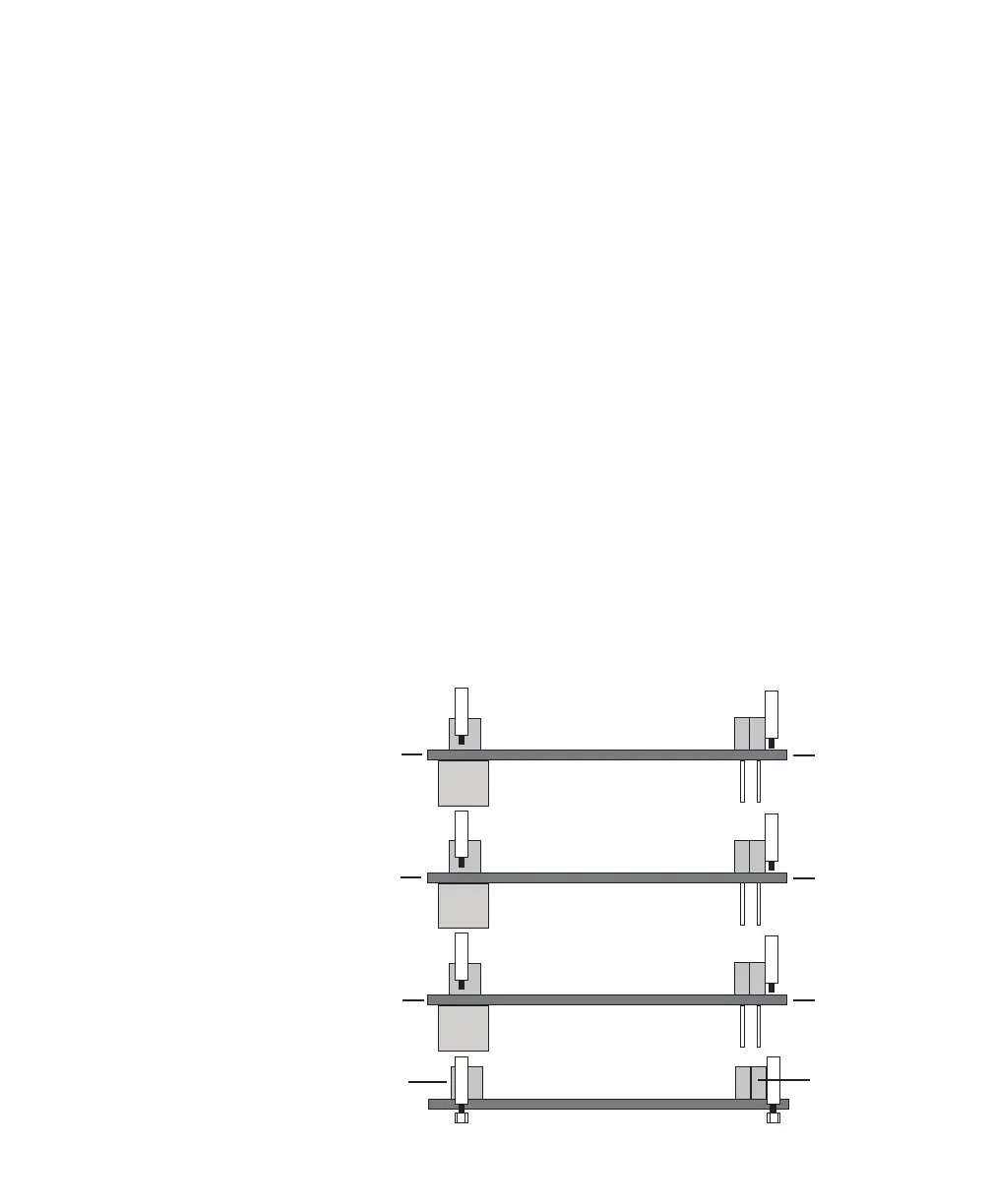
Installing a PC/104-Plus
™
board
You can install up to three PC/104-Plus
™
boards on the
Matrox 4Sight motherboard in a stackthrough configuration,
as shown below. Each board must be attached to the other
through four jack screws.
PC/104
(ISA) connector
TM
TM
PC/104-
(PCI) connector
Plus
Matrox 4Sight motherboard
PC/104-
board
Plus
TM
PC/104-
board
Plus
TM
PC/104-
board
Plus
TM
module 1
module 2
module 3



 To Next Page