Removing and installing memory from Matrox 4Sight 89
Removing and installing memory from
Matrox 4Sight
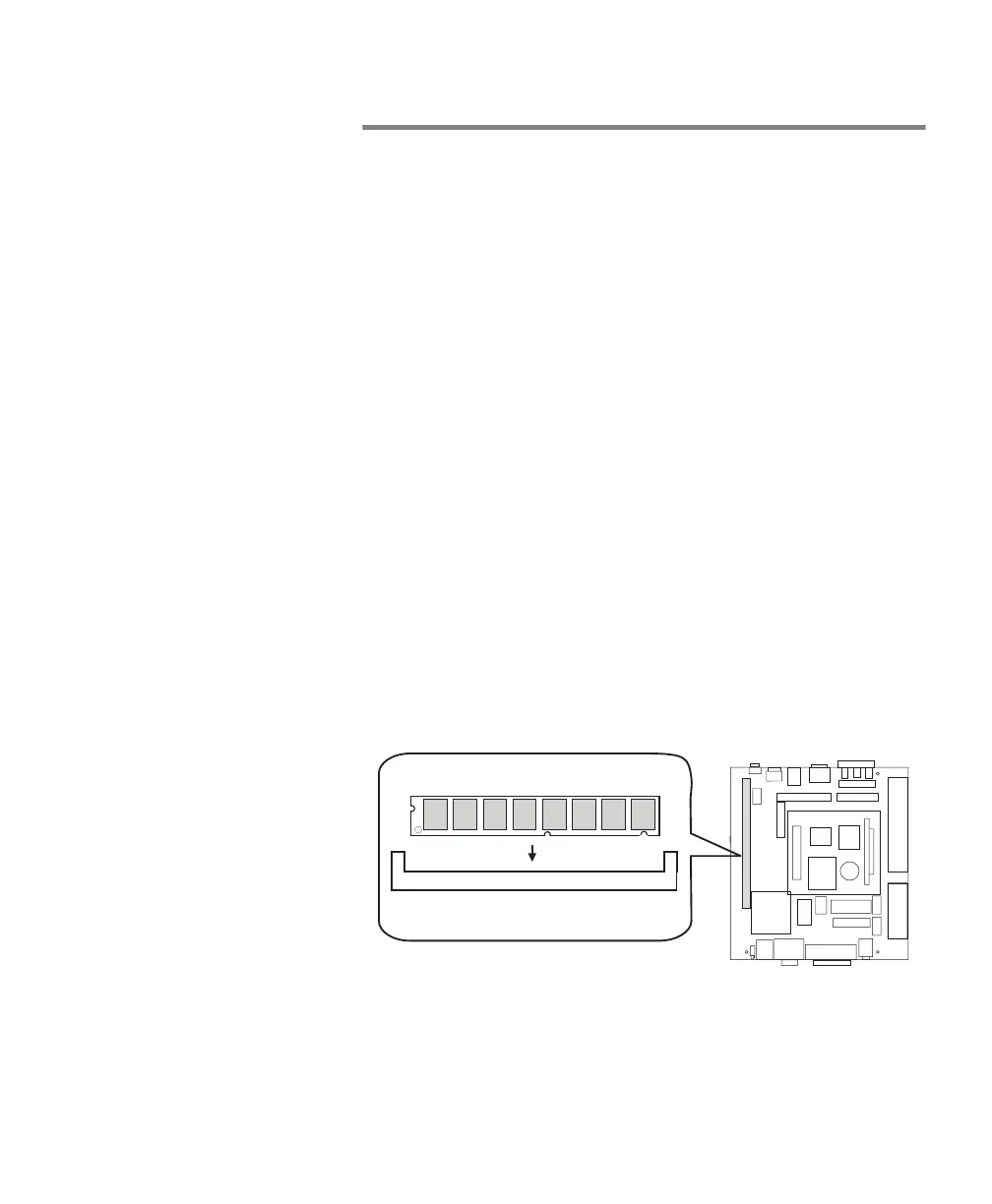
The Matrox 4Sight motherboard features a 168-pin DIMM slot.
This slot can support a 32, 64(default), or 128 Mbyte SDRAM
module. This section describes how to remove/install an
SDRAM module. Matrox 4Sight supports 3.3 V, unbuffered,
PC/100-compliant SDRAM DIMMs.
Removing memory
To remove memory:
1. Spread the clips at each end of the module.
2. Lift the module out of the slot.
Installing memory
To install memory:
1. Position the module over the DIMM slot, such that the
notches along the module’s bottom edge align with the
notches in the DIMM slot.
2. Gently insert the bottom edge of the module into the slot
until you hear it snap into place.
DIMM slot
SDRAM module
Front panel



 To Next Page